
Programmatic Video Animation: A Deep Dive into VideoFlow Keyframes
May 5, 2026 · By VideoFlowMaster programmatic video animation with VideoFlow. Learn to use code-driven video keyframes, easings, and async-animation patterns for professional video automation.
Programmatic Video Animation: A Deep Dive into VideoFlow Keyframes
Manual frame math is the silent killer of video automation projects. If you have ever tried to build a dynamic video pipeline by manually calculating the X/Y coordinates for every frame in a loop, you know the pain: it is fragile, impossible to debug, and scales poorly. To build professional content at scale, you need a declarative way to describe motion.
In this deep dive, we explore the VideoFlow animation system— a robust engine for programmatic video animation that treats motion as a first-class citizen. By leveraging code-driven video keyframes, you can move away from imperative loops and toward a high-level API that handles interpolation, easings, and concurrency automatically.
The .animate() Signature
At the heart of VideoFlow's motion engine is the .animate() method. Every layer instance—whether it is text, an image, or a complex shape—exposes this method to handle property transitions over time. Unlike traditional video editors where you drag diamonds on a timeline, VideoFlow lets you define these transitions with a simple JavaScript signature:
layer.animate(fromProperties, toProperties, settings);
Consider a simple title that needs to scale up and fade in. Instead of calculating the opacity for every millisecond, you define the start and end states:
const title = $.addText({ text: 'Motion as Code', fontSize: 6 });

title.animate(
  { opacity: 0, scale: 0.8 },
  { opacity: 1, scale: 1.2 },
  { duration: '800ms', easing: 'easeOut' }
);
This declarative approach ensures that your programmatic video animation remains readable and maintainable, even as your project grows in complexity.
Mastering Easings
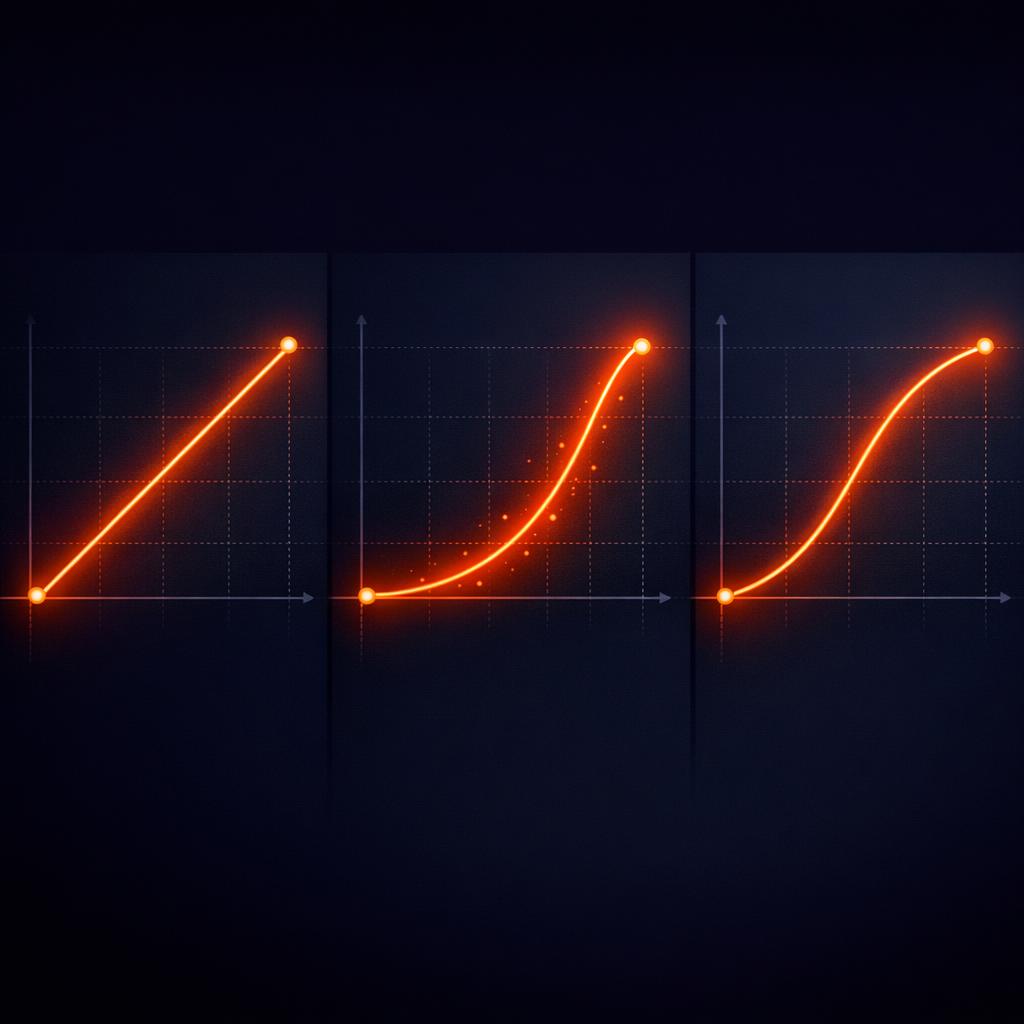
Motion in the real world is rarely linear. To make your videos feel cinematic, VideoFlow supports five core easing functions that you can apply to any animatable property:
linear: Constant speed from start to finish.easeIn: Starts slow and accelerates.easeOut: Starts fast and decelerates (perfect for UI elements entering the screen).easeInOut: Smooth acceleration and deceleration.step: Holds the start value until the end of the duration—ideal for hard cuts or digital glitches.
These easings are applied per-property, giving you granular control over how different attributes behave during the same animation cycle.
Background Animations with wait: false
One of the most powerful features of the @videoflow/core builder is the flow-based timing model. By default, calling an animation method advances the project's internal "playhead" by the duration of that animation. This makes it easy to sequence elements one after another.
However, what if you want a background image to slowly zoom while text overlays appear and disappear? This is where the wait: false pattern comes in. It allows you to fire off an animation in the background without pausing the rest of your script.
const bg = $.addImage({ fit: 'cover' }, { source: 'https://example.com/bg.jpg' });

// Start a slow background zoom that runs for 10 seconds
// but don't advance the flow pointer yet.
bg.animate({ scale: 1 }, { scale: 1.1 }, { duration: '10s', wait: false });

// These subsequent commands happen *during* the zoom
$.addText({ text: 'Step 1' });
$.wait('2s');
$.addText({ text: 'Step 2' });
This async-style keyframe pattern is essential for creating multi-layered, dynamic scenes that feel alive. If you are coming from a background of rendering MP4 in Node.js without FFmpeg, you will find this high-level control a massive upgrade over raw frame manipulation.
Dot-Path Keys for Nested Params
VideoFlow's property system isn't limited to top-level attributes like position or opacity. You can reach deep into nested objects—specifically effect parameters—using dot-path notation. This is a game-changer for animating GLSL effects.
If you have a gaussianBlur effect applied to a layer, you don't have to re-apply the entire effect to change its strength. You can animate the specific parameter directly:
const photo = $.addImage(
  {
    effects: [{ effect: 'gaussianBlur', params: { strength: 0 } }]
  },
  { source: '/img.jpg' }
);

// Animate only the blur strength
photo.animate(
  { 'effects.0.params.strength': 0 },
  { 'effects.0.params.strength': 0.8 },
  { duration: '1.5s' }
);
This javascript video keyframes pattern allows you to create incredibly sophisticated visual transitions, like a lens focus pull or a color grade shift, using the exact same API you use for basic movement.
Why VideoFlow Handles Motion Better
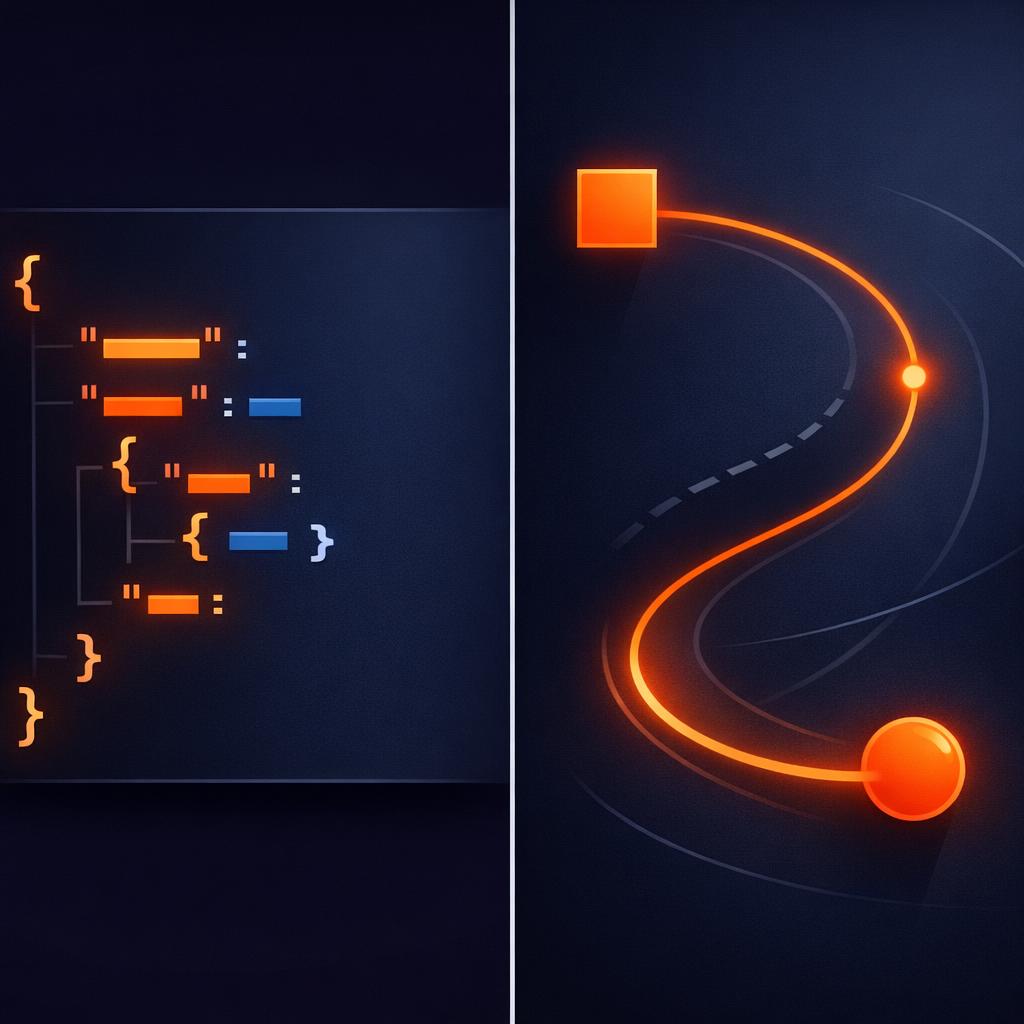
Traditional video tools often tie your animations to a specific frame rate or a proprietary binary format. VideoFlow takes a different approach. Every animation you define is compiled into a portable VideoJSON document.
Because the motion logic is stored as data, it renders identically across the official VideoFlow renderers. Whether you are exporting a high-quality MP4 on a server via @videoflow/renderer-server or providing a live 60fps preview in a React app with @videoflow/renderer-dom, the interpolation logic remains frame-perfect.
Conclusion
Declarative, code-driven animation is the foundation of modern video automation. By mastering the .animate() signature, leveraging easings, and utilizing the wait: false pattern, you can build complex cinematic experiences that are entirely driven by data.
Ready to see these keyframes in action? Head over to the VideoFlow Playground to experiment with live code, or check out our Animation Guide for more advanced patterns. If you find the project useful, consider starring us on GitHub to support open-source video tooling.