
The most advanced
web-based video editor available.
<VideoEditor /> into any React app and ship a multi-track timeline, live 60 fps preview, keyframe animations, 27 transitions, 42 GLSL effects, layer groups, four themes, and MP4 export — all from a single component.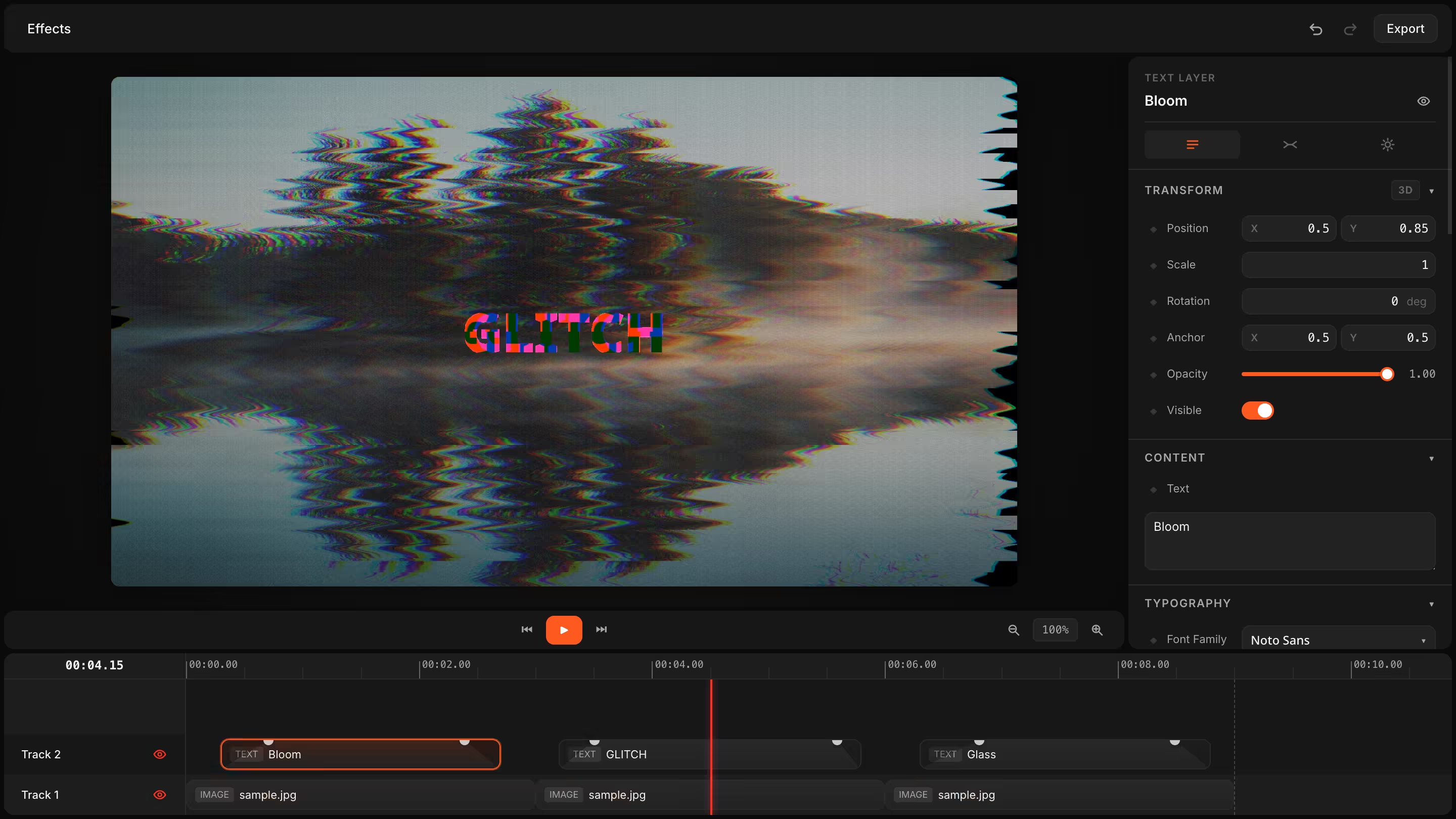
One component. Every editor feature.
Pass the video JSON in, get edits out. The editor manages its own timeline, undo / redo, file uploads, and rendering — you keep control of persistence, auth, and export targets via callbacks.
The same VideoJSON your editor produces can be rendered headlessly on a server with @videoflow/renderer-server — so an end-user edit on Monday becomes a 4K MP4 in your batch pipeline on Tuesday, byte-for-byte.
import { VideoEditor } from '@videoflow/react-video-editor';
import '@videoflow/react-video-editor/style.css';

export default function App() {
  return (
    <VideoEditor
      video={videoJSON}
      onChange={(next) => saveToServer(next)}
      onSave={async (next) => { await persist(next); }}
      onUpload={async (file) => await upload(file)}
      theme="dark"
    />
  );
}Everything a real editor needs.
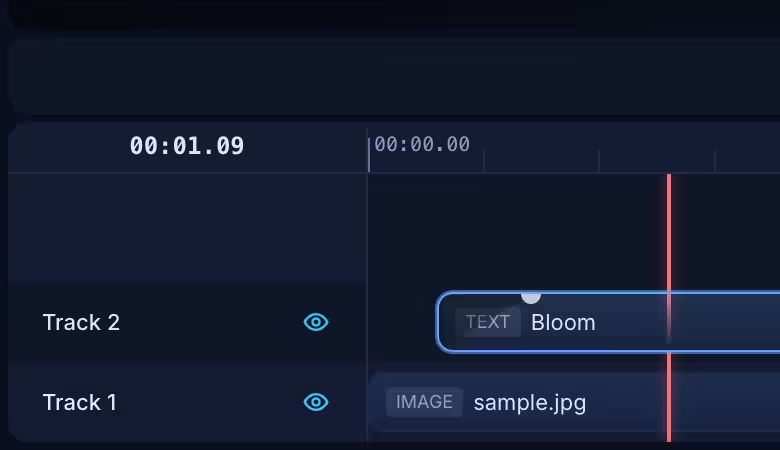
Multi-track timeline
Drag, trim, snap, and reorder layers with magnet-assisted precision.
Inspector
Every property, every layer — with type-aware controls and live binding.
Keyframe animations
Click a diamond, scrub, set. Undo/redo has your back.
Live preview
WYSIWYG preview driven by DomRenderer. 60 fps scrubbing.
27 transitions, 42 effects
Every preset from @videoflow/core, exposed in the inspector.
Layer groups
Compose card scenes, badges, lower-thirds — and animate them as one.
Keyboard-first
Shortcuts for every common action. Documented and customisable.
Themeable
Four built-in themes. Every color is a CSS variable.
Author cinema-grade videos visually.
Every primitive from @videoflow/core — transitions, effects, groups — is exposed as a first-class control in the inspector. Drop a clip, pick a transition from the dropdown, animate the bloom intensity with a keyframe.
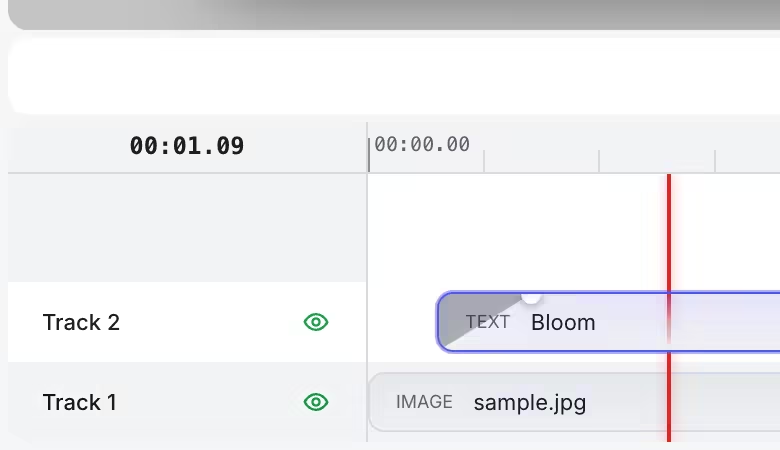
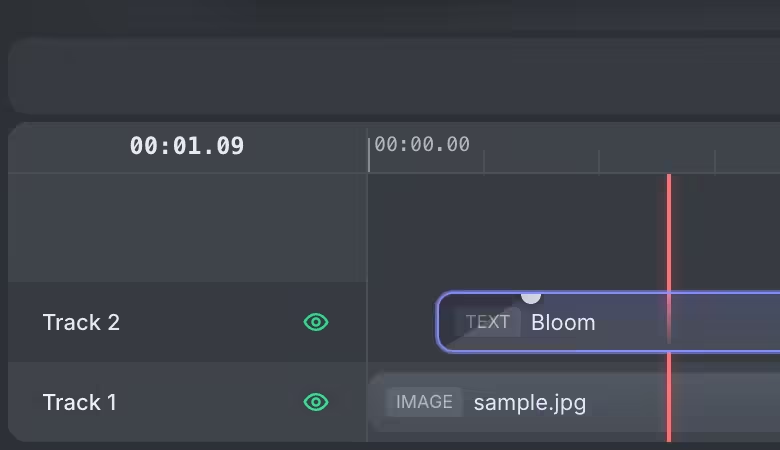
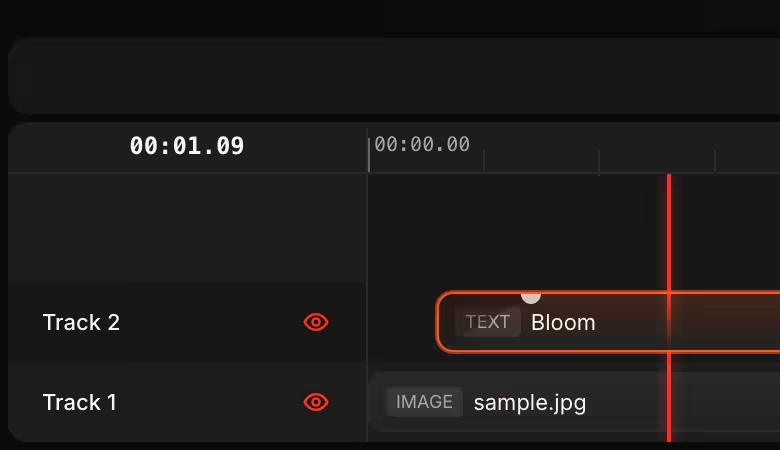
Four themes out of the box. Unlimited via CSS vars.
Pick one of the built-in themes — light, grey, dark, night — or override any CSS variable to match your app's design system.
All color tokens live on the root <vf-editor> element, so you can cascade changes per instance without touching global CSS.
<VideoEditor
  video={videoJSON}
  theme="night"
  /* Override any token at the root */
  style={{
    '--vf-primary': '#a855f7',
    '--vf-accent':  '#f472b6',
  }}
/>
Hook it up to your stack.
<VideoEditor
  video={videoJSON}
  onChange={(next) => autosave(next)}
  onSave={async (next) => {
    await fetch('/api/videos/' + id, {
      method: 'PUT',
      body: JSON.stringify(next),
    });
  }}
  onUpload={async (file) => {
    const url = await uploadToS3(file);
    return { url, type: file.type };
  }}
  onExportComplete={(blob) => downloadBlob(blob, 'out.mp4')}
/>onUpload
Intercept dropped files, upload to S3, return a URL.
onSave
Persist the video JSON to your database. The editor tracks saved state for you.
onChange
React to every commit. Drive autosave, collaboration, or analytics.
Custom panels
Swap any of Titlebar, Preview, Sidebar, or Timeline with your own component.