
How to Render Video in Node.js Without FFmpeg: A WebCodecs Deep Dive
May 22, 2026 · By VideoFlowLearn how to render high-quality MP4 videos in Node.js without an FFmpeg dependency using VideoFlow's WebCodecs-accelerated headless renderer.
How to Render Video in Node.js Without FFmpeg: A WebCodecs Deep Dive
For years, if you wanted to render video in Node.js without FFmpeg, you were out of luck. The industry standard has always involved spawning an FFmpeg child process, piping raw frames into stdin, and crossing your fingers that the binary was correctly installed on your server or Lambda function.
But FFmpeg is a heavy dependency. It complicates Docker images, inflates serverless cold starts, and debugging "broken pipe" errors is a rite of passage no developer enjoys. With the advent of the WebCodecs API and headless browser automation, a new path has emerged—one that VideoFlow uses to deliver high-performance video rendering entirely within a headless Chromium process.
The "No-FFmpeg" Architecture
VideoFlow’s @videoflow/renderer-server package flips the traditional rendering model on its head. Instead of using the server to do the heavy lifting of H.264 encoding via CPU-bound binaries, it leverages the browser's native capabilities.
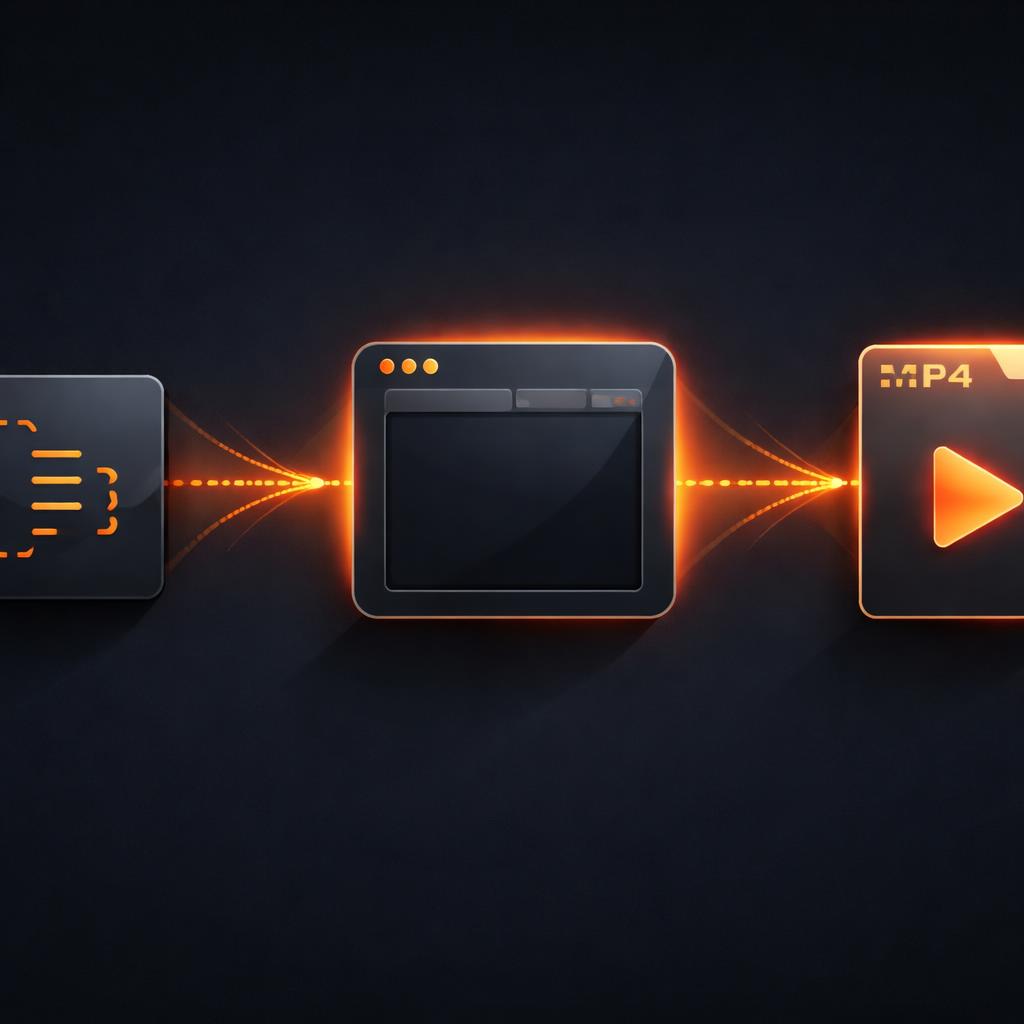
When you call $.renderVideo(), VideoFlow launches a headless Chromium instance via Playwright. This isn't just for taking screenshots; it's a full execution environment where the same VideoFlow Core API that runs in your browser tab can execute on the server.
The rendering pipeline follows a streamlined path:
- Orchestration: Node.js passes the
VideoJSONto the headless browser. - Execution: The browser renders the timeline frame-by-frame onto a canvas.
- Encoding: Instead of sending frames back to Node, the browser uses the WebCodecs API to encode the video directly into an MP4 stream in-process.
- Delivery: The finished MP4 bytes are POSTed back to your Node.js application as a single Buffer.
Code Walkthrough: Rendering on the Server
Because the server-side renderer reuses the browser's logic, the code you write for a live preview in the Playground is exactly what you run in production. Here is a minimal example of generating an MP4 from a Node.js script:
import VideoFlow from '@videoflow/core';
import '@videoflow/renderer-server'; // Registers the server renderer

const $ = new VideoFlow({ width: 1920, height: 1080, fps: 30 });

// Add a background with a subtle blur animation
const bg = $.addImage(
  { fit: 'cover', opacity: 0.8 },
  { source: 'https://images.unsplash.com/photo-1618005182384-a83a8bd57fbe' }
);

bg.animate({ filterBlur: 0 }, { filterBlur: 10 }, { duration: '4s', wait: false });

// Add cinematic text
const title = $.addText({
  text: 'Rendered in Node',
  fontSize: 8,
  color: '#FF5A1F',
  position: [0.5, 0.4]
});

title.fadeIn('1s');
$.wait('3s');
title.fadeOut('1s');

// Render directly to a file without needing FFmpeg installed
await $.renderVideo({
  outputType: 'file',
  output: './rendering-test.mp4',
  verbose: true,
});
By default, VideoFlow uses this WebCodecs-based pipeline. It is significantly faster than the legacy approach because it eliminates the overhead of per-frame screenshots and the massive data transfer between the browser and a separate FFmpeg process.
Performance vs. The FFmpeg Fallback
While the WebCodecs path is the preferred way to render video in Node.js without FFmpeg, VideoFlow doesn't leave you stranded if you have specific requirements.

In our renderers guide, we detail the two available pipelines:
- WebCodecs (Default): Best for speed and portability. It runs entirely inside Chromium and requires zero external binaries beyond the browser itself.
- FFmpeg Pipeline: If you need advanced x264 flags, custom bitrates, or a non-MP4 container, you can opt-in by passing
{ ffmpeg: true }to the render options. This will switch to a screenshot-and-pipe model that requires an FFmpeg binary.
For most automated content factories—like those generating automated video subtitles—the default WebCodecs path provides the perfect balance of quality and ease of deployment.
How VideoFlow Handles Headless Rendering
The magic happens in @videoflow/renderer-server. It abstracts away the complexity of managing Playwright browser contexts, serving the renderer assets, and intercepting the final MP4 POST request.
Whether you are building a SaaS that generates personalized onboarding videos or a bot that turns data into social media clips, the ability to ship a video engine without worrying about binary dependencies is a game-changer. You can deploy to AWS Lambda, Google Cloud Functions, or any standard Docker environment and know that your video rendering will be pixel-perfect every time.
Get Started with Programmatic Video
Ready to ditch the complex shell scripts and start building videos with code? You can explore the full capabilities of our rendering engine in the VideoFlow Docs or start experimenting right now in the interactive Playground.
If you're building something open-source, we'd love to see it! Check out the VideoFlow GitHub repo and join the community of developers redefining how video is made.