
How to Build a Browser-Based Video Editor with React and VideoFlow
May 22, 2026 · By VideoFlowLearn how to embed a professional, timeline-based react video editor into your SaaS application using VideoFlow and WebCodecs for in-browser MP4 export.
How to Build a Browser-Based Video Editor with React and VideoFlow
Building a video editor from scratch is a notoriously difficult engineering challenge. You have to manage complex timeline state, handle frame-accurate synchronization, and somehow render high-quality MP4s without crashing the user's browser. Most SaaS teams end up either shipping a brittle wrapper around FFmpeg or paying for a proprietary, closed-source API.
VideoFlow changes that. With the @videoflow/react-video-editor component, you can drop a professional, multi-track video editor into your React application in minutes. It is open-source (Apache-2.0 core), developer-friendly, and exports MP4s directly in the browser using WebCodecs.
The Drop-In Editor Experience
Unlike other frameworks that require you to build the UI yourself, VideoFlow provides a ready-made editor that fills its parent container. It includes a timeline with multi-layer support, a live preview powered by the @videoflow/renderer-dom, a property inspector, and built-in keyboard shortcuts for undo/redo.

Getting started requires just a few lines of code. Here is a minimal implementation that initializes an editor with a dark theme:
import { VideoEditor } from '@videoflow/react-video-editor';
import '@videoflow/react-video-editor/style.css';

const initialVideo = {
  width: 1920, height: 1080, fps: 30,
  layers: [],
};

export default function MyEditor() {
  return (
    <div style={{ height: '100vh' }}>
      <VideoEditor
        video={initialVideo}
        theme="night"
        onChange={(nextVideo) => saveToDatabase(nextVideo)}
        onExportComplete={(blob) => console.log('MP4 ready:', blob)}
      />
    </div>
  );
}
Customizing the Interface with CSS Variables
One of the biggest pain points with third-party UI components is "theming friction." VideoFlow solves this by scoping all styles to a custom-element shell and exposing a rich set of CSS variables. You can match your SaaS brand perfectly without worrying about style bleed.
To change the accent color to VideoFlow's signature orange, you simply pass the variable to the style prop:
<VideoEditor
  theme="dark"
  style={{
    '--vf-primary': '#FF5A1F',
    '--vf-primary-hover': '#E04E1A',
    '--vf-accent': '#FF8A5E',
    '--vf-radius': '8px',
  }}
/>
You can explore all available themes and brand overrides in our Theming Guide.
Programmatic Control with Hooks
If you need to build custom UI panels that interact with the editor, VideoFlow provides a suite of React hooks. These hooks connect directly to the editor's internal Zustand store, allowing you to read state or dispatch commands.
For example, if you want to create a custom "Add Text" button outside the editor, you can use the useEditorStore hook:
import { useEditorStore, commands } from '@videoflow/react-video-editor';

function AddTitleButton() {
  const dispatch = useEditorStore((s) => s.dispatch);

  const handleAdd = () => {
    dispatch(commands.addLayerCommand({
      type: 'text',
      properties: { text: 'New Title', fontSize: 6, color: '#fff' },
      settings: { transitionIn: { transition: 'fade', duration: 0.5 } }
    }));
  };

  return <button onClick={handleAdd}>Add Title</button>;
}
This approach ensures that your custom actions are fully integrated into the editor's history stack, enabling users to Cmd+Z away any mistakes. For a full list of available hooks, check the Hooks & Commands reference.
Browser-Side MP4 Export
Perhaps the most powerful feature of the VideoFlow editor is its ability to render high-quality MP4 files without a server. By leveraging @videoflow/renderer-browser and the WebCodecs API, the editor can encode frames at blistering speeds directly in the user's tab.
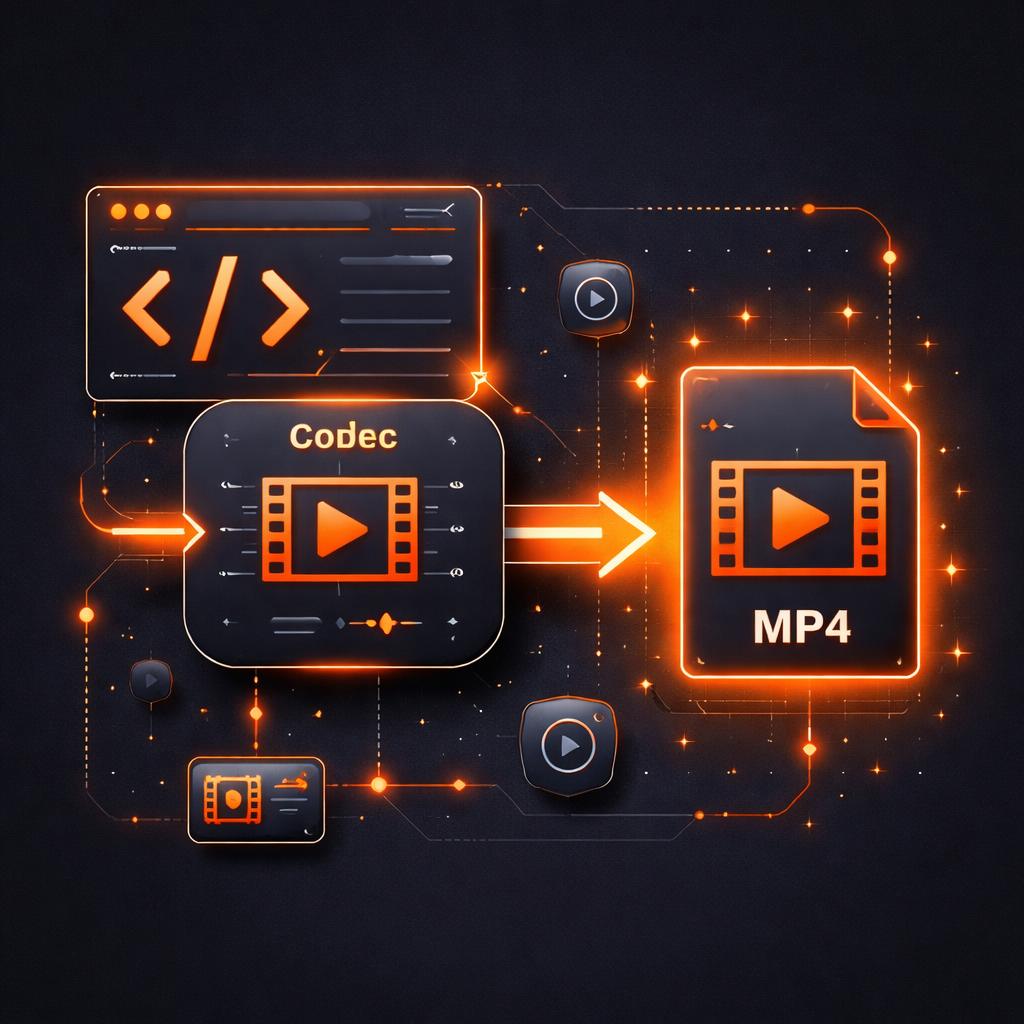
This eliminates the need for expensive GPU server clusters for basic rendering tasks. When a user hits the "Export" button, the editor runs a background worker that compiles the VideoJSON into a downloadable file. You can even hook into onExportComplete to automatically upload the result to your own S3 bucket.
Why This Beats the Alternatives
When comparing VideoFlow to other solutions like Remotion, the difference lies in portability and licensing. While Remotion is excellent for React-centric video, VideoFlow's core is open source (Apache-2.0) and built on a portable JSON schema. This means you can author a video in the React editor, save the JSON to your database, and then render it later on a Node.js server using the Renderer-Server without changing a single line of logic.
If you're building a content automation platform or a social media toolkit, having a React video editor that speaks a universal language is a massive architectural advantage.
Get Started Today
Ready to add video editing to your app? You can try the editor right now in our interactive Playground. If you want to dive deeper into the implementation details, head over to the Editor Quickstart in our documentation.
For more ideas on what you can build, see our previous post on How to Automate Loom-style Product Demos with TypeScript to see how programmatic video can transform your workflow.