
Version-Controlled Video: How to Diff and Branch Your Motion Graphics
May 20, 2026 · By VideoFlowStop treating video as a black box. Learn how VideoFlow's portable JSON architecture enables version-controlled video with real Git diffs and branching.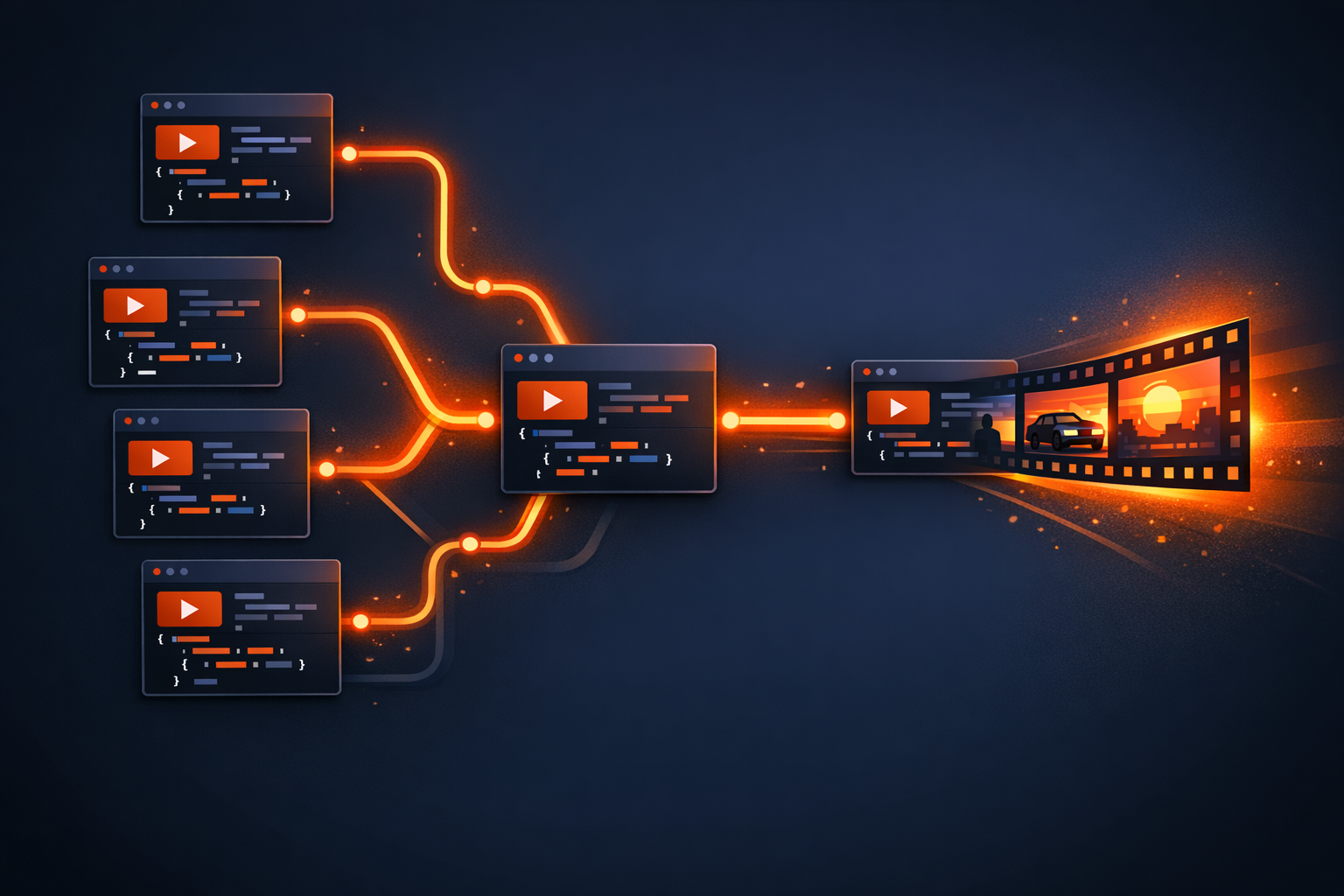
Version-Controlled Video: How to Diff and Branch Your Motion Graphics
For decades, motion graphics have been a "black box" in the developer's workflow. If you use After Effects or traditional video editors, your project is a massive, opaque binary file. You can't git diff it to see what changed between versions, you can't branch it to test a new visual style, and you certainly can't review a colleague's animation via a Pull Request.
When we built VideoFlow, we wanted to change that. By treating video as code—specifically, as a portable, documented JSON schema—we’ve brought motion graphics into the modern engineering stack.
The Problem with Binary Blobs
In a typical software team, every asset is text-based. Your UI is React/HTML, your logic is TypeScript, and your infrastructure is Terraform. This allows for:
- Visibility: You know exactly who changed which line.
- Collaboration: Multiple people can work on different branches and merge their changes.
- Automation: CI/CD pipelines can lint, test, and deploy code automatically.
Traditional video breaks this. If two editors change the same project file, you have a merge conflict that no Git tool can solve. You're forced to pick one version or manually re-apply changes. This is the antithesis of a scalable programmatic video pipeline.
VideoJSON: The Portable Source of Truth
At the heart of VideoFlow is VideoJSON. Unlike proprietary formats, VideoJSON is a plain text representation of your entire video timeline. It lists every layer, every property, and every keyframe.
When you use the @videoflow/core builder, you aren't just "making a video"—you are compiling a document.
import VideoFlow from '@videoflow/core';

const $ = new VideoFlow({ width: 1080, height: 1080, fps: 30 });

// A simple layer that lives in your Git history
const title = $.addText({
  text: 'Version-Controlled Video',
  fontSize: 6,
  color: '#FF5A1F',
  position: [0.5, 0.4]
});

title.fadeIn('500ms');
$.wait('2s');

const json = await $.compile();
// This 'json' is what you commit to Git.
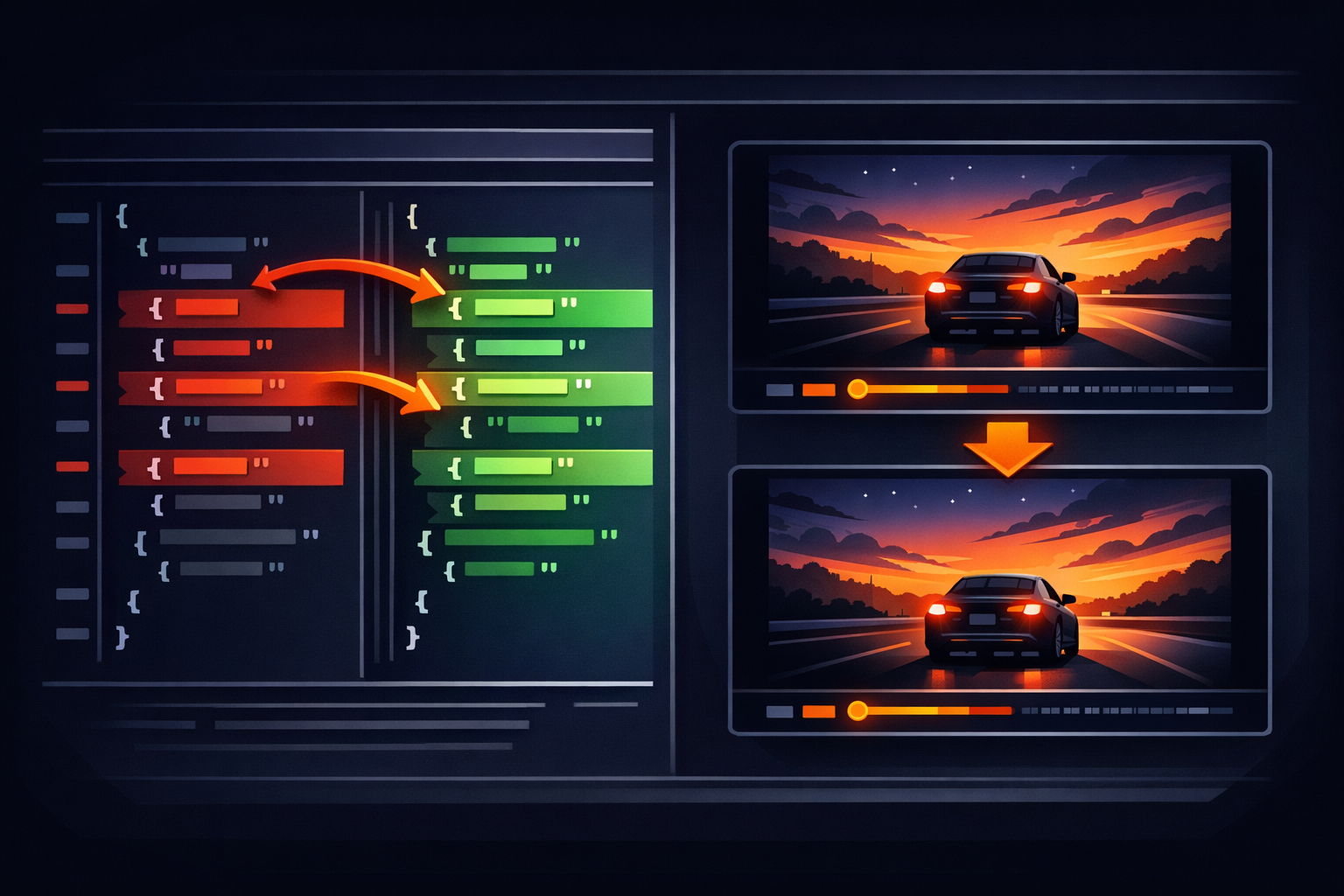
Because this is just JSON, a git diff becomes incredibly meaningful. You can see that a developer changed the fontSize from 6 to 7, or shifted a position coordinate by 0.1. You are no longer guessing what changed; you are reading the delta.
Branching Your Motion Graphics
Since your video is defined by code, you can use Git branches to experiment. Imagine a marketing team that wants to test two different call-to-action styles.
main: The standard video.feature/new-branding: A branch where you update thebackgroundColorandfontFamilyacross all layers.
You can render both versions from their respective branches using the same VideoFlow renderers. Whether you're using @videoflow/renderer-server in a Node environment or @videoflow/renderer-browser for zero-cost client-side export, the output is guaranteed to be byte-for-byte identical for the same JSON.
This portability is why we argue that portable JSON is the future of video pipelines. It decouples the intent (the JSON) from the execution (the renderer).
CI/CD for Video
With version-controlled video, your CI/CD pipeline can do more than just run tests. It can actually render your video assets.
When a Pull Request is opened, your CI can:
- Lint the VideoJSON: Ensure it adheres to your brand's color palette or resolution requirements.
- Generate a Preview: Use the server renderer to produce a low-res MP4 and post it as a comment on the PR.
- Automate Releases: Once merged to
main, trigger a 4K render and upload it to your CDN or S3 bucket.
This moves video production out of the "manual edit" phase and into the "automated deployment" phase.

How VideoFlow Handles This
VideoFlow is designed from the ground up for this "Video as Code" workflow.
@videoflow/core: The builder API is designed to be human-readable and predictable, making the resulting JSON easy to diff.@videoflow/renderer-server: A headless renderer that runs in Node (using Playwright and WebCodecs) without needing a full FFmpeg installation by default. It's perfect for GitHub Actions or GitLab CI.@videoflow/renderer-dom: Provides a frame-accurate live preview so you can see your code changes in real-time before committing.
Compared to proprietary alternatives like Remotion—which requires a React runtime—VideoFlow's JSON is language-agnostic. You can generate it in Python, Go, or even an LLM agent, and render it anywhere.
Start Diffing Your Videos
Stop treating your motion graphics like binary artifacts. By adopting a version-controlled video workflow, you gain the same rigor, safety, and collaboration that you expect from the rest of your codebase.
Ready to see it in action?
- Explore the VideoFlow Playground to see how code compiles to JSON.
- Read our Core Concepts Guide to understand the VideoJSON schema.
- Star us on GitHub and join the open-source video revolution.