
Finish in the Suite: Exporting VideoFlow to Premiere and Final Cut Pro
August 12, 2026 · By VideoFlowLearn how to export VideoFlow to Premiere and Final Cut Pro using our dedicated exporter API. Keep your layers live and your keyframes editable in the suite.
Finish in the Suite: Exporting VideoFlow to Premiere and Final Cut Pro
Programmatic video is the ultimate solution for scale. Whether you are building a YouTube Shorts factory or personalizing thousands of SaaS recap videos, doing it with code is the only way to stay sane. But automation isn't the end of every story. Sometimes, a project needs the final 5% of polish that only a human editor in a professional Non-Linear Editor (NLE) can provide.
Historically, moving from a "video-as-code" environment to a suite like Adobe Premiere Pro or Final Cut Pro meant "baking" your video—rendering a flat MP4 and losing all your layers, keyframes, and editability.
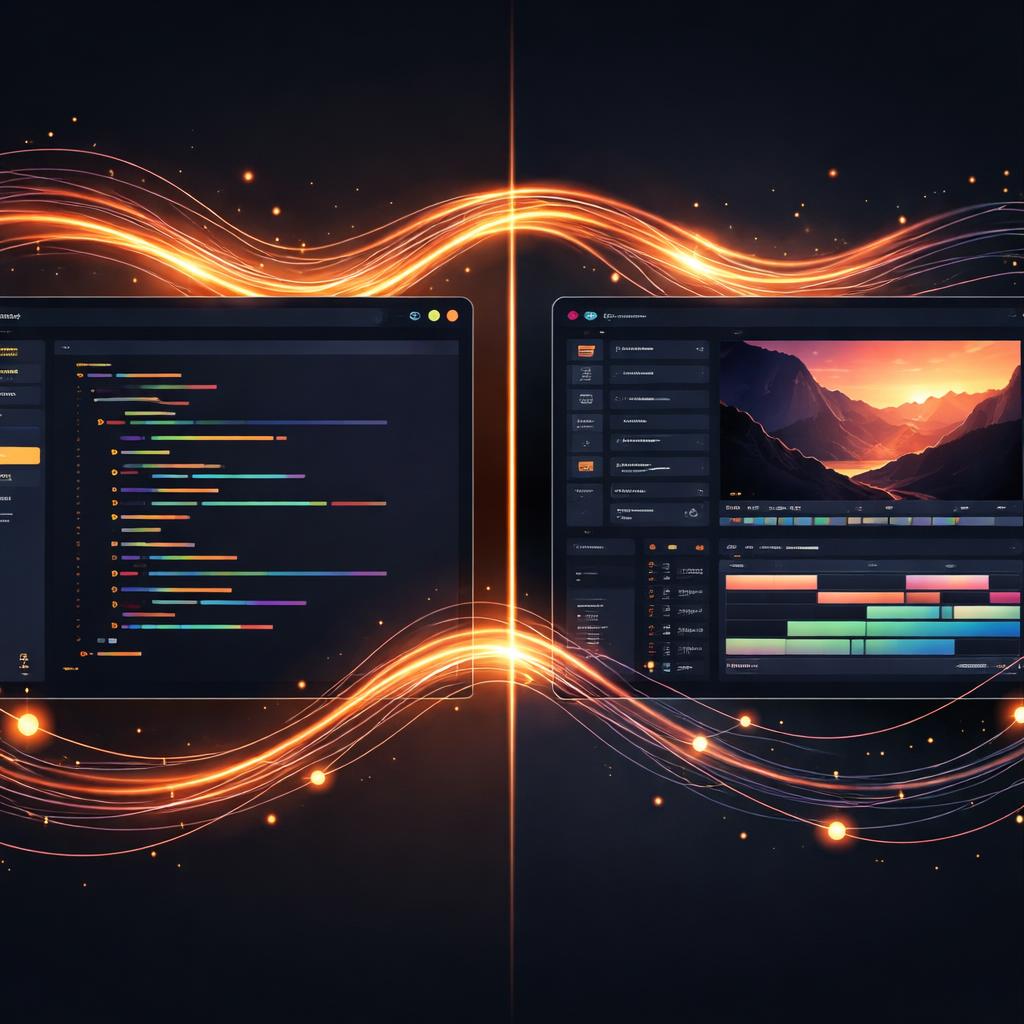
VideoFlow changes that. With our dedicated exporter packages, you can export VideoFlow to Premiere and Final Cut Pro as native project files, keeping your timeline live, your clips adjustable, and your keyframes intact.
The Escalation Ladder: How We Map Code to Clips
A VideoJSON document is a description of a render: it evaluates CSS-like properties for every frame. An NLE project, however, is a description of an edit: clips sitting on tracks with specific compositing parameters.
To bridge this gap, the @videoflow/export-core engine uses what we call the Escalation Ladder. Instead of just giving up and rendering a layer to pixels (baking), the exporter tries to find the most "editable" representation possible:
- Direct: A host control (like "Opacity") that means exactly the same thing.
- Fit: An equivalent control where we fit parameters (like converting ease curves to host-native tangents).
- Rig: Assembled from host primitives—like recreating a glow by stacking blurred, tinted copies of a layer.
- Opaque: Pixel-exact but unadjustable representations, like using a corner pin for 3D projection.
- Bake: The last resort. We render the layer to a high-quality MOV with alpha.

Exporting to Adobe Premiere Pro
The @videoflow/export-adobepremierpro package targets xmeml, the XML dialect that Premiere Pro uses for interchange. It is a robust way to move your "conform" from code into the suite.
When you export for Premiere, your position, scale, and rotation properties are mapped directly to the "Basic Motion" effect. Your keyframes are sampled and reconstructed within a 0.5px tolerance, ensuring that the motion you authored in TypeScript looks identical in the Premiere monitor.
import { PremiereExporter } from '@videoflow/export-adobepremierpro';

const exporter = new PremiereExporter({
  outDir: './exports/premiere',
  fidelity: 'balanced'
});

// Generate the project.xml and gather media
const { plan, files } = await exporter.exportProject(videoJSON);
Because the xmeml format is a legacy standard, it has some limitations—for example, it cannot carry editable titles. VideoFlow handles this by automatically rendering your addText layers to media while keeping their motion and opacity live on the Premiere timeline.
High-Fidelity Final Cut Pro Exports
If you are a Final Cut Pro user, the @videoflow/export-finalcutpro package offers even deeper integration. Unlike the aging xmeml format, FCPXML allows for much richer metadata.
In Final Cut, VideoFlow can export editable titles natively. It also maps blendMode values (like screen, multiply, or overlay) directly to the host's compositing schema. This means your editor can change the text content or the blending style directly inside FCP without ever touching the source code.
import { FinalCutExporter } from '@videoflow/export-finalcutpro';

const exporter = new FinalCutExporter({ outDir: './exports/fcp' });
const plan = await exporter.plan(videoJSON);

// Review the strategy for each layer before writing
console.table(plan.tracks.flatMap(t => t.clips).map(c => ({
  layer: c.name,
  outcome: c.decisions.map(d => `${d.feature}:${d.strategy}`).join(', '),
})));
Why Your Pipeline Needs an Exporter
Moving from FFmpeg shell scripts to VideoFlow is the first step in modernizing your video stack. Adding an NLE export step is the second. It bridges the gap between engineering and creative teams.
By treating VideoJSON as a portable interchange format, you allow your developers to build the foundation of a video—the data-driven clips, the heavy lifting of layout, and the timing—while giving your creative directors the freedom to "finish" the video in the tools they know best.
Whether you're using the official renderers for automated jobs or exporting to a suite for high-end polish, VideoFlow ensures your code is never a dead end.
Get Started
- Explore the Exporter API Docs.
- Try building a timeline in the VideoFlow Playground.
- Star the project on GitHub to follow our progress on the Premiere UXP importer.