
Cinematic Code: How to Stack and Animate GLSL Effects in VideoFlow
October 31, 2026 · By VideoFlowLearn how to use VideoFlow's stackable GLSL effects and frame-accurate keyframes to create professional, cinematic videos entirely through a TypeScript API.
Cinematic Code: How to Stack and Animate GLSL Effects in VideoFlow
In the world of programmatic video, the difference between a "technical demo" and a "professional asset" often comes down to post-processing. While raw layers provide the structure, it is the lighting, texture, and motion effects that provide the soul.
For developers moving away from manual editing tools like After Effects, the challenge has always been achieving that "cinematic" look without writing thousands of lines of low-level WebGL or fighting with fragile FFmpeg strings. VideoFlow changes this by treating GLSL effects as first-class citizens in its core builder API.
The Power of the Effect Stack
VideoFlow ships with 42 built-in GLSL effects, ranging from standard utilities like gaussianBlur to high-end cinematic primitives like bloom, frostedGlass, and vhsDistortion. These aren't just toggles; they are composable units that live in an ordered array on any visual layer.

When you apply effects in VideoFlow, they render in the order you define them. This "stack" allows you to build complex visual signatures by layering simple primitives. For example, a glow effect followed by a chromaticAberration produces a very different aesthetic than the reverse.
const hero = $.addImage(
  {
    fit: 'cover',
    effects: [
      { effect: 'bloom', params: { strength: 0.5, radius: 10 } },
      { effect: 'vignette', params: { strength: 0.3 } },
      { effect: 'colorCorrection', params: { saturation: 1.2, contrast: 1.1 } }
    ]
  },
  { source: 'https://assets.videoflow.dev/hero-bg.jpg' }
);
By stacking these effects, you move beyond simple image placement and into the territory of professional color grading and atmospheric design. You can explore the full list of available presets in our effects guide.
Animating Effects with Keyframes
Static effects are useful, but the real magic happens when those effects evolve over time. In VideoFlow, every parameter of every effect is animatable. Because VideoFlow uses a frame-accurate engine, you can sync these visual changes perfectly with your audio or narrative flow.
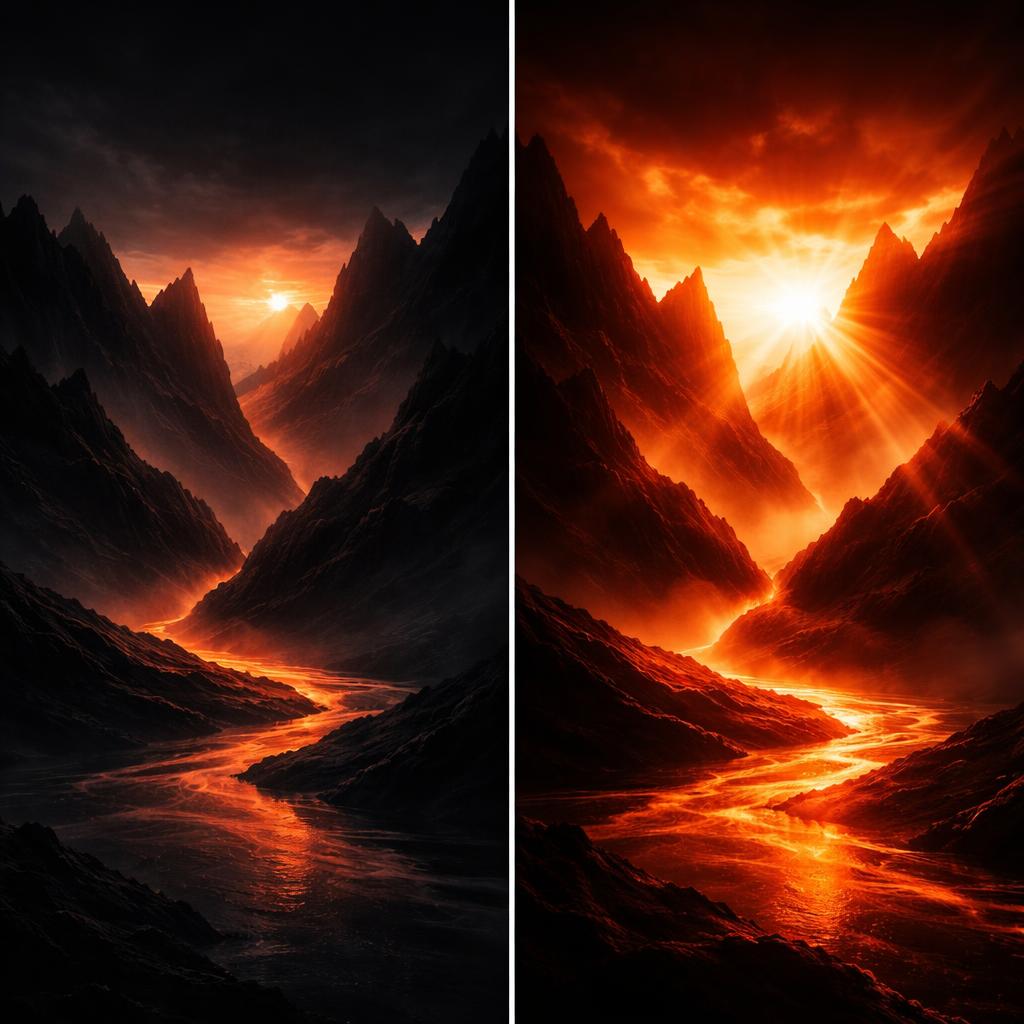
Consider a "dream sequence" transition where a video starts clear, slowly blurs out, and then resolves with a heavy glow. Instead of using a fixed transition, you can animate the effect parameters directly using the .animate() method.
const clip = $.addVideo({ opacity: 1 }, { source: '/clips/intro.mp4' });

// Animate the blur and bloom over 2 seconds
clip.animate(
  {
    effects: [
      { effect: 'gaussianBlur', params: { radius: 0 } },
      { effect: 'bloom', params: { strength: 0 } }
    ]
  },
  {
    effects: [
      { effect: 'gaussianBlur', params: { radius: 15 } },
      { effect: 'bloom', params: { strength: 0.8 } }
    ]
  },
  { duration: '2s' }
);
This granular control is what makes VideoFlow a powerful alternative to Remotion for developers who need portable, JSON-based video definitions that still support high-end motion graphics.
Beyond Simple Layers: Grouping and Blending
Sometimes you want to apply an effect to an entire scene rather than a single layer. This is where $.group() comes in. By wrapping multiple layers in a group, you can apply a single set of effects to the composited result.
$.group({}, {}, ($) => {
  $.addImage({ fit: 'cover' }, { source: 'bg.jpg' });
  $.addText({ text: 'Stacked Effects', fontSize: 8, color: '#FF5A1F' });
}).animate(
  { effects: [{ effect: 'vhsDistortion', params: { intensity: 0 } }] },
  { effects: [{ effect: 'vhsDistortion', params: { intensity: 0.5 } }] },
  { duration: '1s' }
);
Combined with VideoFlow's 16 blend modes (like screen, overlay, and luminosity), you can create sophisticated textures that were previously only possible in dedicated desktop NLEs.
Why Your Video Pipeline Should Be Programmable
The traditional video editing workflow is a bottleneck for modern SaaS companies. Whether you are building personalized user recaps, automated social media trailers, or giving an AI agent the ability to render video, you need a system that treats visuals as data.
VideoFlow’s Apache-2.0 core ensures that your rendering pipeline is cost-effective and portable. You can preview your effects in real-time at 60fps using the Playground, then export the final MP4 in the browser or on a headless server without ever touching FFmpeg.
Get Started with Cinematic Code
Ready to build your own video factory? The best way to learn is to dive into the code:
- Try the Playground: Experiment with effect stacking in our interactive browser-based editor.
- Read the Docs: Check out the animation guide to master keyframes.
- Star us on GitHub: Join the community and contribute to the future of open-source video at github.com/ybouane/VideoFlow.
By treating your video effects as code, you gain the ability to scale your content production without sacrificing the cinematic quality your users expect.