
How to Add a Professional Video Editor to Your SaaS in 10 Lines of Code
October 31, 2026 · By VideoFlowLearn how to embed a full-featured, multi-track video editor into your React application using VideoFlow. Perfect for SaaS tools and content automation.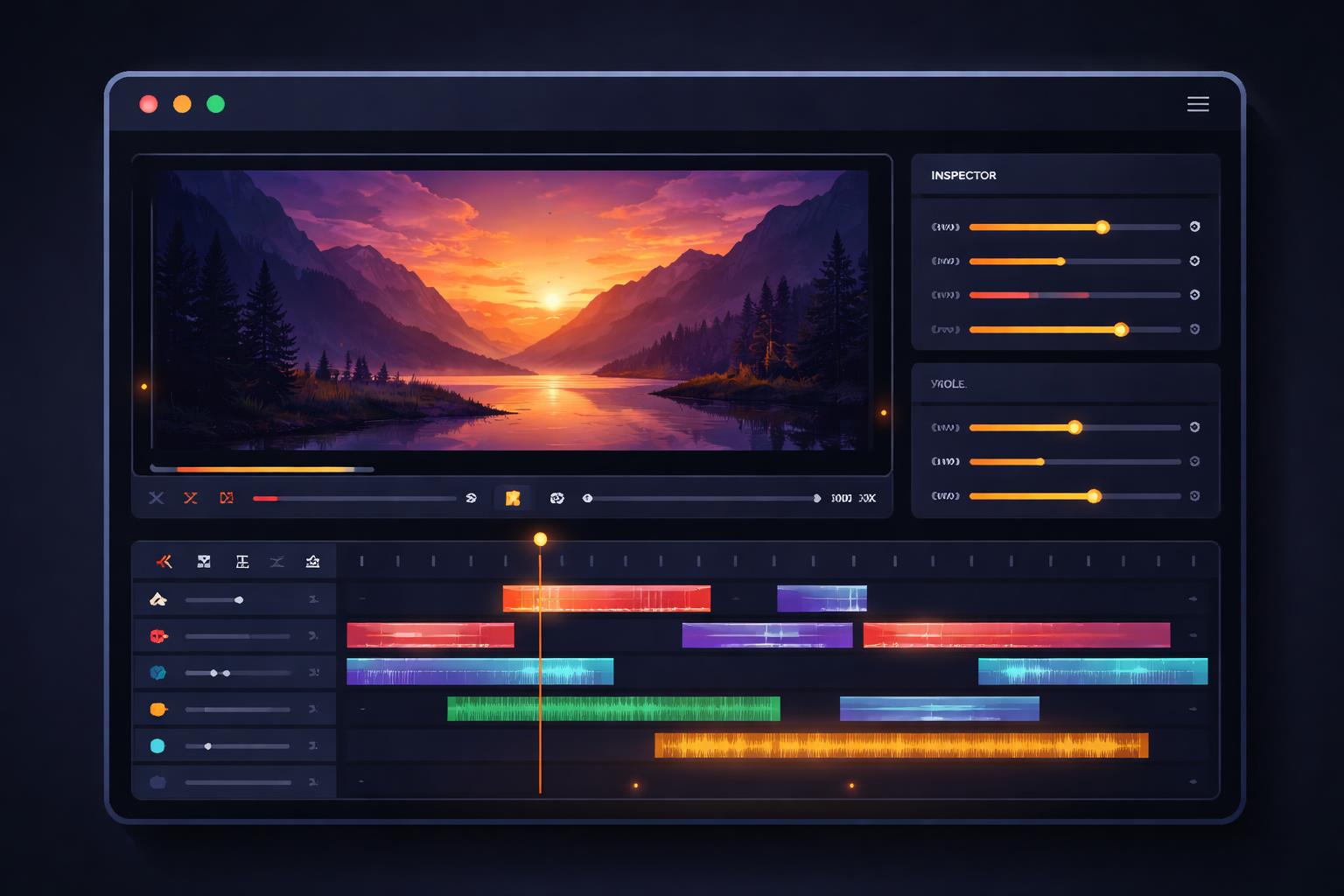
How to Add a Professional Video Editor to Your SaaS in 10 Lines of Code
Building a video editor from scratch is a multi-year engineering undertaking. Between managing multi-track timelines, handling frame-accurate previews, and orchestrating complex MP4 exports, most teams find themselves buried in the "video engine" long before they can ship their actual product features.
If you are building a SaaS platform—whether it's an automated social media manager, an internal training tool, or a personalized outreach engine—your users likely need a way to tweak, trim, and finalize their videos. But you shouldn't have to build the timeline yourself.
Enter the @videoflow/react-video-editor. This drop-in React component provides a full-featured, professional video editing interface that integrates directly with the VideoFlow core engine.
Why embed an editor?
For many SaaS applications, video is the output. But a "black box" generation pipeline often leaves users frustrated when they can't make minor adjustments. By embedding an editor, you bridge the gap between automated generation and human creative control.
VideoFlow's editor is designed to be "agent-ready." Since the entire state of the editor is represented as portable VideoJSON, an LLM can generate a first draft of a video, and your user can instantly open that draft in the UI to make manual tweaks. This "AI + Human" workflow is the gold standard for content automation in 2026.

Quickstart: The 10-line integration
To get started, install the editor package. Note that while the core renderers are Apache-2.0, the editor uses a dual license—it is free for individuals, non-profits, and small teams.
npm install @videoflow/react-video-editor
In your React application, you can drop the <VideoEditor /> component into any view. It fills its parent container, so make sure to wrap it in a box with a defined height.
import { VideoEditor } from '@videoflow/react-video-editor';
import '@videoflow/react-video-editor/style.css';

export default function MyEditor() {
  return (
    <div style={{ height: '90vh' }}>
      <VideoEditor
        video={initialVideoJson}
        onChange={(updatedJson) => saveDraft(updatedJson)}
        onExportComplete={(blob) => handleDownload(blob)}
        theme="dark"
      />
    </div>
  );
}
That’s it. You now have a multi-track timeline, property inspector, and frame-accurate preview running in your app. For a deeper look at the implementation details, check out our Editor Quickstart guide.
Customizing the Look and Feel
A video editor shouldn't look like a third-party widget. It should feel like a native part of your platform. VideoFlow's editor ships with four built-in themes—light, grey, dark, and night—but the real power lies in its CSS variable system.

You can override the brand colors to match your SaaS identity using simple inline styles:
<VideoEditor
  theme="night"
  style={{
    '--vf-primary': '#FF5A1F', // VideoFlow Orange
    '--vf-accent': '#a855f7',  // Custom Purple
    '--vf-radius': '8px',
    '--vf-font-family': 'Inter, sans-serif',
  }}
/>
Every aspect of the UI—from the timeline height to the sidebar width—is fully themeable.
Handling Exports and Uploads
One of the biggest advantages of using the VideoFlow editor is its tight integration with the official renderers. By default, the editor uses @videoflow/renderer-browser to perform in-tab MP4 exports via WebCodecs. This means your users can render their final videos without you ever having to pay for server-side compute.
If you need to handle file uploads (like letting users drop their own MP4s or PNGs onto the timeline), you can provide an onUpload handler. This hook intercepts the file drop, lets you upload it to your S3 bucket, and returns the public URL to the editor.
<VideoEditor
  onUpload={async (file) => {
    const url = await myS3Upload(file);
    return url;
  }}
/>
Beyond the UI: The Power of VideoJSON
Because the editor is built on top of the VideoFlow core builder API, every edit made by the user is reflected in a standard JSON schema. This portability is what makes VideoFlow a powerful alternative to Remotion for teams that need to work across different runtimes.
You can take a JSON file generated in the browser editor, send it to a Node.js worker, and render it using the headless server renderer for batch processing.
Get Started Today
Stop building timelines and start building features. You can test the editor right now in the VideoFlow Playground or explore the full source on GitHub.
If you're looking for more inspiration on what you can build with VideoFlow, check out our guide on building a 50-line YouTube Shorts factory.
Ready to ship? Head over to the Docs and get your video editor live today.