
Markdown to MP4: Automating Technical Explainer Videos with VideoFlow
October 3, 2026 · By VideoFlowLearn how to automate technical explainer videos by converting Markdown documentation into professional MP4s using VideoFlow and headless Chromium.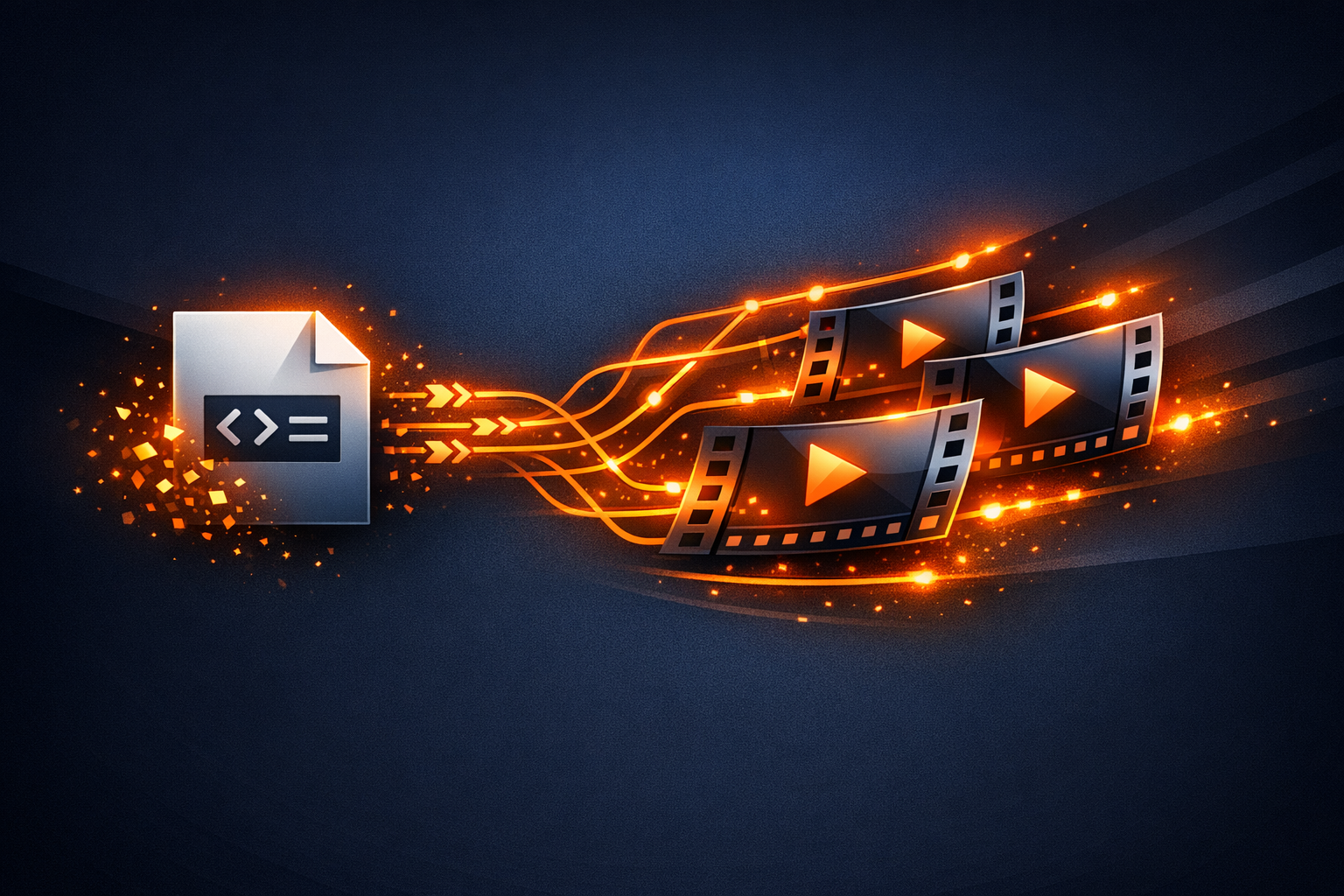
Markdown to MP4: Automating Technical Explainer Videos with VideoFlow
Static documentation is the backbone of developer education, but in a world of short attention spans, technical explainer videos often bring complex concepts to life more effectively than text alone. However, the cost of keeping those videos in sync with a rapidly evolving codebase is prohibitive. Every UI change or API update usually means a manual re-record and a trip back to the editing suite.
What if your documentation was your video? In this guide, we’ll explore how to build a pipeline that turns Markdown files into professional, high-fidelity MP4 videos using VideoFlow. By treating video as code, you can automate technical explainer videos, ensuring your visual guides are as up-to-date as your git repo.
The Documentation-to-Video Gap
Most engineering teams avoid video because of the maintenance burden. Traditional video editing is a destructive, manual process. But when you use a toolkit like the VideoFlow core builder API, video becomes a portable JSON document. This shift allows you to map Markdown structures—like headings, code blocks, and descriptions—directly to a video timeline.

By parsing a Markdown file, we can extract:
- Headings for title cards.
- Code blocks for syntax-highlighted overlays.
- Paragraphs for automated voiceover scripts and captions.
Mapping Markdown to a Video Timeline
The secret to programmatic video generation is a predictable flow. Using @videoflow/core, we can construct a sequence where each Markdown section corresponds to a "scene" in the video. We use the $.addText and $.addCaptions methods to handle the visual and instructional layers.
Here is a simplified example of how you might transform a script into a VideoFlow sequence:
import VideoFlow from '@videoflow/core';

const $ = new VideoFlow({ width: 1920, height: 1080, fps: 30 });

// Scene 1: Introduction
const title = $.addText({
  text: 'Getting Started with VideoFlow',
  fontSize: 8,
  color: '#FF5A1F',
  position: [0.5, 0.4]
});
title.fadeIn('800ms');

// Add automated captions for the voiceover script
const captions = $.addCaptions(
  { fontSize: 4, color: '#fff', position: [0.5, 0.8] },
  {
    captions: [
      { caption: 'Welcome to the VideoFlow tutorial.', startTime: 0, endTime: 2.5 },
      { caption: 'Today we are automating video from code.', startTime: 2.6, endTime: 5.0 }
    ]
  }
);

$.wait('5s');
title.fadeOut('500ms');
You can experiment with different layouts and timing in the VideoFlow Playground to see how these primitives behave in real-time.
Handling Instructional Text with Captions
Technical videos live or die by their clarity. VideoFlow's Captions layer is designed for this exact use case. It supports word-level highlighting and automatic line-breaking, making it easy to turn a Markdown paragraph into a perfectly timed subtitle track. Because the timing is defined in JSON, you can easily adjust the pace to match an AI-generated voiceover or a manual recording.
Rendering on the Server with Headless Chromium
Once your Markdown is compiled into a VideoFlow JSON document, you need to render it to an MP4. For automation, you want this to happen in a CI/CD pipeline or a background worker. This is where the VideoFlow renderers shine.
Using @videoflow/renderer-server, you can render your video on a Node.js server using headless Chromium. This ensures that the cinematic effects, GLSL shaders, and typography you see in your browser are identical to the final exported file.

// Server-side rendering without FFmpeg dependencies
import '@videoflow/renderer-server';

await $.renderVideo({
  outputType: 'file',
  output: './explainer-video.mp4',
  verbose: true
});
By default, the server renderer uses WebCodecs inside Chromium to encode the video, avoiding the overhead and complexity of managing FFmpeg binaries in your environment. You can learn more about this in our renderers guide.
Why VideoFlow for Technical Automation?
While tools like Remotion are popular for React-based video, VideoFlow offers a few distinct advantages for technical documentation pipelines:
- JSON Portability: Your video is data. You can store it in a database, diff it in git, or generate it from any language that speaks JSON.
- Apache-2.0 Licensing: The core and all three renderers are truly open source, making it a safe choice for internal tooling and commercial SaaS products.
- Built-in Cinematic Primitives: With 27 transitions and 42 GLSL effects (like
gaussianBlurandbloom) built-in, you don't have to write custom shaders to make your documentation look professional.
If you're looking for an open-source alternative to proprietary video APIs, VideoFlow provides the flexibility and performance needed for modern developer workflows.
Start Automating Your Docs
Turning Markdown into video doesn't just save time; it changes how you think about technical communication. Instead of a static README, you can provide a dynamic, high-quality explainer that updates automatically with every commit.
Ready to build your own video factory? Head over to the VideoFlow documentation to explore the full API, or check out the GitHub repository to see how the renderers work under the hood. For more on high-performance rendering, check out our previous post on rendering video in Node without ffmpeg.
Happy coding (and rendering)!