
The Multi-Language Video Stack: Generating MP4s from Python, Go, and Rust
October 2, 2026 · By VideoFlowDiscover how VideoJSON's portable schema lets you generate professional MP4s from any language—Python, Go, Rust, or Ruby—using VideoFlow's decoupled rendering architecture.
The Multi-Language Video Stack: Generating MP4s from Python, Go, and Rust
For years, programmatic video has been a "Node-only" or "FFmpeg-only" affair. If you were building a backend in Python, Go, or Rust and needed to generate high-quality video content, you were often forced to choose between wrapping fragile shell commands or maintaining a separate JavaScript microservice just to run a rendering engine.
This coupling of logic and rendering has slowed down the adoption of video-as-code. But what if your video pipeline treated the video timeline as a portable data format, much like Markdown or SVG?
In this guide, we’ll explore how VideoFlow’s decoupled architecture—powered by the VideoJSON schema—enables a truly polyglot video stack, allowing you to generate professional MP4s from any language without ever leaving your primary ecosystem.
The VideoJSON Breakthrough
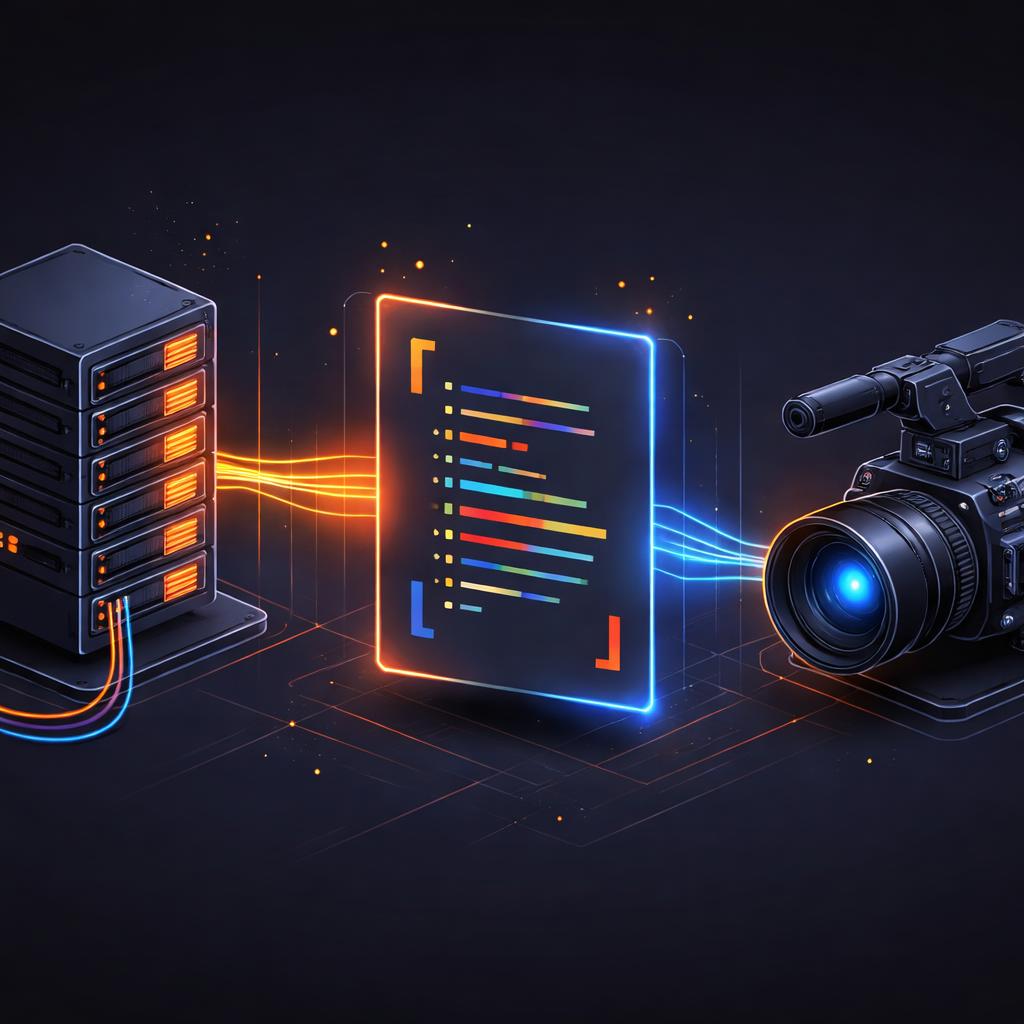
At the heart of VideoFlow is a simple but powerful realization: a video timeline is just a graph of assets and property changes over time. While the @videoflow/core library provides a fluent TypeScript builder, its ultimate output is a plain, serializable JSON document.
Because VideoJSON is a documented, resolution-agnostic schema, it serves as a universal bridge. Your Python data-science pipeline, your Go-based high-concurrency API, or your performance-critical Rust service can all emit the exact same VideoJSON structure.
You can learn more about this approach in our guide to portable video pipelines.
Why Move Beyond the TypeScript Builder?
While the fluent builder API is the standard way to author videos in the VideoFlow ecosystem, there are three main reasons to generate VideoJSON directly from other languages:
- Language Native Integration: If your entire stack is in Go, adding a Node.js dependency just for video generation adds operational complexity and cold-start latency.
- LLM and Agentic Workflows: Large Language Models (LLMs) are exceptionally good at emitting JSON. By treating video as a JSON-generation task, you can build agents that "speak" video directly, composing complex timelines without writing code.
- Data Proximity: If your video assets and metadata live in a Python-heavy environment (like a machine learning pipeline), generating the timeline metadata in Python avoids unnecessary data serialization across service boundaries.
Architecture: Emit in Python, Render in Node
The most common pattern for a multi-language stack is a Producer-Consumer architecture. Your backend (the Producer) generates the VideoJSON and stores it in a database or passes it to a queue. A lightweight rendering worker (the Consumer) then picks up that JSON and produces the final MP4.
The Python Producer
Here is a conceptual example of how a Python service might generate a VideoJSON payload for a personalized product video:
import json

video_json = {
    "width": 1080,
    "height": 1920,
    "fps": 30,
    "layers": [
        {
            "type": "image",
            "settings": {"source": "https://example.com/product.jpg"},
            "properties": {"fit": "cover"}
        },
        {
            "type": "text",
            "properties": {
                "text": "Exclusive for You",
                "fontSize": 8,
                "color": "#FF5A1F",
                "position": [0.5, 0.4],
                "opacity": 0
            },
            "animations": [
                {
                    "property": "opacity",
                    "from": 0, "to": 1,
                    "start": 0, "duration": 0.5
                }
            ]
        }
    ]
}

# Send this to your rendering worker
print(json.dumps(video_json))
The Node.js Consumer
On the rendering side, you use the @videoflow/renderer-server package to turn that JSON into a file. As we discussed in our post on headless video rendering, this doesn't even require FFmpeg to be installed on your system by default.
import '@videoflow/renderer-server';
import { renderVideo } from '@videoflow/core';

const json = await getJsonFromQueue();

await renderVideo({
  video: json,
  outputType: 'file',
  output: './personalized-product.mp4',
});

The Three-Renderer Rule in a Polyglot World
One of the biggest advantages of this decoupled approach is that the same JSON generated by your Rust backend can be rendered in three different ways without modification:
- Server-side: Using
@videoflow/renderer-serverfor batch jobs. - Browser-side: Using
@videoflow/renderer-browserto let users export the video directly from their dashboard, saving you server costs. Check out our renderers overview for more details. - Live Preview: Using
@videoflow/renderer-domto show a frame-accurate, 60fps preview of the video while the user is still editing or configuring it.
This consistency ensures that "what you see is what you get," regardless of which language generated the initial schema.
Best Practices for Multi-Language Video
When building a polyglot video stack, keep these three rules in mind:
- Use Normalized Coordinates: Always use the
[0, 1]coordinate system for positioning. This ensures that if you decide to change the resolution from 1080p to 4K later, your Python or Go logic doesn't need to change. - Lean on Presets: VideoFlow ships with 27 transition presets and 42 GLSL effects. Instead of calculating complex math in your backend, simply reference the preset name (e.g.,
blurResolveorbloom) in your JSON. Explore the full list in the Playground. - Validate Your Schema: Before sending JSON to the renderer, validate it against the VideoFlow schema to catch missing props or invalid preset names early.
Conclusion
VideoFlow isn't just a TypeScript library; it's a foundation for a universal video stack. By separating the authoring logic from the rendering engine via VideoJSON, we’ve made it possible for engineers to build world-class video automation in the language they know best.
Ready to start building? Head over to the VideoFlow GitHub to see the schema in action, or dive into the official documentation to learn more about the rendering architecture. Whether you're a Pythonista, a Gopher, or a Rustacean, the future of video is now just a JSON object away.