
The Remotion Alternative: Why Portable VideoJSON is the Future of Automated Content
September 1, 2026 · By VideoFlowLooking for a Remotion alternative? Discover why VideoFlow's portable VideoJSON and Apache-2.0 licensing make it the ultimate toolkit for programmatic video.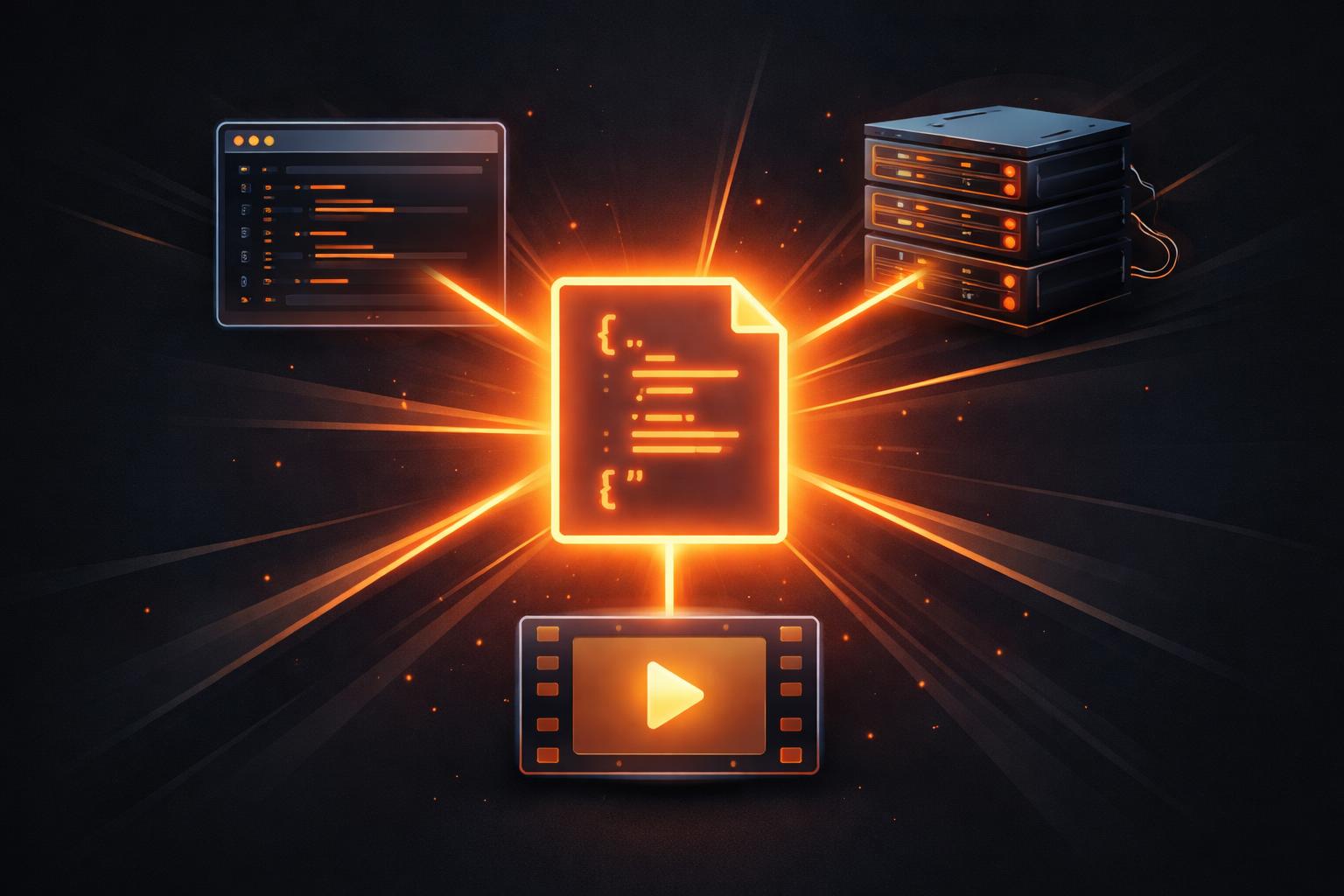
The Remotion Alternative: Why Portable VideoJSON is the Future of Automated Content
For years, developers looking to automate video production had two main choices: wrestle with the arcane, string-concatenated commands of FFmpeg or adopt the powerful, React-based model of Remotion. While Remotion revolutionized the space by bringing web technologies to video editing, it also introduced a specific set of constraints: a proprietary license for many commercial use cases and a tight coupling to the React runtime.
Enter VideoFlow. As a modern Remotion alternative, VideoFlow takes a different path. It treats video not as a component tree, but as a portable, serializable, and language-agnostic VideoJSON document.
In this post, we’ll explore why this architectural shift matters for developers building the next generation of automated content factories, AI video agents, and personalized marketing engines.

The Portability Problem: JSON vs. React Trees
The fundamental difference between VideoFlow and Remotion lies in how they represent a video scene. In Remotion, your video is a React component tree. This is incredibly powerful for web developers, but it means your video "source code" requires a full React environment to execute, diff, and render.
VideoFlow’s @videoflow/core uses a fluent TypeScript builder that compiles down to a plain JSON object. This VideoJSON is the single source of truth. Because it's just data, you can store it in a database, version-control it in Git, or generate it from a Python script or an LLM without ever touching a frontend framework.
Why JSON-first matters:
- Language Agnostic: Any language that can emit JSON can produce a VideoFlow video.
- Agent Friendly: LLMs are excellent at producing structured JSON, making VideoFlow the perfect output for AI video agents.
- Zero Runtime Lock-in: You don't need a React runtime to "know" what's in your video. You can inspect, modify, and validate the timeline as raw data.
The Three-Renderer Rule
One of the most compelling reasons to consider VideoFlow as your programmatic video toolkit is what we call the Three-Renderer Rule. Because the VideoJSON schema is standardized, the same document renders identically across three official, Apache-2.0 licensed renderers:
- @videoflow/renderer-browser: Export professional MP4s directly in the user's browser using WebCodecs. This eliminates server costs and privacy concerns for many apps.
- @videoflow/renderer-server: A headless Node.js renderer that drives Chromium for high-throughput batch jobs. It doesn't even require FFmpeg by default.
- @videoflow/renderer-dom: A frame-accurate, 60fps live preview renderer. This is what powers our Playground and allows for real-time scrubbing and editing.
As discussed in our guide on the three-renderer rule, this multi-target capability ensures that the video you preview in your UI is exactly the same video that gets exported to a file, whether on the client or the server.

Truly Open Source (Apache-2.0)
Licensing is often the deciding factor for engineering teams. Remotion is a fantastic tool, but its licensing model can be complex and costly for growing companies.
VideoFlow's core library and all three official renderers are licensed under Apache-2.0. This means you are free to use, modify, and redistribute VideoFlow in your commercial products without paying a license fee, forever. While we offer a paid company license for our optional @videoflow/react-video-editor, the engine that powers the rendering remains entirely open source.
Code: From Builder to JSON
Building a video in VideoFlow feels familiar but operates differently under the hood. Here is a minimal example of the fluent builder API in action:
import VideoFlow from '@videoflow/core';

const $ = new VideoFlow({ width: 1920, height: 1080, fps: 30 });

// Add a background image (source is a setting, not a property)
const bg = $.addImage(
  { fit: 'cover', opacity: 0.8 },
  { source: 'https://images.unsplash.com/photo-1618005182384-a83a8bd57fbe' }
);

// Add a title with a transition
const title = $.addText(
  {
    text: 'Portable VideoJSON',
    fontSize: 8,
    color: '#FF5A1F',
    fontWeight: 700,
    position: [0.5, 0.5]
  },
  {
    transitionIn: { transition: 'blurResolve', duration: '800ms' }
  }
);

$.wait('3s');
title.fadeOut('500ms');

// Compile to the portable VideoJSON format
const json = await $.compile();
console.log(JSON.stringify(json, null, 2));
This code doesn't just describe a UI; it compiles a complete manifest of every frame, easing, and effect. You can see more complex patterns in our examples gallery.
How VideoFlow Handles the Transition
If you're coming from a Remotion or FFmpeg background, VideoFlow provides a bridge to a more maintainable architecture. By separating the definition of the video (VideoJSON) from the execution (the renderers), you gain a level of flexibility that component-based frameworks can't match.
Whether you're building a SaaS dashboard with video recaps or an automated social media factory, VideoFlow gives you the cinematic primitives—27 transitions and 42 GLSL effects—out of the box, without the licensing overhead or runtime restrictions.
Ready to switch?
If you're looking for a Remotion alternative that prioritizes portability, open-source freedom, and developer experience, it's time to try VideoFlow.
- Explore the Docs to understand the core concepts.
- Try the Playground to see the DOM renderer in action.
- Star the project on GitHub and join the community of developers building the future of video-as-code.