
Resolution-Agnostic Video: Design Once, Render Anywhere
October 31, 2026 · By VideoFlowLearn how VideoFlow uses normalized coordinates and relative units to create resolution-agnostic video that scales perfectly from mobile to 4K.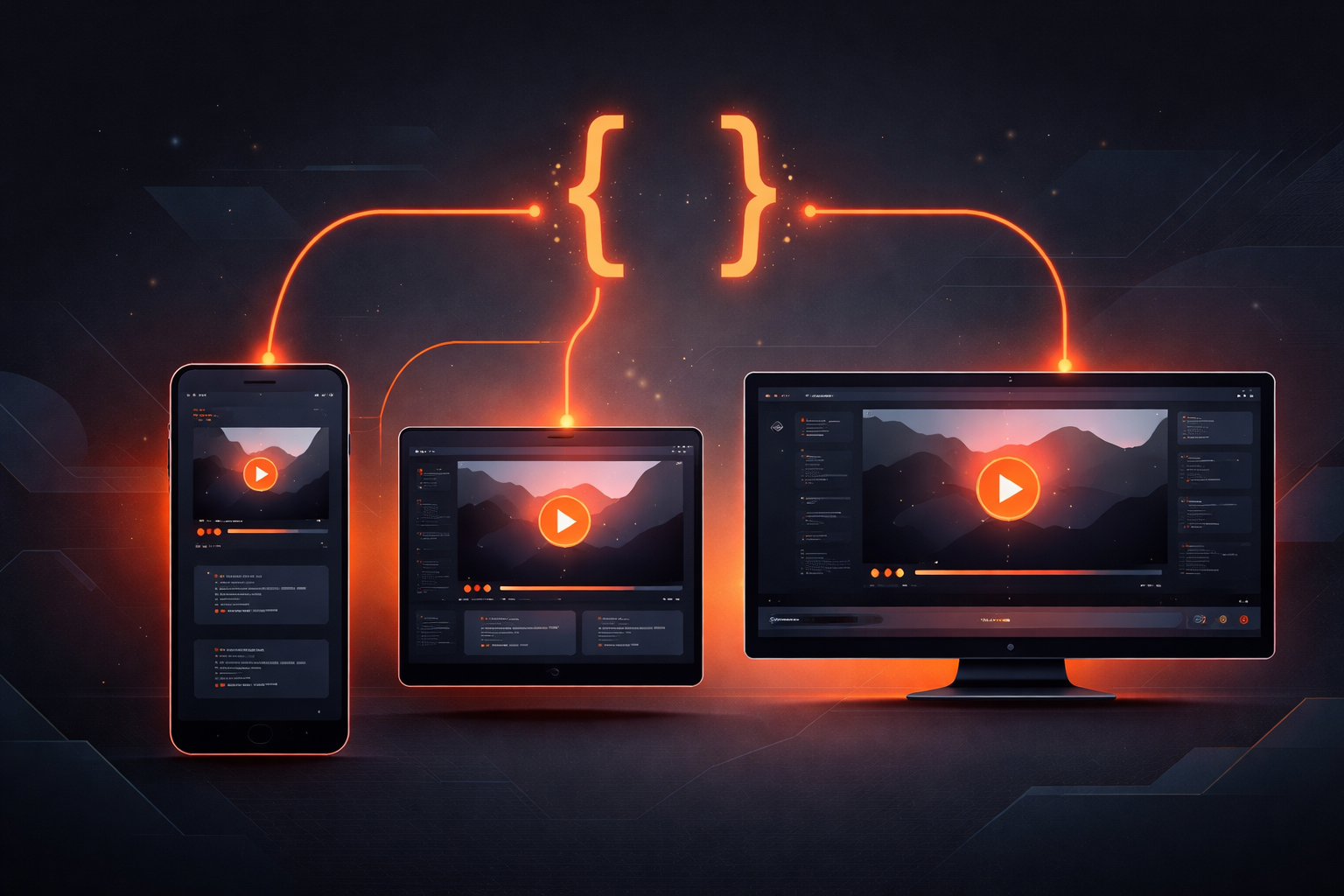
Resolution-Agnostic Video: Design Once, Render Anywhere
How many times have you had to rebuild the same video layout for different social platforms? You design a beautiful 16:9 cinematic landscape for YouTube, only to realize you need a 9:16 vertical version for TikTok and a 1:1 square version for Instagram. In traditional video editing, this often means manual resizing, repositioning, and re-exporting. In the world of programmatic video, it usually involves complex math to calculate pixel offsets for every possible resolution.
This is the problem of resolution maintenance—and it's why we built VideoFlow to be entirely resolution-agnostic video by design.
The Pixel Trap
Most video toolkits treat the canvas as a fixed coordinate system. If you place a text layer at x: 960, y: 540 on a 1080p canvas, it's perfectly centered. But the moment you switch to a 4K render or a vertical mobile resolution, that text is suddenly lost in the corner or off-screen entirely. You end up writing helper functions to calculate percentages of the width and height, essentially rebuilding a layout engine from scratch.
VideoFlow eliminates this overhead by discarding absolute pixels in favor of normalized coordinates and relative units. Whether you are rendering a 720p draft or a 4K master, your code remains identical.
Normalized Coordinates: The 0–1 Rule
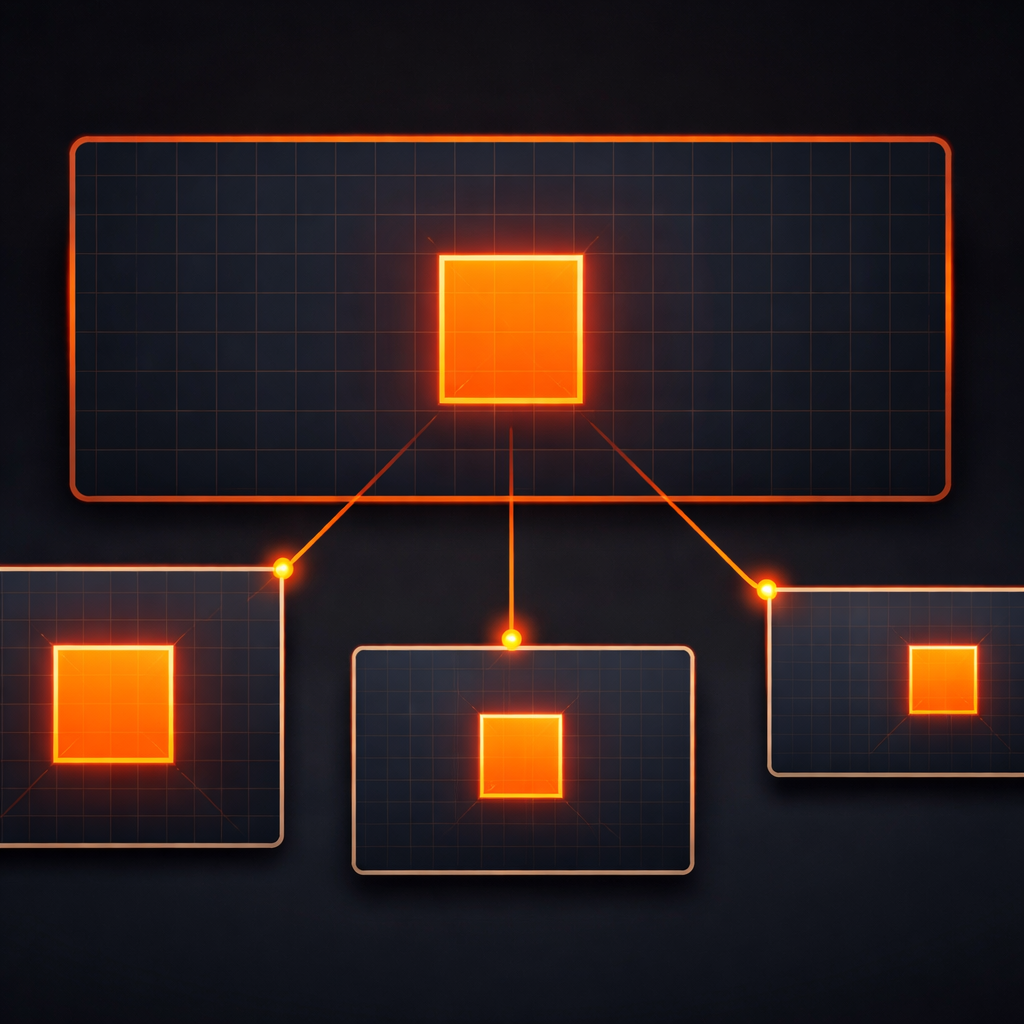
In VideoFlow, the canvas is always a unit square. Positions are defined as an array of [x, y] where 0 is the top-left and 1 is the bottom-right.
const title = $.addText({
  text: 'STAY CENTERED',
  position: [0.5, 0.5], // Always centered, regardless of resolution
  color: '#FF5A1F',
});
By using [0.5, 0.5], you guarantee that your element stays centered whether the output is a wide cinematic monitor or a narrow smartphone screen. You don't have to worry about the actual pixel dimensions of the project; the VideoFlow Core handles the translation during the compilation phase.
The Power of 'em': 1% of Width
Sizing is the other half of the resolution-agnostic video puzzle. If you define a font size in pixels, it will look massive on a 480p preview and tiny on a 4K export.
VideoFlow introduces a specialized em unit for video. In our toolkit, 1em is exactly 1% of the project width.
$.addText({
  text: 'Hero Heading',
  fontSize: 8, // 8% of the project width
});
This simple rule ensures that your visual hierarchy remains perfectly preserved across resolutions. A heading that takes up 8% of the width on your laptop screen will take up 8% of the width on a giant 4K display. This makes VideoFlow exceptionally powerful for automated content factories where the same template might be used for dozens of different output formats.
One JSON, Three Renderers
Because the layout logic is abstract and resolution-independent, the resulting VideoJSON is portable. You can author your video in the Playground using the frame-accurate live preview of @videoflow/renderer-dom, then take that exact same JSON and render it on a server.
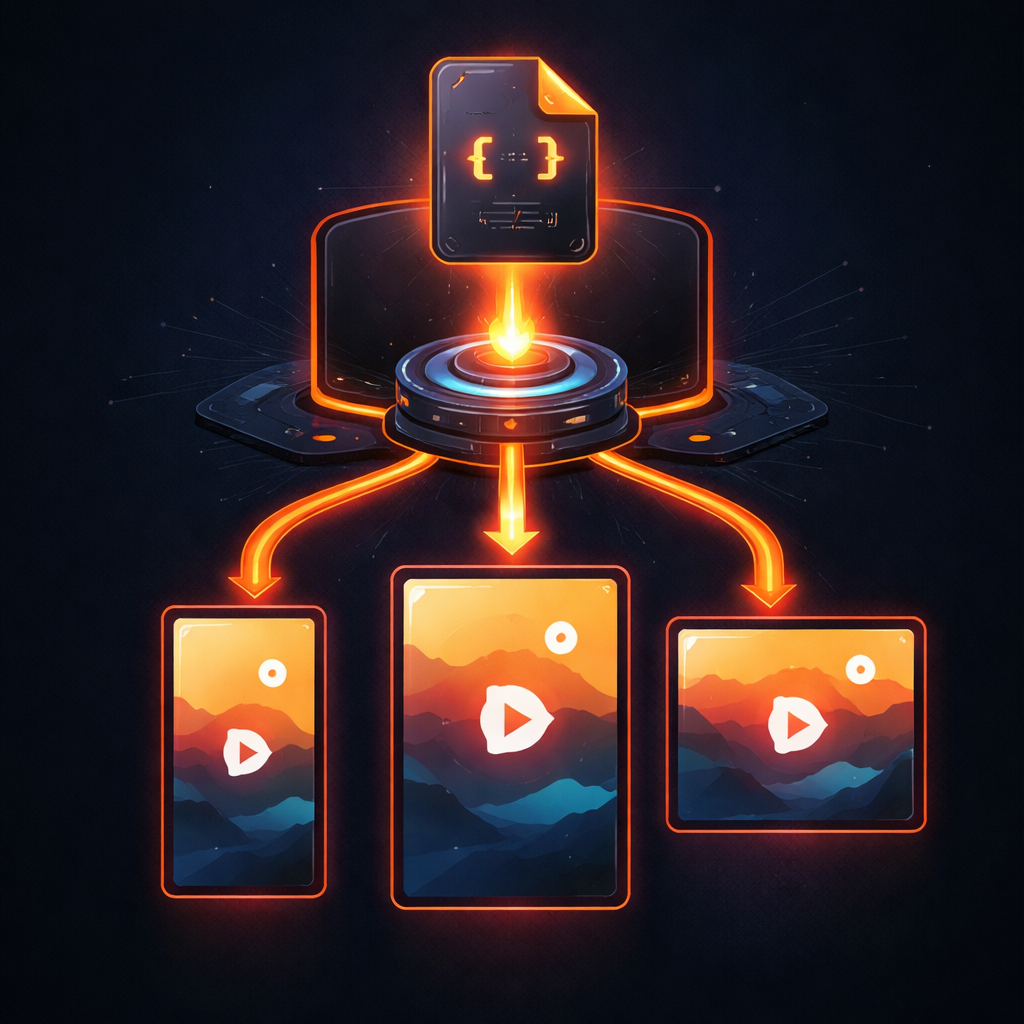
Our three official renderers all respect this resolution-agnostic contract:
- @videoflow/renderer-dom: Provides a 60fps live preview in your web app, scaling the canvas to fit your UI while maintaining the internal coordinate system.
- @videoflow/renderer-browser: Exports high-quality MP4s directly in the user's browser via WebCodecs, allowing for zero-cost client-side rendering.
- @videoflow/renderer-server: A headless Node.js engine that can churn through batch jobs. As we discussed in our deep dive on Video Rendering Without FFmpeg, this renderer produces byte-for-byte identical output to the browser engine.
How VideoFlow Handles It
At the heart of the @videoflow/core package is a compiler that transforms your fluent builder calls into a portable VideoJSON document. When you call $.compile(), VideoFlow doesn't lock in the pixels. It preserves the intent: "this text is at 50% width, with a size that is 8% of the width."
Only when the renderer starts its work are these values multiplied by the target width and height. This late-binding of resolution is what makes VideoFlow the perfect choice for SaaS dashboards and AI-driven video pipelines where the final delivery format might not be known at the time of composition.
Conclusion
Stop fighting with pixel math. By embracing a resolution-agnostic workflow, you can focus on the creative side of video-as-code—the transitions, the effects, and the timing—knowing that your layout will hold up no matter where it's viewed.
Ready to see it in action? Head over to the VideoFlow GitHub to explore the source, or start building your first resolution-independent template in the Docs.