
Write Once, Render Everywhere: Building Resolution-Agnostic Video with VideoFlow
May 21, 2026 · By VideoFlowLearn how VideoFlow's em-unit system and normalized coordinates allow you to author videos that render perfectly at any resolution or aspect ratio.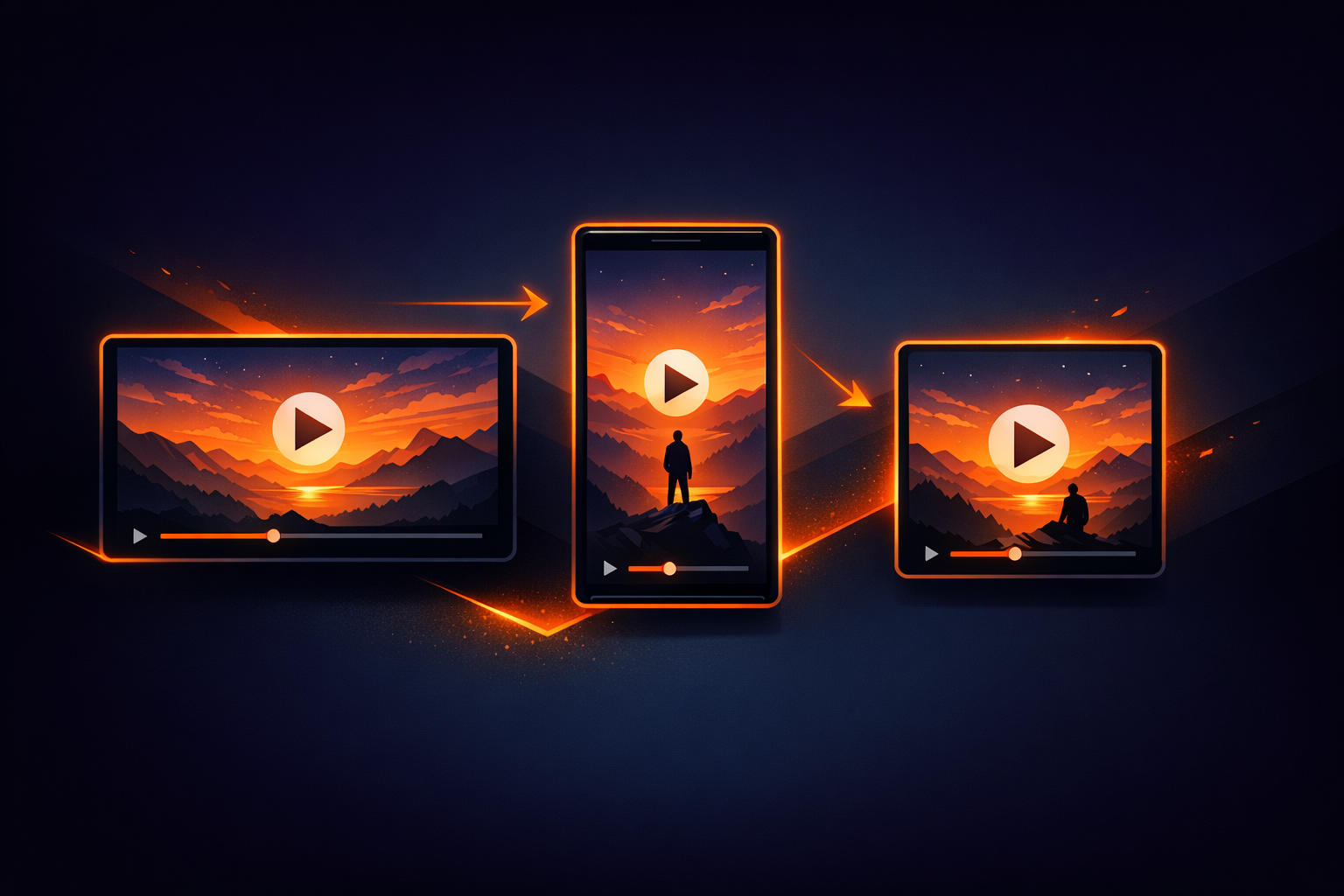
Write Once, Render Everywhere: Building Resolution-Agnostic Video with VideoFlow
Building a video pipeline usually starts with a simple question: "What's the resolution?" If you're building for YouTube, it's 1080p. For TikTok, it's 9:16. For Instagram, it's a square. In most traditional video stacks, changing that resolution later means re-calculating every pixel offset, font size, and coordinate by hand. It turns a simple resize into a refactoring nightmare.
VideoFlow solves this by treating video composition as a resolution-agnostic layout problem. By utilizing normalized coordinates and a relative unit system, you can author a video once and render it identically at 720p, 4K, or a vertical mobile aspect ratio without changing a single line of your layout logic.

The Problem with Pixel-Perfect Authoring
When you hardcode values like x: 1920 or fontSize: 48px, you are locking your video to a specific canvas size. If the requirements shift—or if you want to offer your users a choice between "Standard" and "HD" exports—you have to manage complex scaling math yourself.
In the world of programmatic video, this is a massive bottleneck. Automated content factories and SaaS dashboard recaps need to be flexible. You might want to generate a low-res preview for a web dashboard and then trigger a high-res 4K render for the final download. If your units aren't relative, those two renders will look completely different.
The VideoFlow Way: Normalized Units and em
VideoFlow introduces two core concepts that make resolution-agnostic video possible: Normalized Coordinates and Project-Relative em units.
1. Normalized Coordinates (0 to 1)
Every position in VideoFlow is expressed as a fraction of the total canvas. A position of [0.5, 0.5] is always the center, whether your video is 100 pixels wide or 4000.
// Always centered, regardless of resolution
$.addText({
  text: 'Centered Hero',
  position: [0.5, 0.5],
});
2. The em Unit (1% of Width)
This is where the magic happens. In VideoFlow, 1em equals 1% of the project width. This applies to fontSize, shape width, shape height, and even filter parameters like filterBlur.
If you set a fontSize to 6, it will always take up 6% of the horizontal space. On a 1080p video, that's roughly 65 pixels. On a 4K video, it's 230 pixels. The visual weight and balance of your composition remain identical across all targets.
Example: A Responsive Lower-Third
Let's look at how we can build a lower-third component that looks perfect on both a standard 16:9 landscape video and a 9:16 vertical short. By using @videoflow/core and the builder API, we can define our layout in relative terms.
import VideoFlow from '@videoflow/core';

const $ = new VideoFlow({
  width: 1920,
  height: 1080,
  fps: 30
});

// A background shape that scales with the width
const bar = $.addShape({
  shapeType: 'rectangle',
  width: 40,  // 40% of project width
  height: 8,  // 8% of project width
  fill: '#FF5A1F',
  position: [0.3, 0.8], // 30% from left, 80% from top
});

// Text that stays proportionate to the bar
$.addText({
  text: 'DEVELOPER GUIDE',
  fontSize: 3, // 3% of project width
  color: '#fff',
  position: [0.3, 0.8],
  fontWeight: 700,
});

$.wait('5s');
const json = await $.compile();
Because we used 40em for the width and 3em for the font, we can now change the constructor to width: 1080, height: 1920 and the lower-third will still occupy the exact same relative space on the screen.
How VideoFlow Handles the Render
This portability is a core feature of the VideoJSON format. When you call $.compile(), the resulting JSON document doesn't just store pixels; it stores the intent of the layout.
Our three official renderers then interpret this intent for their specific environment:
- @videoflow/renderer-browser: Uses WebCodecs to export the MP4 directly in the user's tab, scaling the relative units to the chosen export resolution.
- @videoflow/renderer-server: Runs headless Chromium in Node.js for high-throughput batch jobs, producing byte-for-byte identical output to the browser.
- @videoflow/renderer-dom: Provides a frame-accurate 60fps live preview inside your web app, allowing you to scrub through your timeline while you code.
Why This Matters for Your Pipeline
If you're moving from FFmpeg shell scripts or evaluating Remotion alternatives, the resolution-agnostic approach is a game-changer for maintainability.
- Multi-platform distribution: One script generates assets for YouTube, Instagram, and Twitter.
- Preview vs. Production: Render low-res thumbnails or previews instantly, then queue the 4K master render without changing code.
- Dynamic Content: If your content is user-generated (like a SaaS recap), you don't know the user's preferred aspect ratio ahead of time. VideoFlow lets you decide at the last possible second.
Ready to see it in action? Head over to the VideoFlow Playground and try changing the project dimensions—you'll see the layout adapt in real-time. Or, check out our Getting Started guide to start building your own resolution-agnostic video factory today.
For more advanced patterns, see our previous post on Automating Podcast Audiograms and explore the full source on GitHub.