
Browser-Side Video Export: Zero-Server Rendering with WebCodecs
July 8, 2026 · By VideoFlowLearn how to eliminate server costs and latency by using browser-side video rendering with VideoFlow and the WebCodecs API for high-performance MP4 export.
Browser-Side Video Export: Zero-Server Rendering with WebCodecs
For years, programmatic video rendering has been synonymous with "server tax." If you wanted to turn data into an MP4, you had to spin up a headless browser on a beefy Node.js instance, manage a queue of GPU-heavy jobs, and pay the egress fees for every gigabyte of video shipped to the client.
But the landscape has shifted. With the arrival of the WebCodecs API and modern toolkit architectures, browser-side video rendering is no longer a niche experiment—it is a production-ready strategy for building scalable, private, and cost-effective video applications.
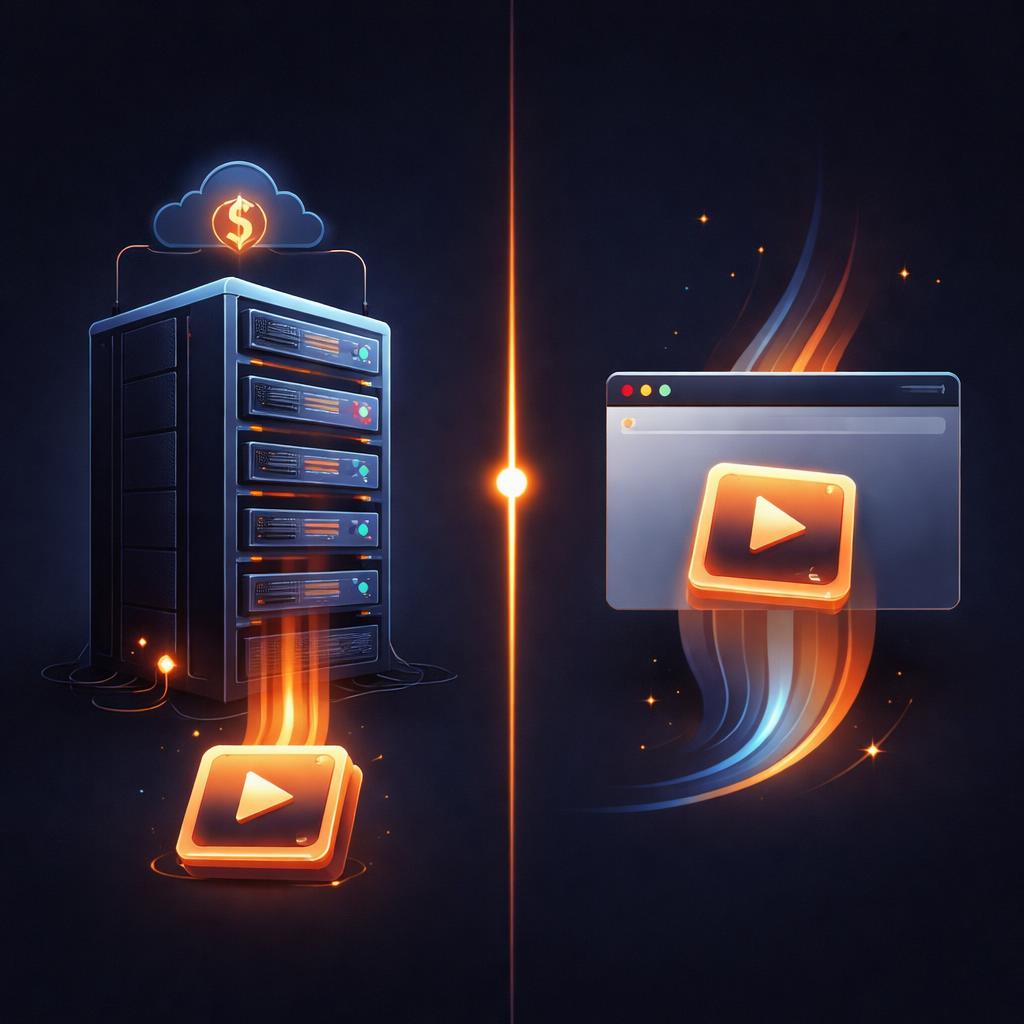
The Problem with the Server-First Model
Traditional video pipelines, like those built on FFmpeg or headless Chromium, are inherently expensive. Even if you use an efficient Node.js renderer without FFmpeg, you are still bound by the laws of cloud economics. Every second of video rendered on your infrastructure costs you in CPU cycles and bandwidth.
Furthermore, server-side rendering introduces a privacy hurdle. If a user is creating a video from sensitive personal data or private photos, that data must travel to your cloud, be processed, and then be deleted. For many security-conscious industries, this "round-trip" is a dealbreaker.
The WebCodecs Revolution
WebCodecs is a low-level browser API that provides direct access to hardware-accelerated video encoders and decoders. Instead of relying on a server to do the heavy lifting, we can now orchestrate the entire rendering pipeline directly in the user's browser tab.
This is where VideoFlow shines. While most tools treat the browser as a mere preview window, VideoFlow follows the Three-Renderer Rule: the same VideoJSON that powers your live preview can be handed directly to @videoflow/renderer-browser for a high-speed, frame-accurate MP4 export.

Zero-Server Export in 20 Lines
Because VideoFlow is built on a portable JSON schema, shifting from a server-side render to a browser-side export requires zero changes to your video logic. You simply swap the renderer package.
Here is how you can trigger an MP4 export directly from a React component or a vanilla JS app using @videoflow/renderer-browser:
import VideoFlow from '@videoflow/core';
import { BrowserRenderer } from '@videoflow/renderer-browser';

// 1. Define your video as code
const $ = new VideoFlow({ width: 1280, height: 720, fps: 30 });

$.addText({
  text: 'Zero-Server Export',
  fontSize: 6,
  color: '#FF5A1F',
  position: [0.5, 0.4]
}).fadeIn('600ms');

$.wait('3s');

// 2. Compile to portable VideoJSON
const json = await $.compile();

// 3. Export in-tab via WebCodecs
const renderer = new BrowserRenderer();
const blob = await renderer.render(json, {
  onProgress: (p) => console.log(`Exporting: ${Math.round(p * 100)}%`)
});

// 4. Trigger download
const url = URL.createObjectURL(blob);
const a = document.createElement('a');
a.href = url;
a.download = 'video-flow-export.mp4';
a.click();
By running this code, the user's own hardware handles the encoding. You pay $0 for the render, and the user gets their file instantly without waiting for a server queue.
Why This Matters for SaaS Builders
If you are building an automated video factory or a platform for personalized content, browser-side rendering offers three massive advantages:
1. Unlimited Scalability
Your rendering capacity scales linearly with your user base. If 10,000 users hit "Export" at the same time, your server load remains at zero. Each user provides their own compute power.
2. Instant Feedback Loops
By using the @videoflow/renderer-dom for live scrubbing in our Playground and then switching to the browser renderer for export, you ensure that what the user sees is exactly what they get. There is no discrepancy between the "preview" and the "final" render because they share the same underlying engine.
3. Reduced Infrastructure Complexity
You don't need to manage Docker containers, Playwright clusters, or complex FFmpeg worker pools. Your "rendering infrastructure" is simply a static JS bundle served via CDN.
When to Stay on the Server
While browser-side rendering is powerful, it isn't a silver bullet. You should still consider server-side rendering with @videoflow/renderer-server if:
- You are running batch jobs on a schedule (e.g., daily recap videos).
- You need to generate videos from data that the user hasn't seen yet.
- You require extremely high-bitrate ProRes or x264 profiles that WebCodecs doesn't yet support.
For everything else—from SaaS recap videos to social media templates—the browser is the new production house.
Get Started with Browser-Side Export
VideoFlow is built to be the most flexible open-source alternative to Remotion, giving you the freedom to choose your rendering target based on your product's needs. Whether you are building a custom UI with our React Video Editor or a headless automation script, the power of WebCodecs is at your fingertips.
Ready to see it in action? Head over to the VideoFlow Documentation to explore the full renderer matrix, or dive into the GitHub repository to see how we've implemented the next generation of video pipelines.