
One JSON, Every Aspect Ratio: Resolution-Agnostic Video with VideoFlow
May 22, 2026 · By VideoFlowLearn how VideoFlow uses em units and normalized coordinates to create resolution-agnostic video that renders perfectly across 16:9, 9:16, and 1:1 ratios.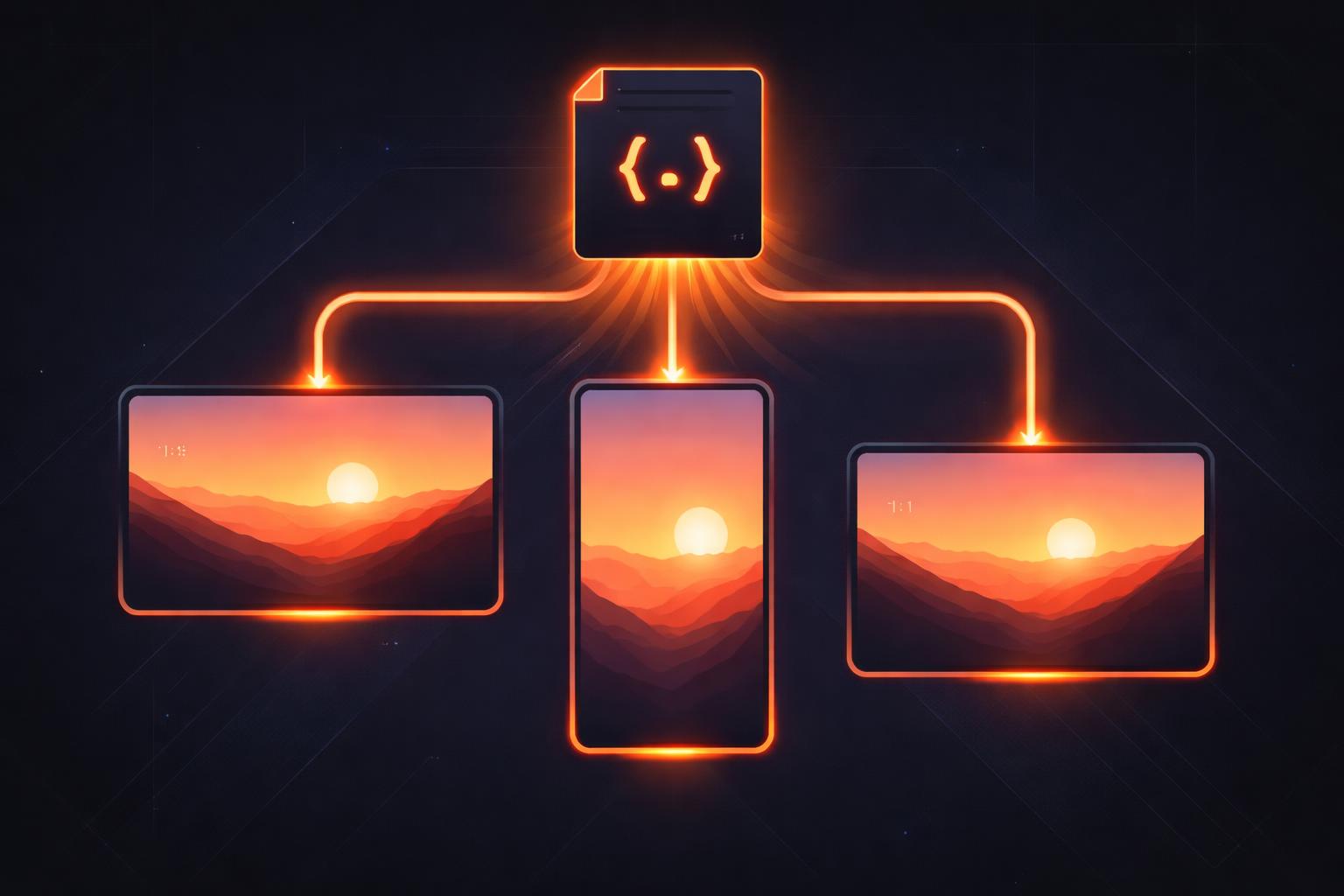
One JSON, Every Aspect Ratio: Resolution-Agnostic Video with VideoFlow
If you have ever built a video automation pipeline, you know the "Aspect Ratio Tax." You design a beautiful 16:9 landscape video for YouTube, only to realize you need a 9:16 vertical version for TikTok and a 1:1 square version for Instagram. Traditionally, this meant maintaining three separate templates, recalculating every pixel-based coordinate, and resizing every font by hand. It is a maintenance nightmare that scales poorly.
VideoFlow changes the fundamental math of video composition. By moving away from absolute pixel values and embracing resolution-agnostic video primitives, VideoFlow allows you to define your scene once in a single VideoJSON document and render it perfectly across any resolution or aspect ratio.
The Pixel Trap
Most video tools—including many "video-as-code" libraries—treat the canvas as a fixed grid of pixels. If you place a title at x: 960, y: 540 on a 1080p canvas, it is centered. But move that same logic to a 4K canvas, and your title is suddenly stuck in the top-left corner. Switch to a vertical phone screen, and it might be off-canvas entirely.
To solve this, VideoFlow introduces two core concepts: Normalized Coordinates and Dynamic em Units.

1. Normalized Coordinates: Positioning without Pixels
In VideoFlow, every position is defined as a fraction of the canvas width and height, ranging from 0 to 1.
const title = $.addText({
  text: 'Resolution Independent',
  position: [0.5, 0.5], // Exactly centered, always.
});
Whether your project is 1080p, 4K, or a tiny thumbnail, [0.5, 0.5] always resolves to the center. This approach, documented in our Core Concepts guide, ensures that your layout remains structurally sound regardless of the target output. You no longer need to check if you're in HD or UHD; you just define the intent.
2. The Power of em Units
Sizing is the second half of the puzzle. If you set a font size to 48px, it looks huge on a 720p video and tiny on a 4K render. VideoFlow solves this by using em units as the default for typography and shapes, where 1em is equal to 1% of the project width.
const heroText = $.addText({
  text: 'Scaling is Easy',
  fontSize: 8, // 8% of the project width
  color: '#FF5A1F',
});
Because fontSize: 8 is relative to the width, the text will occupy the same visual proportion of the screen whether you are rendering for a cinema screen or a mobile device. This resolution-agnostic video approach is what makes VideoFlow a powerful open source Remotion alternative for developers who need portability.

One JSON, Three Renderers
This architecture isn't just about making the math easier; it's about portability. Because the underlying VideoJSON doesn't bake in resolution-specific constants, the same document can be handed off to any of the three official VideoFlow renderers:
- @videoflow/renderer-dom: Use this for a frame-accurate 60 FPS live preview in your web app. Your users can scrub through the timeline and see exactly how the video scales in real-time.
- @videoflow/renderer-browser: Export an MP4 directly from the user's browser tab using WebCodecs. This is perfect for client-side tools where you want to avoid server costs.
- @videoflow/renderer-server: Run headless renders on Node.js for batch processing or automated content factories.
As we discussed in our post on Why VideoFlow is the Best Open Source Remotion Alternative, this "write once, render anywhere" philosophy is a game-changer for engineering teams building automated video pipelines.
How VideoFlow Handles the Aspect Ratio Shift
When you change the aspect ratio—for example, switching from 1920x1080 (16:9) to 1080x1920 (9:16)—VideoFlow re-evaluates the layout. Because your positions are normalized and your sizes are relative to the width, the elements move and scale to fit the new bounds naturally.
For background assets like images and videos, VideoFlow provides the fit property (supporting cover and contain), allowing you to handle different aspect ratios without stretching the content:
$.addImage(
  { fit: 'cover', opacity: 0.8 },
  { source: 'https://assets.videoflow.dev/bg-abstract.jpg' }
);
Building Your Own Pipeline
Treating videos like data rather than fixed binary files opens up incredible possibilities for automation. Whether you are building a SaaS dashboard that generates weekly video recaps or an AI agent that emits VideoJSON to explain its reasoning, resolution-agnostic video is the foundation of a maintainable system.
You can start experimenting with these concepts right now in the VideoFlow Playground. Try changing the project dimensions in the settings and watch how the elements adapt without a single line of code changing.
Ready to dive deeper? Check out the official documentation or explore the source code on GitHub. Stop fighting pixels and start building video with code.