
Beyond the Play Button: Building Interactive Video Docs with VideoFlow
July 8, 2026 · By VideoFlowLearn how to use the VideoFlow DOM renderer to build interactive video documentation and scrubbable tutorials that feel as responsive as code.
Beyond the Play Button: Building Interactive Video Docs with VideoFlow
Traditional video documentation is a black box. You hit play, you watch, and if you miss a specific code change or UI interaction, you're stuck scrubbing through a compressed timeline hoping to land on the right frame. It is a passive experience in an industry built on active exploration.
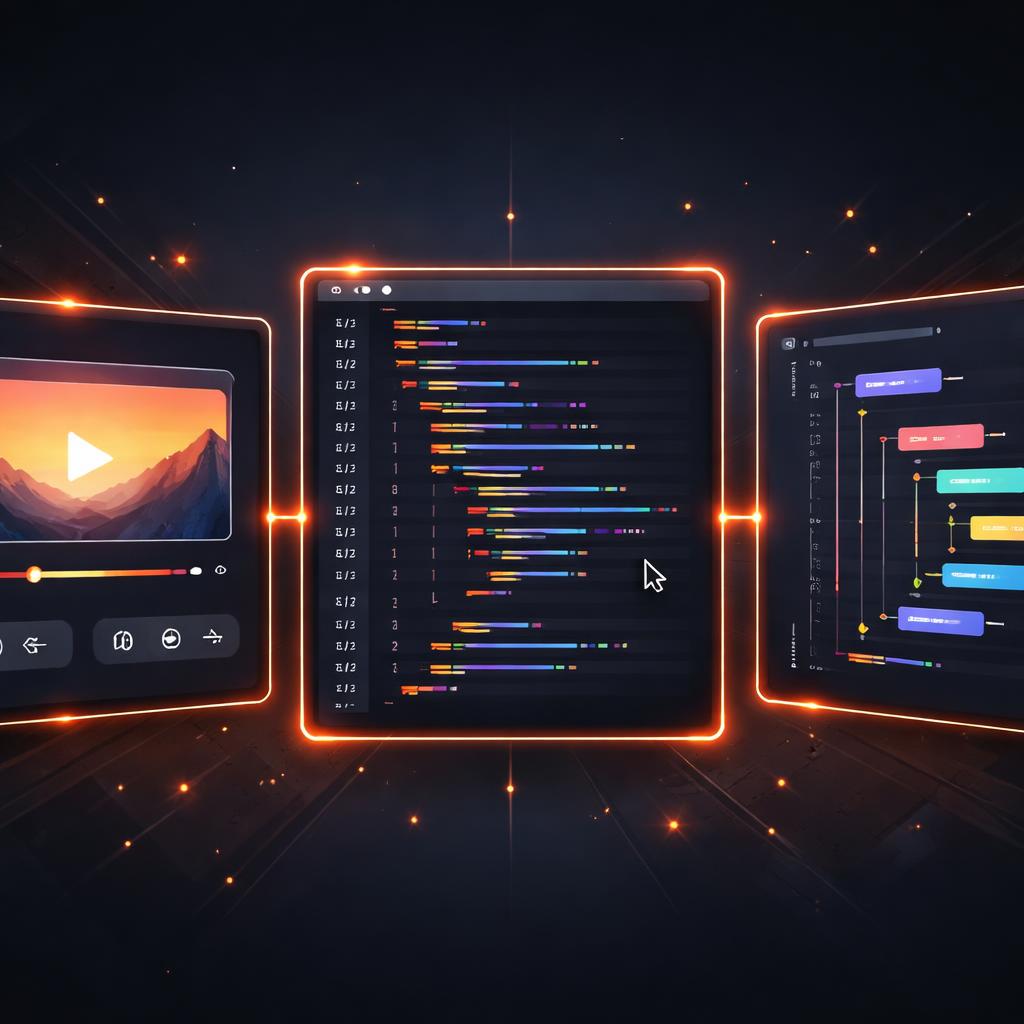
But what if your documentation felt as responsive as your code? With interactive video documentation, we can bridge the gap between static text and linear video. By treating video as data rather than a flat file, we can build scrubbable tutorials that sync perfectly with live code editors, interactive checklists, and deep-linked timestamps.
The Three-Renderer Rule
Most video-as-code tools are built for one thing: rendering an MP4 on a server. While VideoFlow excels at that (as we explored in our guide to browser-side MP4 export), its real power lies in its three official renderers.
- @videoflow/renderer-server: Headless rendering for batch jobs.
- @videoflow/renderer-browser: High-speed export inside the user's tab.
- @videoflow/renderer-dom: Frame-accurate, 60fps live preview.
For interactive documentation, the renderer-dom is the star. Unlike a standard <video> tag, it doesn't just play a file; it reconstructs your scene directly in the DOM using a Shadow Root for style isolation. This means every layer—whether it's a code snippet, a callout, or a shape—is an actual element you can interact with, inspect, or sync to external state.
Building the Interactive Layer
To build an interactive tutorial, you first define your video using the @videoflow/core builder API. Instead of worrying about frame math, you use high-level primitives like $.wait() and $.parallel().
import VideoFlow from '@videoflow/core';

const $ = new VideoFlow({ width: 1280, height: 720, fps: 60 });

// Add a background with a cinematic effect
const bg = $.addImage(
  { fit: 'cover', opacity: 0.4, effects: [{ effect: 'bloom', params: { strength: 0.5 } }] },
  { source: 'https://assets.videoflow.dev/docs-bg.jpg' }
);

// Add a title that resolves from a blur
const title = $.addText(
  { text: 'Step 1: The Setup', fontSize: 5, color: '#FF5A1F' },
  { transitionIn: { transition: 'blurResolve', duration: '800ms' } }
);

$.wait('3s');
title.fadeOut();

const videoJSON = await $.compile();
Once compiled, this VideoJSON is a portable document. You can store it in a database, version-control it, or—most importantly—pass it to the DOM renderer for live playback.

Syncing State with Video
The magic happens when you connect the DomRenderer to your application's UI. Because VideoFlow is frame-accurate, you can precisely sync the video's playhead with other components, like a code editor highlighting specific lines as the video explains them.
import DomRenderer from '@videoflow/renderer-dom';

const host = document.getElementById('video-container');
const renderer = new DomRenderer(host);

await renderer.loadVideo(videoJSON);

// Sync external UI to the video's current frame
renderer.on('frame', (frame) => {
  updateCodeHighlight(frame);
});

// Or, let the user scrub the video by clicking a tutorial step
async function seekToStep(seconds) {
  const targetFrame = seconds * 60; // based on project fps
  await renderer.renderFrame(targetFrame);
}
This approach turns your documentation into a "living" tutorial. Users can click a line of code to jump to the exact moment it's explained, or hover over a visual element in the video to see its underlying JSON definition.
Why VideoFlow for Documentation?
If you are currently evaluating Remotion alternatives, the decision often comes down to portability and licensing. VideoFlow's core and renderers are Apache-2.0, making them free to embed in any commercial product without a proprietary core.
Furthermore, because VideoFlow represents scenes as portable JSON, you aren't tied to a specific framework runtime. You can generate the VideoJSON on a Python backend, store it in Postgres, and render it in a React frontend using the renderer-dom or provide a full editing experience with the React Video Editor.
Getting Started
Interactive documentation isn't just about showing users what to do; it's about letting them explore the "how" at their own pace. By leveraging the DOM renderer, you can create documentation that feels like a native part of your product's UI rather than a detached video file.
Ready to build your first interactive tutorial?
- Explore the VideoFlow Documentation for deep dives into every layer type.
- Experiment with live rendering in the Playground.
- Check out the source and contribute on GitHub.
Documentation is the bridge to your users. Make it interactive.