
Scaling Global Video: A Developer's Guide to Multi-Language MP4 Generation
May 21, 2026 · By VideoFlowScaling multi-language video generation shouldn't require a render farm. Learn how to use VideoJSON and TypeScript to automate localized MP4 production at scale.
For most engineering teams, localizing video content is a logistics nightmare. You either pay an agency to manually re-edit every frame for twenty different markets, or you maintain a brittle farm of After Effects servers that crash the moment they see a non-Latin character.
In a world where software is global by default, video production remains stubbornly manual. But it doesn't have to be. By treating video as data—specifically as VideoJSON—we can apply the same i18n workflows we use for web apps to high-fidelity MP4 generation. This is the core philosophy behind VideoFlow, and it’s how developers are now scaling multi-language video generation without the overhead of traditional rendering pipelines.
The "JSON-First" Approach to i18n
When your video is defined as a portable JSON document, localization becomes a simple data-mapping exercise. Instead of re-rendering a whole project for a Japanese version, you simply swap the text properties in your JSON and re-run the compiler.
Because VideoFlow Core uses a fluent TypeScript builder, you can integrate your existing translation management system (TMS) directly into your video pipeline.
import VideoFlow from '@videoflow/core';

const createLocalizedVideo = async (lang, translations) => {
  const $ = new VideoFlow({ width: 1920, height: 1080 });

  // Dynamic font selection based on locale
  const fontFamily = lang === 'jp' ? 'Noto Sans JP' : 'Noto Sans';

  $.addText({
    text: translations.headline,
    fontSize: 6,
    fontFamily,
    color: '#FF5A1F', // Brand orange
    position: [0.5, 0.4],
  }).fadeIn();

  $.wait('3s');
  return await $.compile();
};

Handling RTL and Global Typography
Localization isn't just about translating strings; it’s about layout. Right-to-left (RTL) languages like Arabic or Hebrew require specific alignment and directionality controls that many programmatic video tools ignore.
VideoFlow’s TextualLayer properties include direction and textAlign, allowing you to flip your layout programmatically. Since the coordinate system is normalized (0–1), your text remains perfectly positioned regardless of whether the user is viewing a 1080p export or a 4K render.
$.addText({
  text: 'مرحباً بك في فيديو فلو',
  direction: 'rtl',
  textAlign: 'right',
  position: [0.9, 0.5], // Anchored to the right side
  fontFamily: 'Amiri',
});
This level of control is essential when moving from simple YouTube Shorts automation to complex, multi-market enterprise content. By defining layout logic as code, you ensure that your global video assets maintain the same high standards as your local ones.
Automated Captions for Global Audiences
Captions are the bridge to accessibility and global reach. Hard-coding subtitles into a video file is a legacy pattern that breaks searchability and flexibility.
With the CaptionsLayer, you can pass an array of timed entries directly into the builder. This makes it trivial to generate "burnt-in" captions from a VTT or SRT file for any language. Because these captions are part of the VideoJSON, they render identically across the @videoflow/renderer-browser and @videoflow/renderer-server.
How VideoFlow Scales with You
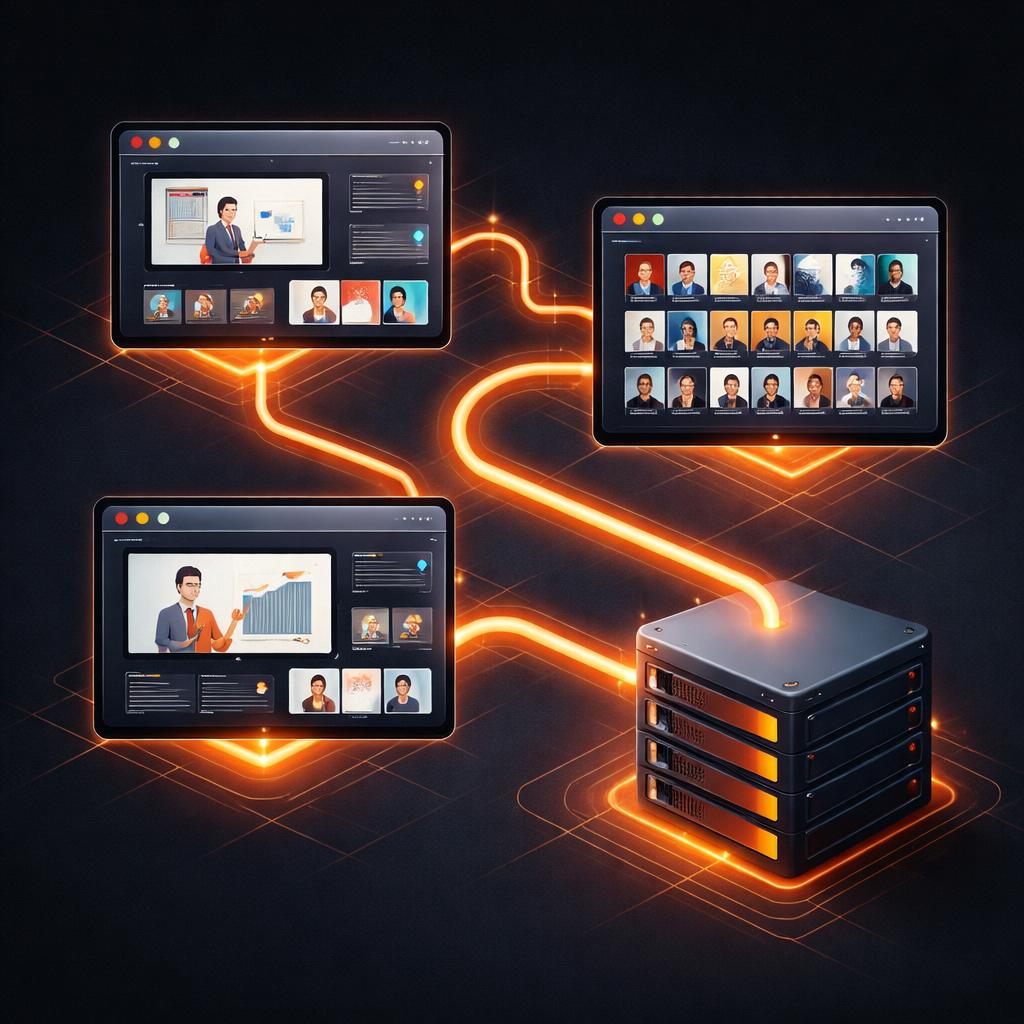
Scaling multi-language video generation requires a renderer that doesn't eat your entire infrastructure budget. VideoFlow provides three official renderers to handle different stages of the global lifecycle:
- @videoflow/renderer-dom: Use this in your dashboard for a frame-accurate, 60fps live preview so your localizers can see their changes in real-time. This eliminates the 'black box' problem of traditional video pipelines.
- @videoflow/renderer-browser: Let your users export their own localized MP4s directly in their browser tab using WebCodecs. This offloads the rendering cost from your servers to the client, allowing for infinite horizontal scale.
- @videoflow/renderer-server: For batch processing thousands of personalized, localized videos, the server renderer drives headless Chromium to produce byte-for-byte identical output without needing a complex FFmpeg setup.
Whether you are building a SaaS onboarding flow or an automated content factory, the goal is the same: move faster by treating video like code. The portability of JSON means your videos are no longer locked into a single project file or a specific editor's workstation. They are as fluid as your data.
Ready to start building? Dive into the VideoFlow Docs or experiment with your own layouts in the interactive Playground. If you're looking for the source, you can find us on GitHub.