
The Browser is the GPU: Client-Side MP4 Export with WebCodecs
September 19, 2026 · By VideoFlowLearn how to leverage WebCodecs and @videoflow/renderer-browser to export professional MP4 videos entirely in the browser, saving costs and improving privacy.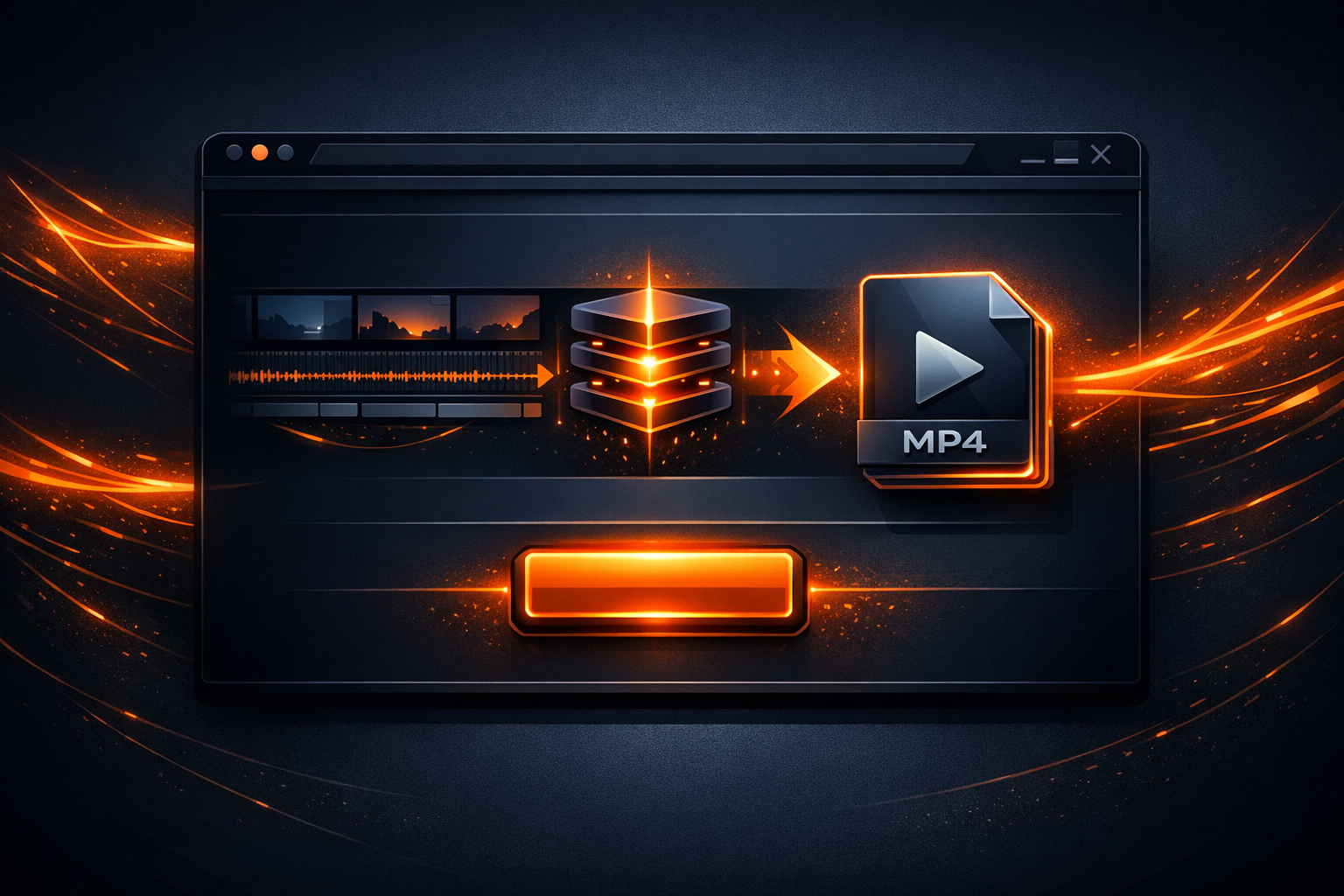
The Browser is the GPU: Client-Side MP4 Export with WebCodecs
For years, programmatic video was synonymous with heavy server-side infrastructure. If you wanted to turn a user's creation into an MP4, you had to ship raw assets to a backend, queue a job in a cluster of FFmpeg workers, and pray the egress costs didn't eat your margin.
But the modern web has changed the math. With the arrival of the WebCodecs API and high-performance hardware acceleration in the browser, the client's machine is no longer just a viewing terminal—it's a powerful rendering engine.
In this post, we’ll explore how VideoFlow leverages @videoflow/renderer-browser to perform frame-perfect video exports entirely client-side, saving you thousands in server costs while providing a better user experience.
The Traditional Rendering Bottleneck
Most video-as-code tools rely on a "Server-Only" model. When a user hits 'Export', the application sends a request to a Node.js or Python backend. That backend then spawns a headless browser or an FFmpeg process to stitch frames together. This approach has three major flaws:
- Cost: Rendering video is CPU and GPU intensive. Scaling a fleet of GPU-enabled servers for peak demand is expensive.
- Latency: Users have to wait for assets to upload, the job to queue, and the final file to download.
- Privacy: Sensitive user data (like personal photos or private documents) must be sent to your servers for processing.
VideoFlow solves this by treating the browser as a first-class renderer. By using the BrowserRenderer, you can generate high-quality MP4s without a single byte ever leaving the user's machine.

How It Works: Rasterization & WebCodecs
Under the hood, @videoflow/renderer-browser implements a sophisticated per-layer rasterization pipeline. It doesn't just record the screen; it reconstructs the scene frame-by-frame for maximum fidelity.
- DOM Rasterization: Each layer (Text, Image, Shape) is rendered as a isolated DOM element. VideoFlow uses SVG
<foreignObject>wrappers to capture these elements into high-resolution bitmaps. - GLSL Effects: Layers with effects like
glow,bloom, orvhsDistortionare piped through a WebGL compositor. This ensures that cinematic effects run at hardware speeds. - Audio Mixing: An
OfflineAudioContexthandles the mixing of all audio tracks, applying volume and pan keyframes with sample-level precision. - WebCodecs Encoding: Finally, the rendered frames and audio are fed into MediaBunny, our internal encoding library, which interfaces with the browser's native H.264/AAC encoders via WebCodecs.
This process is worker-accelerated, meaning the export happens in the background without freezing the main UI thread.
Implementation: 10 Lines to MP4
Exporting a video in the browser is remarkably simple. Because VideoFlow uses a portable VideoJSON schema, the same code you use for a live preview works for the final export.
import VideoFlow from '@videoflow/core';
import { BrowserRenderer } from '@videoflow/renderer-browser';

// 1. Define your video
const $ = new VideoFlow({ width: 1920, height: 1080, fps: 30 });
$.addImage({ fit: 'cover' }, { source: 'https://assets.site.com/bg.jpg' });
$.addText({ text: 'Client-Side Power', fontSize: 8, color: '#FF5A1F' }).fadeIn();
$.wait('3s');

// 2. Compile to JSON
const json = await $.compile();

// 3. Export via the BrowserRenderer
const renderer = new BrowserRenderer(json);
const blob = await renderer.exportVideo({
  onProgress: (p) => console.log(`Exporting: ${Math.round(p * 100)}%`)
});

// 4. Download the result
const url = URL.createObjectURL(blob);
const a = document.createElement('a');
a.href = url;
a.download = 'video.mp4';
a.click();
This approach is particularly powerful for SaaS dashboards or content automation tools where you want to offer video exports as a feature without increasing your infrastructure overhead.

Why This Beats FFmpeg Shell Scripts
If you've ever tried to maintain a library of FFmpeg shell commands, you know how fragile it can be. VideoFlow offers a typed, fluent builder API that makes complex compositions trivial. Instead of calculating frame offsets manually, you use primitives like $.wait() and $.parallel().
Furthermore, compared to alternatives like Remotion, VideoFlow’s core and all three renderers are Apache-2.0 open source. You aren't tied to a proprietary runtime or a specific React version. You can generate VideoJSON from any environment—Python, Go, or even an LLM agent—and render it in the browser with zero licensing friction.
When to Go Server-Side?
While client-side export is the gold standard for user-facing apps, headless server rendering still has its place for batch processing or scheduled tasks. The beauty of VideoFlow's "Three-Renderer Rule" is that you don't have to choose. You can use the renderer-dom for live editing, renderer-browser for user-driven exports, and renderer-server for your backend cron jobs—all using the exact same code.
Get Started
The browser is ready to be your production house. Stop paying for render minutes and start leveraging the hardware your users already own.
- Try it out in the VideoFlow Playground.
- Explore the Getting Started Guide to build your first scene.
- Star the project on GitHub and join our community of programmatic video builders.