
The Three-Renderer Rule: Unifying Your Video Rendering Pipeline
July 8, 2026 · By VideoFlowLearn how the Three-Renderer Rule unifies your video rendering pipeline across preview, browser, and server using a single, portable VideoJSON schema.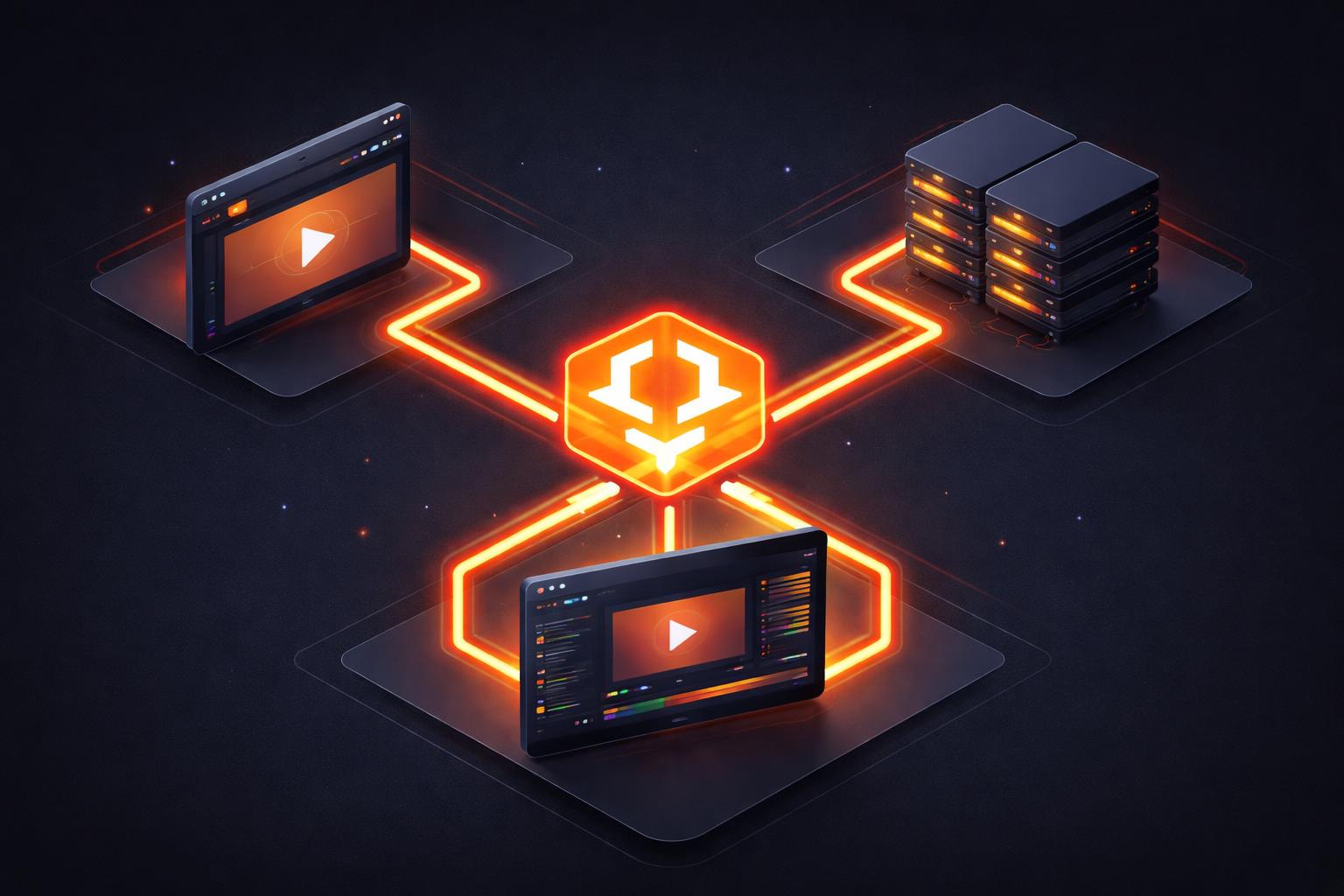
The Three-Renderer Rule: Unifying Your Video Rendering Pipeline
Building a modern video product usually involves a messy, expensive compromise. You start with a React-based preview for your users, then realize you need a totally different FFmpeg-based pipeline for server renders, and yet another implementation if you want to allow users to export their work directly in the browser without burning your cloud credits.
This fragmentation is the "Video Pipeline Tax." Every feature you add must be implemented three times, tested three times, and debugged three times. But what if your video rendering pipeline could be unified under a single, portable schema?
At VideoFlow, we solve this with what we call the Three-Renderer Rule. The core idea is simple: Author once, render anywhere.
The Problem with Fragmented Pipelines
Most engineering teams start by building a timeline in the DOM. It looks great, but it's essentially just a collection of <div> tags and CSS animations. When it's time to generate an MP4, they reach for FFmpeg. Suddenly, they're translating CSS ease-in-out curves into FFmpeg filter strings. The output never quite matches the preview.
If you then want to support client-side export to save on server costs, you're looking at a third implementation using WebCodecs or a heavy WASM-based encoder. This leads to "render drift"—where the video a user sees in the editor isn't exactly what they get in the final file.
The Solution: A Unified VideoJSON Schema
Instead of writing rendering logic, you use the @videoflow/core builder to produce a VideoJSON document. This JSON isn't just a configuration file; it's a frame-accurate, resolution-agnostic blueprint of your entire video—layers, keyframes, GLSL effects, and transitions.
Because the schema is pure data, it is completely portable. You can store it in a database, version-control it in Git, or even have an LLM generate it on the fly. Once you have this VideoJSON, you can hand it to any of our three official renderers.

The Three Renderers: Preview, Browser, and Server
VideoFlow provides three distinct rendering engines that all consume the exact same JSON. This is the foundation of a robust video rendering pipeline.
1. The DOM Renderer (@videoflow/renderer-dom)
Designed for interactive applications, this renderer provides a frame-accurate, 60fps live preview. It's the engine behind the VideoFlow Playground, allowing for instant feedback and smooth scrubbing. It ensures that what your users see while editing is exactly what will be encoded later.
2. The Browser Renderer (@videoflow/renderer-browser)
This is a game-changer for SaaS costs. It uses the modern WebCodecs API to perform WebCodecs MP4 export directly in the user's browser tab. Because it leverages the hardware encoders already present in the user's machine, it's incredibly fast and costs you exactly zero in cloud compute credits.
3. The Server Renderer (@videoflow/renderer-server)
For batch jobs, scheduled content, or background exports, the server renderer runs in Node.js. It launches a headless Chromium instance via Playwright to ensure that every GLSL effect and transition renders identically to the browser version. By default, it performs headless video rendering without requiring an FFmpeg dependency, though an FFmpeg pipeline is available if you need custom encoder flags.
One Schema, Three Worlds
Let's look at how this works in practice. You define your video using the fluent builder API provided by @videoflow/core:
import VideoFlow from '@videoflow/core';

const $ = new VideoFlow({ width: 1080, height: 1080, fps: 30 });

// Add a background with a blur effect
const bg = $.addImage(
  { fit: 'cover', opacity: 0.8 },
  { source: 'https://images.unsplash.com/photo-1618005182384-a83a8bd57fbe' }
);

// Add a title with a transition
const title = $.addText({
  text: 'UNIFIED PIPELINE',
  fontSize: 8,
  color: '#FF5A1F',
  fontWeight: 700,
  position: [0.5, 0.5]
});

title.fadeIn('800ms');
$.wait('3s');
title.fadeOut('500ms');

const videoJson = await $.compile();
Now, that videoJson can be rendered anywhere. To let the user download it immediately from your web app:
import BrowserRenderer from '@videoflow/renderer-browser';
const blob = await BrowserRenderer.render(videoJson);
And if you need to generate 1,000 versions of this video for a personalized onboarding campaign, you'd send that same JSON to a Node.js worker:
import ServerRenderer from '@videoflow/renderer-server';
await ServerRenderer.render(videoJson, {
  outputType: 'file',
  output: './campaign-video.mp4'
});

Why This Matters for Scaling
By unifying your video rendering pipeline, you eliminate the overhead of maintaining multiple implementations.
- Performance: The browser renderer is significantly faster than traditional WASM-based approaches because it uses native hardware acceleration.
- Predictability: Byte-for-byte identical output across all environments means you never have to worry about "why does it look different on the server?"
- Flexibility: You can build anything from a simple automated social media bot to a full-featured React Video Editor using the same core primitives.
How VideoFlow Handles This
VideoFlow was built from the ground up to support this multi-renderer architecture. Our official renderers are all open-source (Apache-2.0) and designed to be the backbone of modern programmatic video applications.
Whether you are using the VideoFlow Core to build custom automated workflows or integrating our drop-in editor component, you are tapping into a single, unified engine that scales from the browser to the data center.
Ready to unify your pipeline?
Stop fighting with fragmented video implementations and start building on a unified foundation.
- Try the interactive Playground to see the DOM renderer in action.
- Read our Getting Started guide to build your first VideoJSON.
- Star the project on GitHub and join our growing community of developers building the future of video as code.