
The Three-Renderer Rule: Why Your Video Pipeline Needs a DOM Preview
May 21, 2026 · By VideoFlowLearn why a DOM renderer is essential for a modern video pipeline. Discover how VideoFlow's three-renderer rule enables live, frame-accurate previews in your browser.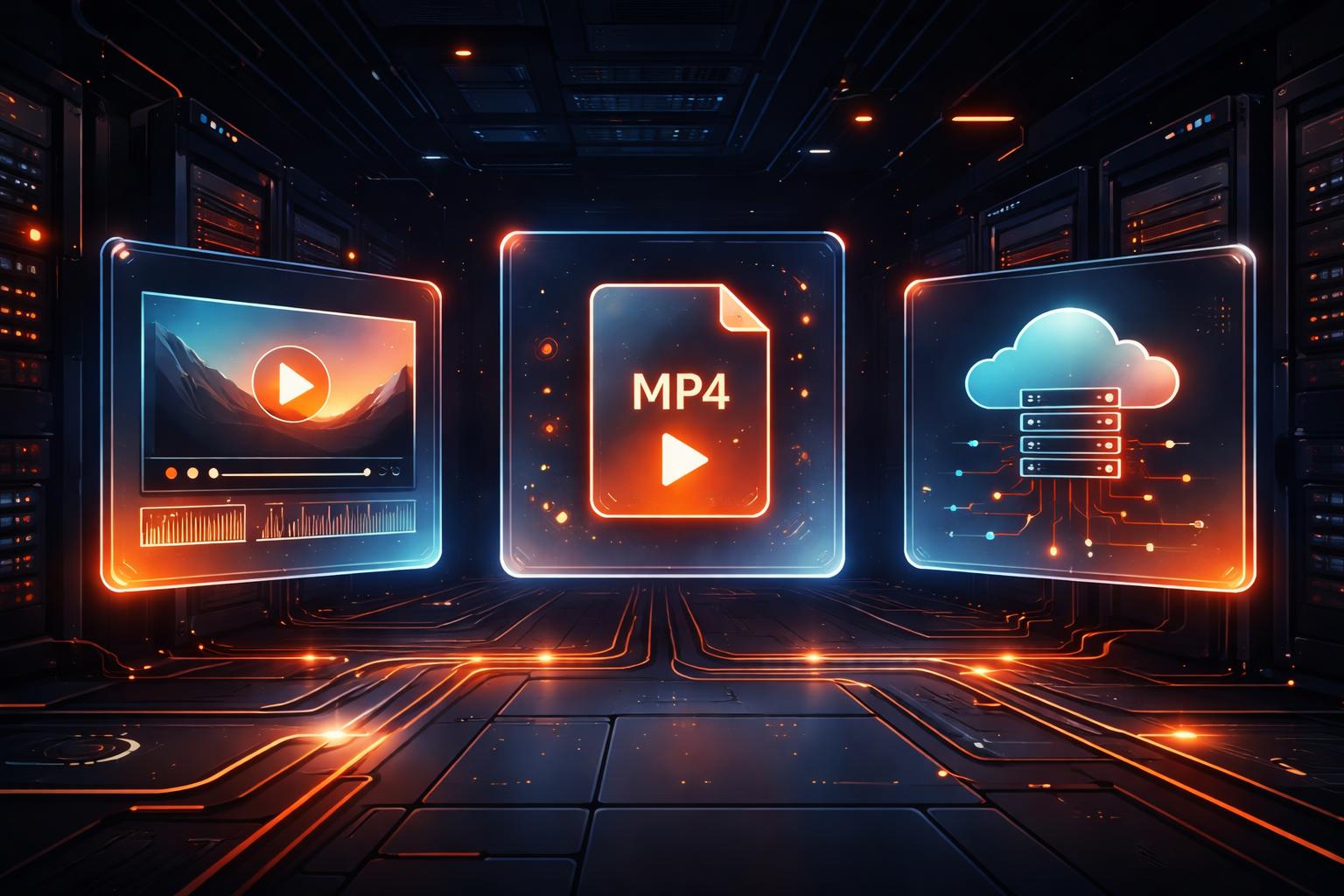
The Three-Renderer Rule: Why Your Video Pipeline Needs a DOM Preview
If you've ever built an automated video pipeline, you know the "black box" frustration. You write code, you trigger a headless render, you wait for an MP4 to appear in S3, and only then do you realize your title is two pixels off or your transition is slightly too fast. This feedback loop is the enemy of developer velocity.
At VideoFlow, we solve this with the Three-Renderer Rule: your video logic should be portable enough to render identically in a browser tab, on a headless server, and—crucially—as a live, interactive preview in your application's UI. This is where the DOM renderer comes in.
The feedback loop problem
Traditional video automation relies heavily on FFmpeg or server-side screenshotting. When you treat video as a sequence of shell commands or a series of headless frames, you lose the ability to "scrub" through your creation in real-time. You're effectively flying blind until the final export is finished.

In a modern video pipeline, the developer experience should match the creative experience. You shouldn't have to wait for a 30-second render to see a 1-second change. You need a way to mount your video directly into your React or Vue app and see it play back at 60 fps, frame-accurately.
Enter @videoflow/renderer-dom
VideoFlow is built on the principle of diffable video—the idea that a video is just a portable JSON document. Because that JSON is standardized, we can provide three official renderers that interpret it with pixel-for-pixel parity.
While @videoflow/renderer-browser handles the client-side MP4 export and @videoflow/renderer-server manages headless Node.js renders, @videoflow/renderer-dom is designed for the developer's workbench. It renders your layers as native DOM elements (SVG, Canvas, and HTML5 Video) inside a Shadow DOM, giving you a live preview that stays perfectly synced with your code.
Mounting a live player
Integrating a live preview is as simple as mounting the renderer to a host element. Here is how you can build a video and immediately play it back in the browser:
import VideoFlow from '@videoflow/core';
import DomRenderer from '@videoflow/renderer-dom';

// 1. Build your scene
const $ = new VideoFlow({ width: 1920, height: 1080, fps: 30 });

const title = $.addText({
  text: 'Live Preview',
  fontSize: 8,
  color: '#FF5A1F',
  position: [0.5, 0.4]
});

title.fadeIn('800ms');
$.wait('3s');
title.fadeOut('500ms');

// 2. Compile to JSON
const json = await $.compile();

// 3. Mount and Play
const player = new DomRenderer(document.getElementById('video-container'));
await player.loadVideo(json);
await player.play();
Why parity matters
The magic of the VideoFlow renderers is that they share the same transition and effect engine. When you apply a blurResolve transition or a bloom GLSL effect, the DOM renderer uses the same shaders as the export renderers.

This parity means that what you see in the Playground is exactly what your users will see in the final MP4. It eliminates the "it worked on my machine" bugs that plague pipelines where the preview engine (like a custom HTML/CSS canvas) differs from the export engine (like FFmpeg).
Building interactive editors
The DOM renderer doesn't just play video; it provides incremental editing primitives. If you're building a tool where users can customize their own videos—like a SaaS dashboard with personalized recaps—you can call player.updateLayer() or player.addLayer() to see changes reflected instantly without a full reload or a flicker.
This is the same engine that powers our React Video Editor. By treating the DOM as a first-class rendering target, we allow developers to build full-featured, multi-track editors that feel as responsive as a native desktop app.
Conclusion: Stop flying blind
If your current video automation feels like a black box, it's time to adopt the Three-Renderer Rule. By using a portable format like VideoJSON, you gain the freedom to preview in the DOM, export in the browser, and scale on the server—all with the same codebase.
Ready to see it in action? Head over to the VideoFlow GitHub to explore the source, or jump into our official documentation to start building your first live-preview pipeline today.