
The Three-Renderer Rule: Why Live Preview is the Secret to Programmatic Video
May 22, 2026 · By VideoFlowLearn how VideoFlow's Three-Renderer Rule eliminates the 'render-wait-curse' in programmatic video by providing frame-accurate live preview and browser-side export.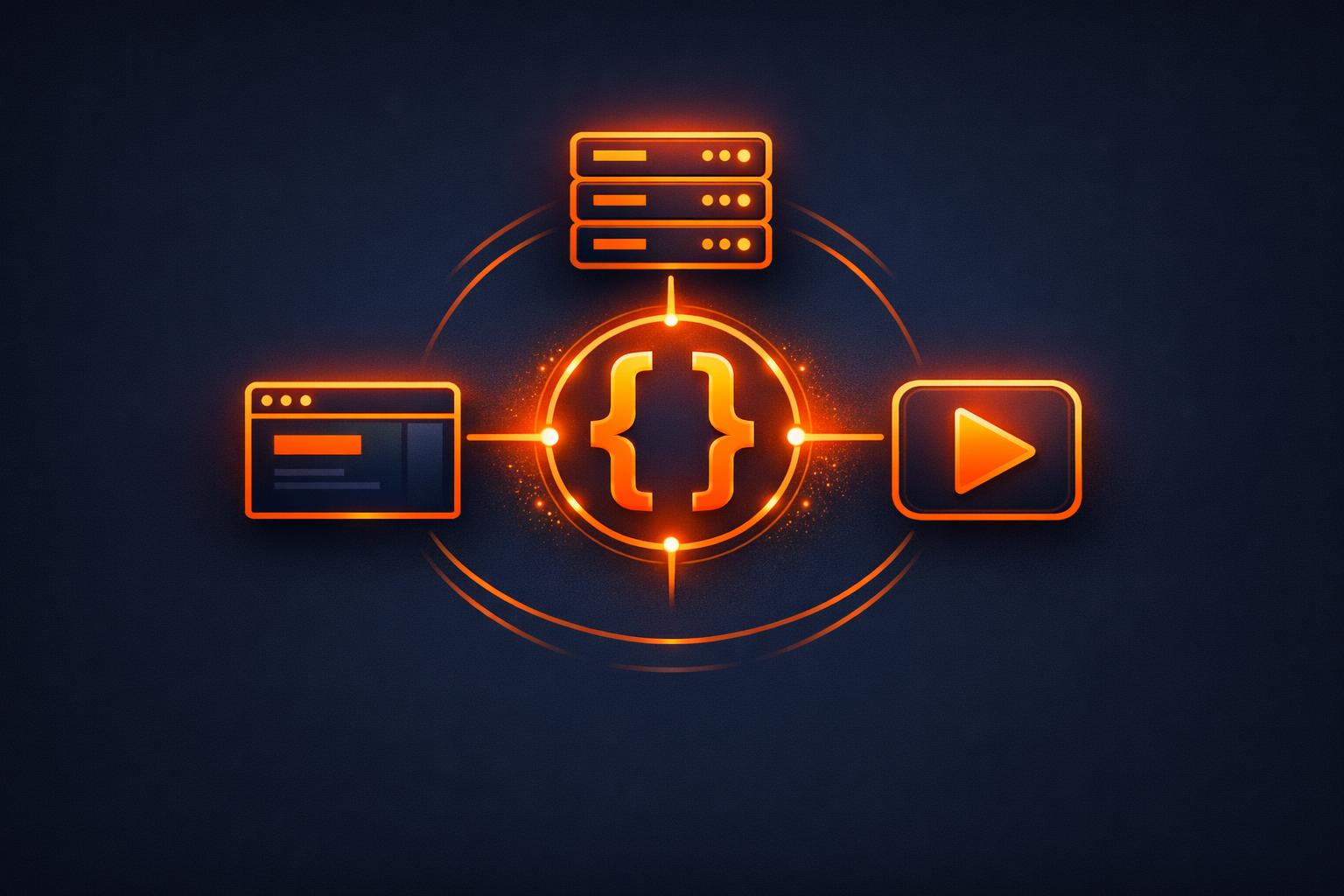
The Three-Renderer Rule: Why Live Preview is the Secret to Programmatic Video
Building a programmatic video pipeline usually starts with a simple goal: "I want to turn this data into an MP4." But as soon as you start writing code, you hit a wall. You spend hours tweaking a JSON schema, waiting minutes for a headless render to finish, only to realize a title is 10 pixels too far to the left.
This "render-wait-curse" is the single biggest bottleneck in video automation. If your rendering engine only works on a server, your development loop is broken. At VideoFlow, we solved this by implementing the Three-Renderer Rule.
The Problem with Headless-Only Video
Most video-as-code tools are built as wrappers around FFmpeg or proprietary cloud APIs. They are designed for the final output, not the developer experience. When your only feedback loop is a 60-second server-side render, you aren't "coding" video—you're submitting batch jobs and praying.
To build professional-grade content automation, you need to see what you're building in real-time. You need a way to scrub through a timeline, check transitions, and verify GLSL effects at 60 frames per second without leaving your browser.

The Three-Renderer Rule
VideoFlow is built on a portable, resolution-agnostic format called VideoJSON. Because the scene description is pure data, it doesn't care where it is rendered. This allows us to provide three distinct, official renderers that all produce byte-for-byte identical output from the same source.
1. The DOM Renderer: Frame-Accurate Live Preview
The @videoflow/renderer-dom package is designed for the developer's machine. It renders your video directly into a DOM target using the same WebGL and Web Audio logic that the final export uses. This is what powers the VideoFlow Playground—it allows you to scrub the playhead and see exactly how your $.addText or $.addShape calls translate to pixels.
2. The Browser Renderer: In-Tab MP4 Export
Sometimes, you don't want a server at all. The @videoflow/renderer-browser uses the modern WebCodecs API to encode MP4s directly in the user's browser. This is perfect for "Save as Video" buttons in SaaS dashboards, where you want to provide an export without the overhead of a GPU-heavy server cluster.

3. The Server Renderer: High-Throughput Node.js
For batch jobs and background processing, @videoflow/renderer-server runs in Node.js. It drives headless Chromium via Playwright to ensure that every GLSL effect and custom font renders exactly as it did in your preview. As we discussed in our guide on headless video rendering in Node.js, this renderer doesn't even require FFmpeg to be installed by default.
Writing Once, Rendering Anywhere
Because of this architecture, your code remains remarkably clean. You define your scene logic once, and you can switch renderers by simply changing an import.
import VideoFlow from '@videoflow/core';

const $ = new VideoFlow({ width: 1920, height: 1080 });

// Define a cinematic background
const bg = $.addImage(
  { fit: 'cover', opacity: 0.8 },
  { source: 'https://assets.videoflow.dev/bg-abstract.jpg' }
);

// Apply a GLSL effect stack
bg.animate(
  { filterBlur: 0 },
  { filterBlur: 0.5 },
  { duration: '2s' }
);

// Add a title with a built-in transition
$.addText(
  { text: 'THE THREE-RENDERER RULE', fontSize: 8, color: '#FF5A1F' },
  {
    transitionIn: { transition: 'blurResolve', duration: '800ms' }
  }
);

// Compile to portable VideoJSON
const json = await $.compile();
You can feed this json object to the DOM renderer for a live preview while you're coding, then send it to the server renderer for the final production export. No more guessing. No more waiting.
Why This Matters for SaaS and Agents
For teams building programmatic video features, this architecture changes the unit economics of video. You can offload the rendering cost to the user's browser for simple exports, or use the live preview to let users edit their own videos in a React app using the @videoflow/react-video-editor.
If you're building LLM-powered video agents, the Three-Renderer Rule is even more critical. An agent can emit VideoJSON, and you can instantly visualize the result in your UI before committing to a server-side render. It makes video as iterative and debuggable as CSS.
Get Started with VideoFlow
Ready to stop waiting for renders? You can explore the official renderers in our documentation, or try building your first scene right now in the Playground.
VideoFlow is fully open-source (Apache-2.0). Check out the source code and join the community on GitHub to help us build the future of video-as-code.