
The 3-Renderer Rule: Why Your Programmatic Video Strategy Needs JSON Portability
May 21, 2026 · By VideoFlowDiscover the power of the 3-Renderer Rule. Learn how VideoFlow's portable JSON architecture enables seamless video rendering across browser, server, and live preview.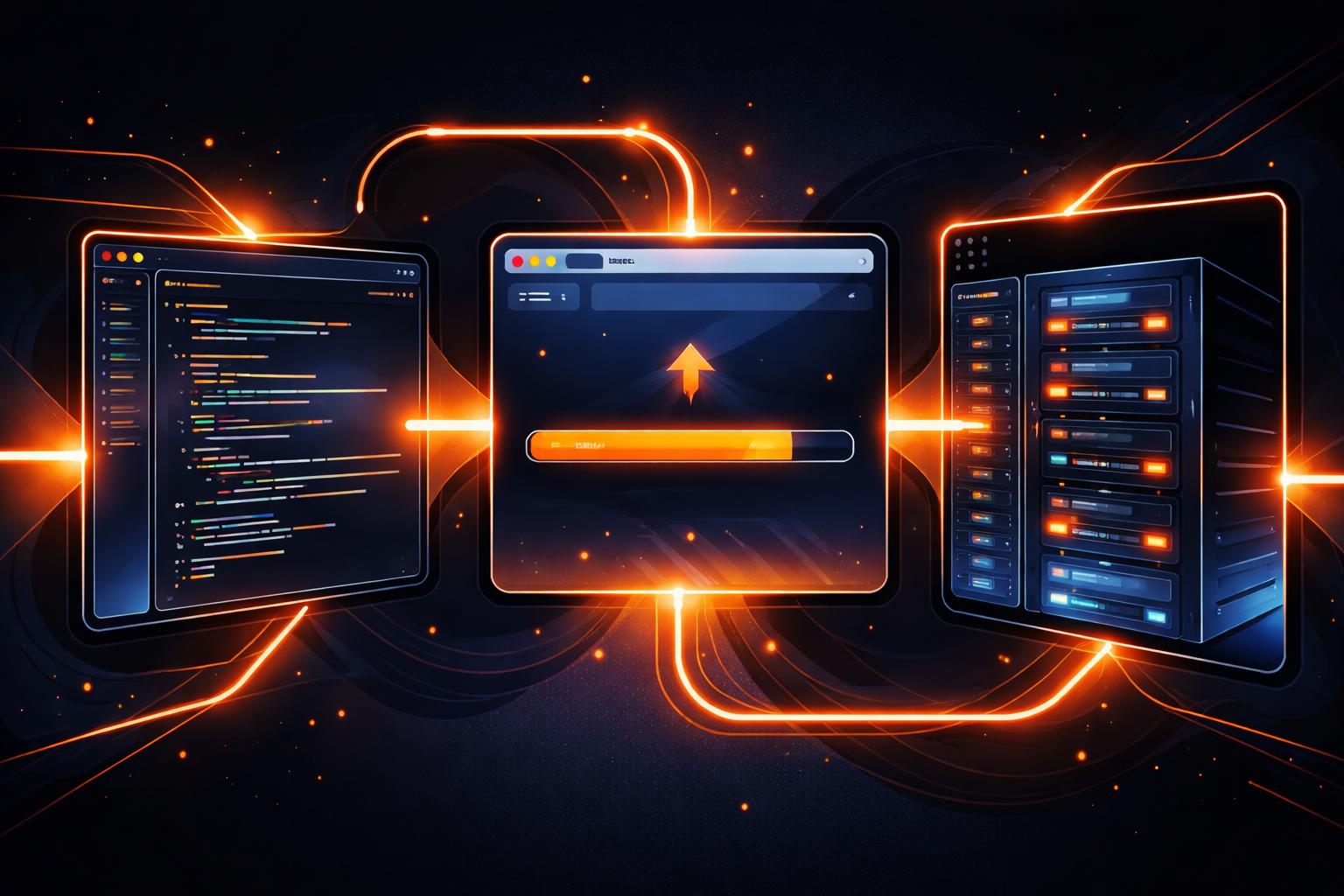
The 3-Renderer Rule: Why Your Programmatic Video Strategy Needs JSON Portability
Building a video pipeline in 2026 shouldn't feel like building a silo. For years, developers have been forced into a binary choice: either chain fragile FFmpeg shell commands on a server or tie your entire rendering logic to a specific UI framework like React. Both paths lead to the same architectural dead end—a video logic that can't move, can't be easily diffed, and certainly can't be rendered where it's most cost-effective.
Enter VideoFlow and the "3-Renderer Rule."
At the heart of VideoFlow is a simple, radical premise: your video is data, and that data should be portable. By separating the composition (the code that builds the timeline) from the rendering (the engine that produces the pixels), we enable a workflow where the same source code produces byte-for-byte identical MP4s across three distinct environments.
Whether you're generating a personalized SaaS recap or building an automated content factory, the 3-Renderer Rule ensures your pipeline is future-proof.
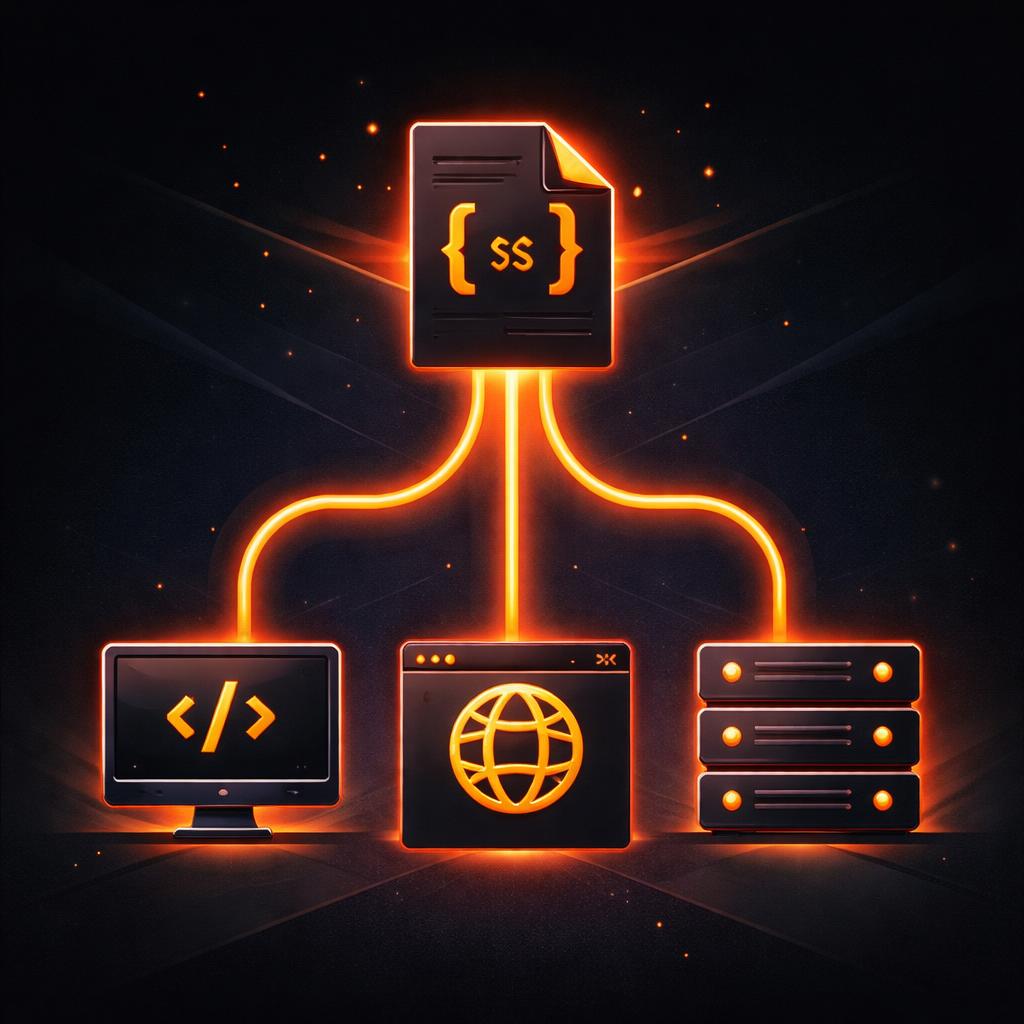
1. The Browser: Zero-Cost Client-Side Export
Traditional video automation requires a fleet of expensive GPU-enabled servers. But what if the user's browser did the heavy lifting?
With @videoflow/renderer-browser, you can export professional MP4s directly in the user's tab using the WebCodecs API. This eliminates server egress costs and provides instant gratification for the user. Because VideoFlow compiles your builder logic into a portable VideoJSON document, you can ship that JSON to the client and let their hardware do the work.
import VideoFlow from '@videoflow/core';
import { BrowserRenderer } from '@videoflow/renderer-browser';

const $ = new VideoFlow({ width: 1920, height: 1080 });
// ... add layers ...

const json = await $.compile();
const renderer = new BrowserRenderer(json);
const blob = await renderer.exportVideo(); // MP4 via WebCodecs
This is the ultimate Remotion alternative for teams that want Apache-2.0 freedom and client-side efficiency.
2. The Server: Headless Automation Without FFmpeg Hell
When you need to batch-process thousands of videos or generate content on a schedule, you move to the server. But "server-side video" usually means a nightmare of FFmpeg dependencies and complex codec flags.
@videoflow/renderer-server changes the game. It uses headless Chromium via Playwright to execute the exact same rendering logic used in the browser. By default, it uses a high-performance WebCodecs + MediaBunny pipeline that requires zero FFmpeg installation. It’s the same JSON, the same output, but running in your Node.js backend.
import VideoFlow from '@videoflow/core';
import '@videoflow/renderer-server';

const $ = new VideoFlow({ fps: 30 });
$.addText({ text: 'Automated Render', fontSize: 5 });
$.wait('3s');

await $.renderVideo({
  outputType: 'file',
  output: './render.mp4'
});
Explore the renderers guide to see how this architecture scales.

3. The DOM: Frame-Accurate Live Preview
Rendering isn't just about the final MP4; it's about the authoring experience. If you're building an in-app video editor, your users need to see what they're building at 60 fps without waiting for an export.
@videoflow/renderer-dom provides a frame-accurate, live-scrubbable preview of your VideoJSON directly in a DOM target. It’s the engine that powers the VideoFlow Playground. Because the preview uses the same math as the MP4 exporters, what you see in the editor is exactly what you get in the file.
Why Portability Wins
When your video logic is locked into a specific framework's component tree, you lose the ability to easily version control and diff your motion graphics. By treating videos as portable JSON, you gain:
- Multi-language support: Generate the JSON in Python or Go, and render it in Node.
- Agentic Workflows: LLMs and AI agents can easily emit JSON, making them the perfect authors for VideoFlow timelines.
- Resolution Independence: Author once in
emunits, and render in 720p for preview or 4K for production without changing a line of code.
Start Composing Today
Stop fighting the infrastructure and start building the video. Whether you're moving from FFmpeg shell scripts to JSON or looking for a more portable open-source Remotion alternative, the 3-Renderer Rule is your path to a cleaner, faster pipeline.
- Try it now in the Playground.
- Read the Core Concepts.
- Star us on GitHub.
Your video is data. It's time to treat it that way.