
The Three-Renderer Rule: Seamless Video Portability with VideoFlow
October 31, 2026 · By VideoFlowDiscover how VideoFlow's portable VideoJSON schema and its three official renderers ensure byte-for-byte identical video output across browser and server environments.
The Three-Renderer Rule: Seamless Video Portability with VideoFlow
One of the most persistent headaches in programmatic video rendering is environmental drift. You spend hours perfecting a motion graphic in your browser-based preview, only to find that the server-side export looks slightly off—a font weight is different, a GLSL effect renders with artifacts, or a timing offset ruins the sync. When your video definition is tied to a specific runtime, portability becomes a pipe dream.
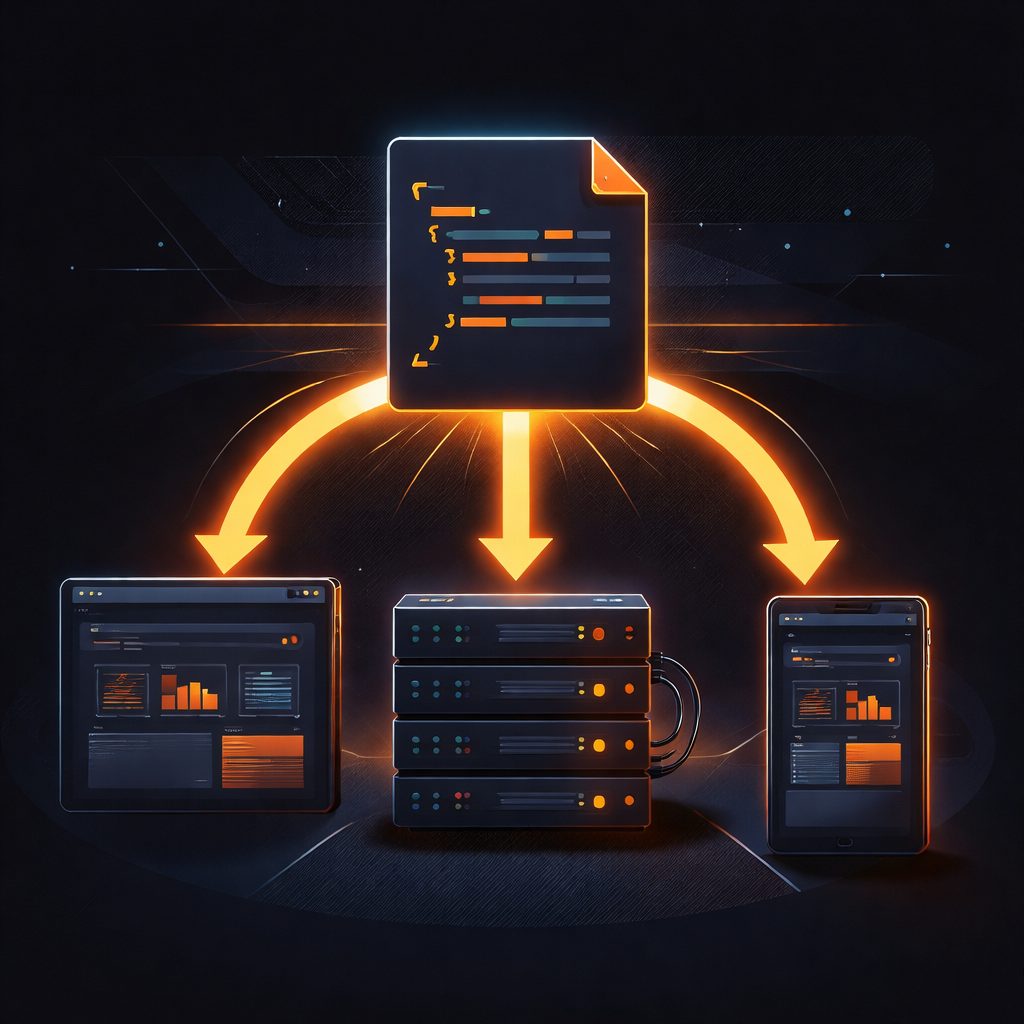
At VideoFlow, we solve this through what we call the Three-Renderer Rule. By decoupling the video definition from the rendering engine using a portable VideoJSON schema, we ensure that your content looks byte-for-byte identical whether it's being previewed in a React app, exported as an MP4 in a user's browser, or rendered at scale on a headless server.
The Core of Portability: VideoJSON
Most video-as-code frameworks treat the scene as a live execution tree. While powerful, this makes it difficult to move scenes between different environments. VideoFlow takes a different approach. You use the fluent @videoflow/core builder API to describe your scene, but the final output is a static, serializable JSON document.
import VideoFlow from '@videoflow/core';

const $ = new VideoFlow({ width: 1920, height: 1080, fps: 30 });

const title = $.addText({
  text: 'Portable Video',
  fontSize: 8,
  color: '#FF5A1F',
  position: [0.5, 0.4],
});

title.fadeIn('600ms');
$.wait('2s');

const videoJSON = await $.compile();
Once you have this videoJSON, the "Three-Renderer Rule" comes into play. This single document can be handed off to any of our three official renderers.
1. The Browser Renderer: Zero-Server Export
The @videoflow/renderer-browser package is a game-changer for client-side applications. It uses the modern WebCodecs API to encode frames directly in the user's browser tab. This means you can offer high-quality MP4 exports to your users without spending a cent on server-side rendering costs.
Because it runs in a Web Worker, it doesn't block the UI thread, allowing you to show real-time progress bars as the video encodes. It’s the perfect solution for tools like our Playground, where users expect instant results.
2. The Server Renderer: Headless Automation
For batch jobs, scheduled social media posts, or personalized video at scale, you need a headless environment. The @videoflow/renderer-server package runs in Node.js and drives headless Chromium via Playwright.
Unlike traditional tools that require complex FFmpeg setups, VideoFlow's server renderer handles encoding entirely inside the browser by default. This makes it incredibly easy to deploy on serverless platforms or containerized environments. As we discussed in our guide on rendering MP4 in Node.js without FFmpeg, this significantly reduces the operational overhead of maintaining a video pipeline.

3. The DOM Renderer: Frame-Accurate Preview
Finally, the @videoflow/renderer-dom package is designed for live interaction. It renders the VideoJSON into a DOM target, providing a frame-accurate, 60fps preview. This is what powers the React Video Editor, allowing developers to build sophisticated video editing interfaces with scrubbing, keyframe manipulation, and real-time playback.
Why Portability Matters for Engineering Teams
When your video definition is portable, your architecture becomes flexible. You can start by rendering everything on the server, then move the load to the client as your user base grows. You can store your VideoJSON in a database, version-control it in Git, or even have an LLM agent generate it on the fly.
The Three-Renderer Rule ensures that you never have to rewrite your video logic just because you changed your deployment target. It’s about building a robust, future-proof video pipeline that works everywhere.
Get Started with VideoFlow
Ready to build your first portable video? Check out our Getting Started guide or dive straight into the Playground to see the renderers in action. If you're looking to build a full-featured video app, don't miss the React Video Editor.
Explore the source and contribute on GitHub.