
Video as a Microservice: Scaling Programmatic Video in Production
May 21, 2026 · By VideoFlowLearn how to build a scalable, queue-based video rendering pipeline using VideoFlow. Decouple composition from rendering to handle thousands of concurrent MP4 exports.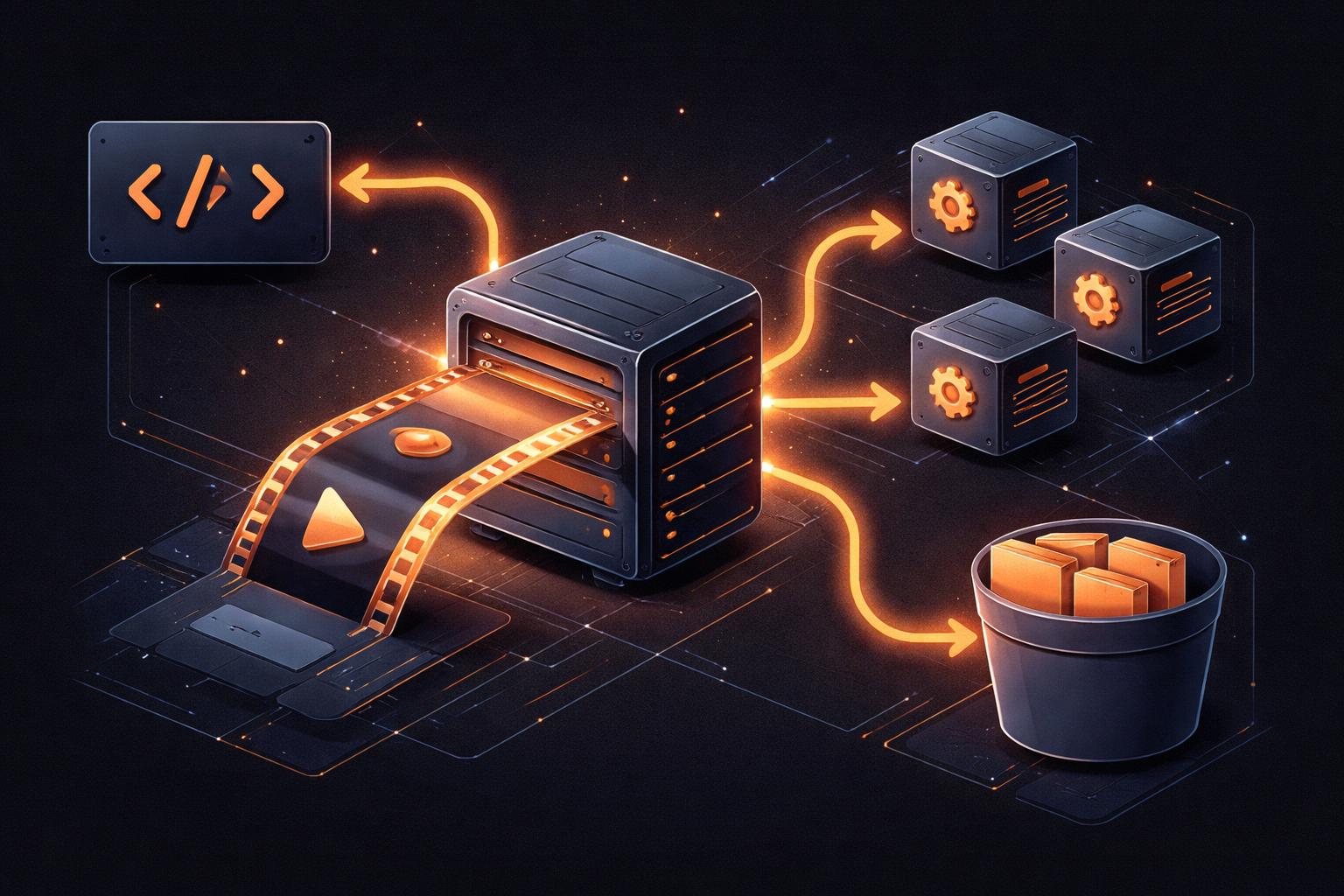
Video as a Microservice: Scaling Programmatic Video in Production
Programmatic video is the next frontier for SaaS. Whether you are generating personalized onboarding videos, automated social media clips, or dynamic data dashboards, the challenge eventually shifts from how do I make a video? to how do I scale this to thousands of users without melting my infrastructure?
If you treat video rendering as a monolithic task tied to your main application server, you are in for a world of pain. Rendering is CPU and memory-intensive. It is high-latency. And it is notoriously difficult to parallelize without the right architecture.
In this guide, we'll explore how to treat Video as a Microservice by leveraging the portable nature of VideoJSON and the stateless rendering capabilities of VideoFlow.

The VideoJSON Contract: Decoupling Composition from Rendering
The fundamental architectural shift in VideoFlow is the separation of composition and rendering.
In most legacy pipelines (like those built on shell-scripted FFmpeg), the logic of what is in the video is inextricably linked to the process of encoding it. If you want to change a title, you have to re-run the entire script.
With the @videoflow/core builder API, your application logic produces a VideoJSON document. This is a plain, serializable JSON object that describes every layer, property, and keyframe in your video.
import VideoFlow from '@videoflow/core';

const $ = new VideoFlow({ width: 1280, height: 720 });
$.addText({ text: 'User Recap', fontSize: 5, color: '#FF5A1F' });
$.wait('5s');

const videoJson = await $.compile();
// Send this JSON to your render queue!
Because this document is just data, your main web server doesn't need to do any heavy lifting. It simply emits the JSON and pushes it into a queue (like RabbitMQ, SQS, or Redis). This decouples your user-facing API from the high-load rendering process.
Stateless Rendering with @videoflow/renderer-server
Once the VideoJSON is in your queue, it can be picked up by an ephemeral worker node running @videoflow/renderer-server.
The server renderer is designed to be stateless. It launches a headless Chromium instance, loads the VideoJSON, and uses WebCodecs to export an MP4. Because it doesn't rely on complex local state, you can spin up dozens of these workers in a Kubernetes cluster or as serverless functions to handle spikes in demand.

Optimization: Browser Instance Reuse
One of the biggest overheads in server-side rendering is the startup time of the headless browser. To achieve high throughput, VideoFlow's server renderer is designed to reuse browser instances across multiple render jobs.
By keeping a pool of sharedBrowser instances warm, you eliminate the 1-2 second startup penalty for every video. This is critical when you're generating thousands of short-form clips where the render time itself might only be a few seconds. For a deeper look at the raw numbers, check out our post on video rendering performance benchmarks.
The Three-Renderer Rule for Production
A robust production pipeline should leverage all three official VideoFlow renderers to optimize the user experience and infrastructure cost:
- @videoflow/renderer-dom: Use this in your frontend for a frame-accurate, 60fps live preview. Let users see their video before you ever touch a server.
- @videoflow/renderer-browser: For small-scale needs or client-side tools, let the user's own browser handle the MP4 export. This costs you $0 in server fees.
- @videoflow/renderer-server: Reserve this for batch jobs, scheduled renders, or high-quality exports that need to happen in the background.
You can test how these renderers handle the same VideoJSON in the VideoFlow Playground.
Building Your Own Pipeline
Transitioning to a "Video as a Microservice" model allows you to scale your video features independently of your core product. You can optimize your worker nodes for GPU performance, implement intelligent caching for media assets, and provide a snappier experience for your users.
Ready to start building? Dive into our renderers guide or explore the source on GitHub to see how to deploy VideoFlow at scale.