
Video-as-Code: Why Your Marketing Assets Should Live in Git
September 19, 2026 · By VideoFlowStop treating video like a black box. Learn why moving your marketing assets into Git with Video-as-Code and VideoFlow is the future of scalable content.
Video-as-Code: Why Your Marketing Assets Should Live in Git
For years, marketing assets have been the "black box" of the engineering world. While your code, documentation, and even your infrastructure are versioned, peer-reviewed, and deployed through clean CI/CD pipelines, your video assets likely live in a messy cloud storage bucket or a shared drive. Changing a single hex code in a 30-second product demo often requires a round-trip to a specialized video editor, a re-render, and a manual upload.
This workflow is slow, fragile, and fundamentally incompatible with the way modern engineering teams build products. It's time to treat video like code. By moving to a Video-as-Code model with VideoFlow, you can bring the discipline of software engineering to your marketing content.
The "Black Box" Problem of Binary Video
Traditional video files (MP4, MOV) are opaque binaries. You can't git diff them to see what changed between versions. You can't easily grep through them to find where a specific product feature is mentioned. And you certainly can't automate their creation without wrestling with complex, string-heavy FFmpeg commands.
When your marketing assets are binary-first, you lose:
- Accountability: Who changed that text overlay? Why was the background music swapped?
- Scalability: How do you generate 1,000 personalized videos for a new feature launch?
- Portability: If your lead motion designer leaves, how do you recover the "source code" of your brand's visual identity?
Enter Video-as-Code
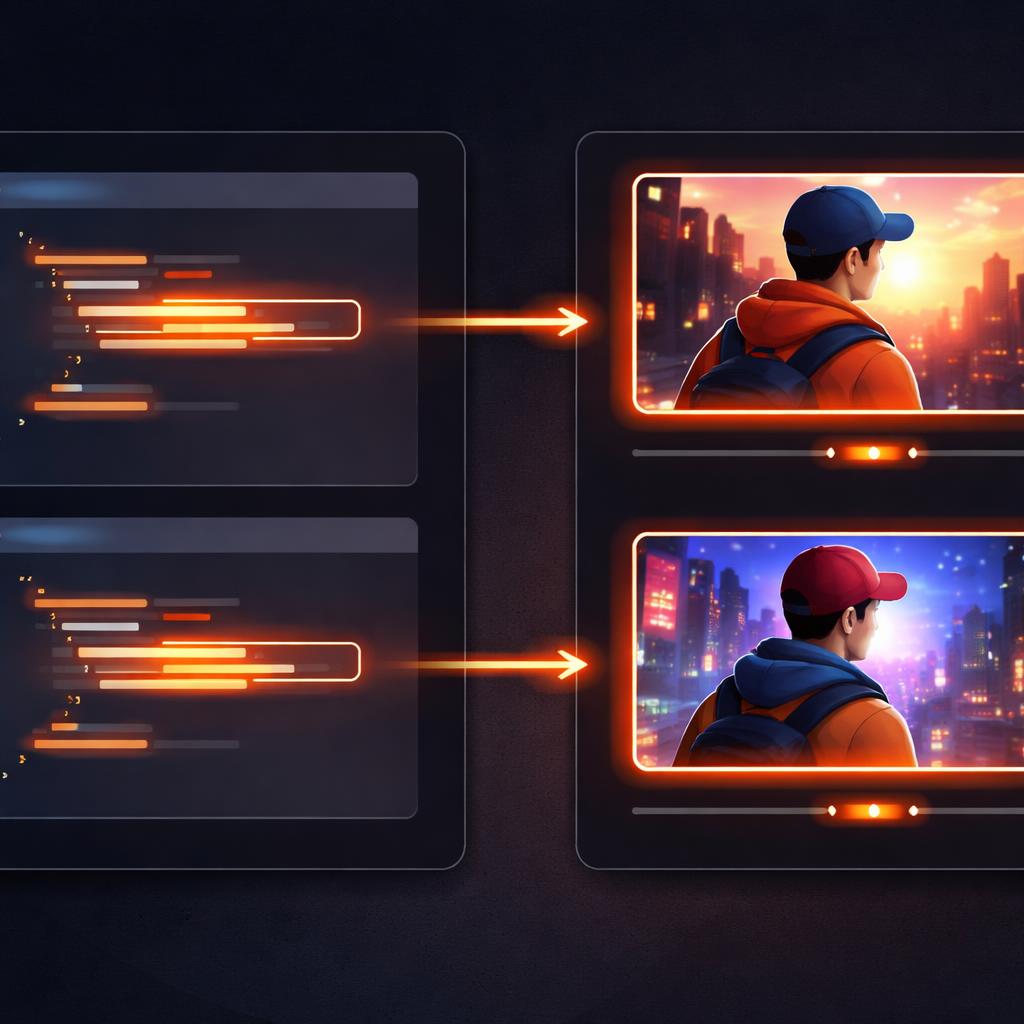
Video-as-Code is the practice of defining your video timelines, transitions, and effects as structured, human-readable data—specifically JSON. Instead of a proprietary project file that only opens in one expensive app, your video is a plain text file that lives right alongside your application code.
With the VideoFlow Core API, a video is no longer a mystery. It's a set of instructions that any developer can understand and modify. Here is how a simple, versionable marketing card looks in VideoFlow:
import VideoFlow from '@videoflow/core';

const $ = new VideoFlow({ width: 1080, height: 1080, fps: 30 });

// A background that can be swapped via a simple variable change
const bg = $.addShape(
  {
    width: 100, height: 100,
    fill: '#1a1a1a',
    effects: [{ effect: 'vignette', params: { strength: 0.5 } }]
  },
  { shapeType: 'rectangle' }
);

// A title that stays in sync with your product's real naming
const title = $.addText({
  text: 'New Feature: Video-as-Code',
  fontSize: 6,
  color: '#FF5A1F',
  fontWeight: 700,
});

title.fadeIn('600ms');
$.wait('3s');
title.fadeOut('400ms');

const videoJson = await $.compile();
Because this is just TypeScript, you can use variables, loops, and external data sources. If your brand color changes, you update one constant in your repository, and every video asset in your pipeline is updated on the next commit.
Versioning, Diffing, and CI/CD for Video
Once your videos are defined in code, they inherit all the benefits of the modern developer toolchain. You can open a Pull Request for a new product trailer. Your teammates can leave comments on specific lines of the builder script. Most importantly, you can automate the rendering.
Imagine a CI/CD pipeline where a push to main triggers a GitHub Action. That action runs the @videoflow/renderer-server, which spins up a headless browser, renders your VideoJSON into a high-quality MP4, and uploads it to your CDN.
No human needs to hit "Export." No one needs to remember the specific bitrate settings. The process is deterministic, repeatable, and fast. This is the same approach we discussed in our guide on Automated Product Update Videos with Markdown and TypeScript, where we showed how to turn changelogs directly into social-ready clips.

How VideoFlow Handles This
VideoFlow was built from the ground up to be the engine for Video-as-Code. Unlike alternatives that tie you to a specific UI or a heavy React runtime, VideoFlow's core philosophy is JSON Portability.
- @videoflow/core: A typed, fluent builder that compiles your intent into a standard VideoJSON document.
- Resolution Agnostic: We use
emunits (1% of project width) so the same code renders a 720p social preview and a 4K hero video perfectly. - The Three-Renderer Rule: You can preview your video at 60fps in the browser with the DOM renderer, let users export their own versions in-tab with the WebCodecs-based browser renderer, or run batch jobs on your server. All three use the exact same JSON source.
By adopting Video-as-Code, you aren't just changing how you make videos; you're changing who can make them. You're empowering your engineering team to contribute to the brand's visual story without leaving their IDE.
Start Versioning Your Video
If you are tired of chasing down the latest version of an MP4 or manually updating text in a video editor, it's time to switch. VideoFlow is open-source (Apache-2.0) and designed for developers who want to build the future of automated content.
Explore our comprehensive documentation to see the full range of transitions and effects available, or jump into the interactive Playground to start coding your first video right in the browser.
Ready to integrate Video-as-Code into your stack? Check out the VideoFlow GitHub repository and join the community of developers moving video out of the black box and into the light of Git.