
The Three-Renderer Rule: Preview, Export, and Batch Render with One JSON
October 31, 2026 · By VideoFlowDiscover the three-renderer rule: how VideoFlow uses a single portable VideoJSON to power frame-accurate previews, client-side exports, and headless server renders.
The Three-Renderer Rule: Preview, Export, and Batch Render with One JSON
In traditional video engineering, the distance between "I want to see what this looks like" and "I want to save this as an MP4" is often measured in infrastructure headaches. You might use a web-based canvas library for your preview, a separate FFmpeg-based microservice for your export, and a brittle set of shell scripts for batch processing. If the rendering logic between those three environments drifts by even a single frame, your automation pipeline is broken.
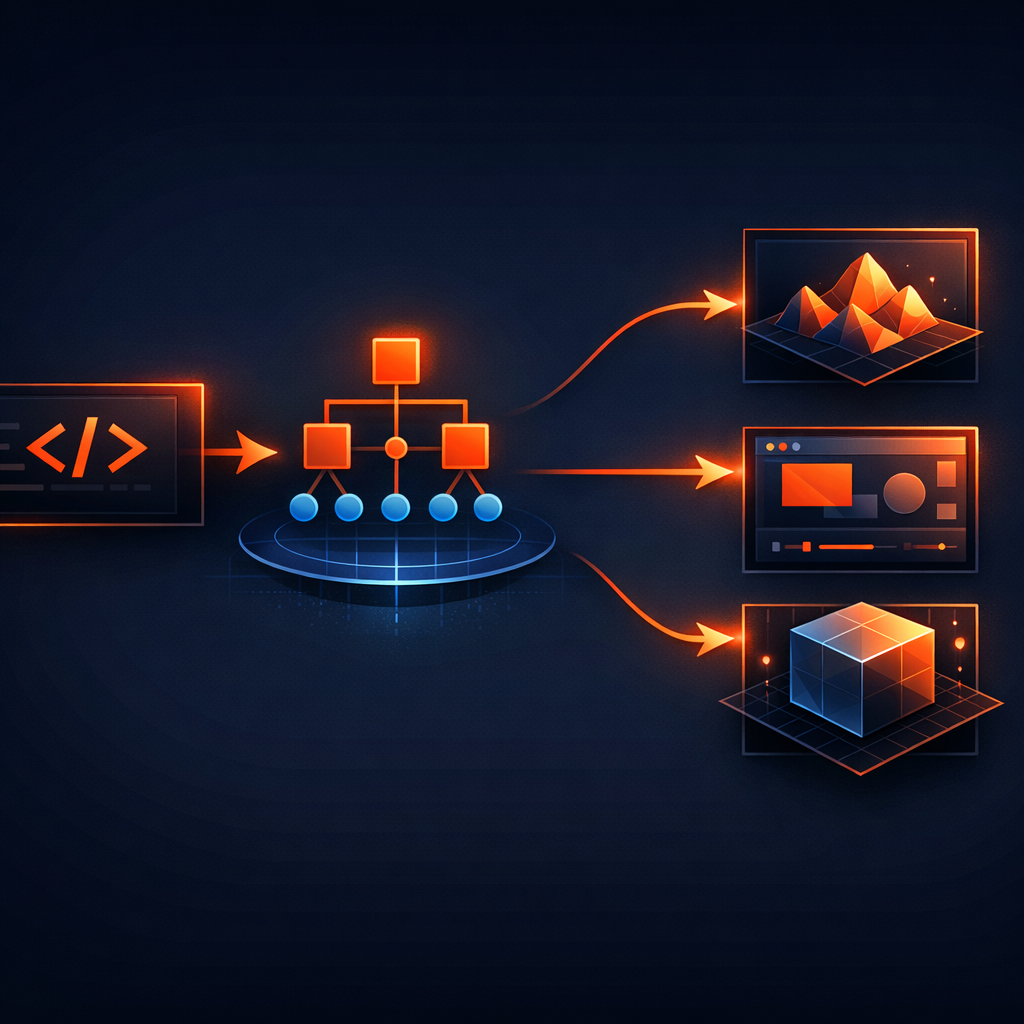
This fragmentation is why we built VideoFlow around the three-renderer rule. It’s the architectural guarantee that the exact same VideoJSON document will render byte-for-byte identical results whether it's playing in a React component, exporting an MP4 in a user's browser tab, or being processed by a headless server in a data center.
The Portable Source of Truth: VideoJSON
At the heart of the three-renderer rule is VideoJSON. Unlike proprietary project files or React component trees that require a specific runtime to exist, VideoJSON is a plain, serializable object. It describes layers, timing, and keyframes in a way that is resolution-agnostic and environment-neutral.

Because the VideoFlow builder API compiles to this schema, you can generate a video on a Python backend, store it in a Postgres JSONB column, and then render it using any of the three official renderers without changing a single line of logic.
1. The DOM Renderer: Frame-Accurate Live Preview
When you are building a video editor or a dynamic dashboard, you need immediate feedback. The @videoflow/renderer-dom package is designed for this high-frequency loop. It renders your VideoJSON directly into a DOM target, providing a frame-accurate 60 fps preview.
This isn't a "close approximation" of the final video; it uses the same coordinate system (where 1em always equals 1% of the project width) and the same GLSL effect pipeline as the export renderers. This ensures that what you see in our Playground is exactly what will be encoded in the final file.
2. The Browser Renderer: Zero-Server Client-Side Export
One of the most powerful applications of VideoFlow is client-side export. Using @videoflow/renderer-browser, you can turn that same VideoJSON into a high-quality MP4 entirely within the user's browser tab using WebCodecs.
import VideoFlow from '@videoflow/core';
import '@videoflow/renderer-browser';

const $ = new VideoFlow({ width: 1920, height: 1080 });
$.addText({ text: 'Client-Side Render', fontSize: 5 });
$.wait('3s');

// Exports directly in the browser tab
const blob = await $.renderVideo({ outputType: 'blob' });
As we explored in our guide on Zero-Server Video Export, this approach eliminates server rendering costs and preserves user privacy. The renderer-browser uses worker-accelerated encoding to ensure the UI stays responsive while the video is being baked.
3. The Server Renderer: Headless Batching
For automated content factories or personalized video at scale, you need a headless environment. The @videoflow/renderer-server package brings the full rendering engine to Node.js. It drives headless Chromium via Playwright to execute the same rendering logic used in the browser.
By default, the server renderer uses a specialized WebCodecs + MediaBunny pipeline that allows it to produce MP4s without an FFmpeg dependency. This makes it incredibly easy to deploy in serverless environments or Docker containers where managing binary dependencies is a pain.
Why the Rule Matters for Developers
Adopting the three-renderer rule changes how you build video products:
- Unified Debugging: If a transition like
blurResolvelooks wrong in the preview, fixing it there fixes it for the server render too. - Infrastructure Flexibility: Start with browser-based rendering to save costs, then migrate to server-side batching as your needs grow—without rewriting your video templates.
- Agent-Friendly Architecture: Because you are emitting JSON, it’s trivial to let an LLM or an AI agent compose videos. The agent doesn't need to know about rendering; it just needs to speak VideoJSON.
Getting Started with the Renderers
VideoFlow's core and all three official renderers are licensed under Apache-2.0, meaning you can embed them in your commercial products today for free. Whether you're building a YouTube Shorts factory or a personalized SaaS recap tool, the three-renderer rule ensures your pipeline is robust, portable, and scalable.
Explore the Renderers guide to see how to implement each one, or dive into the source code on GitHub to see how we maintain parity across environments.