
Building a Video Rendering API with Serverless Functions
May 22, 2026 · By VideoFlowLearn how to build a scalable video rendering API using VideoFlow and serverless functions to generate MP4s on-demand without managing complex infrastructure.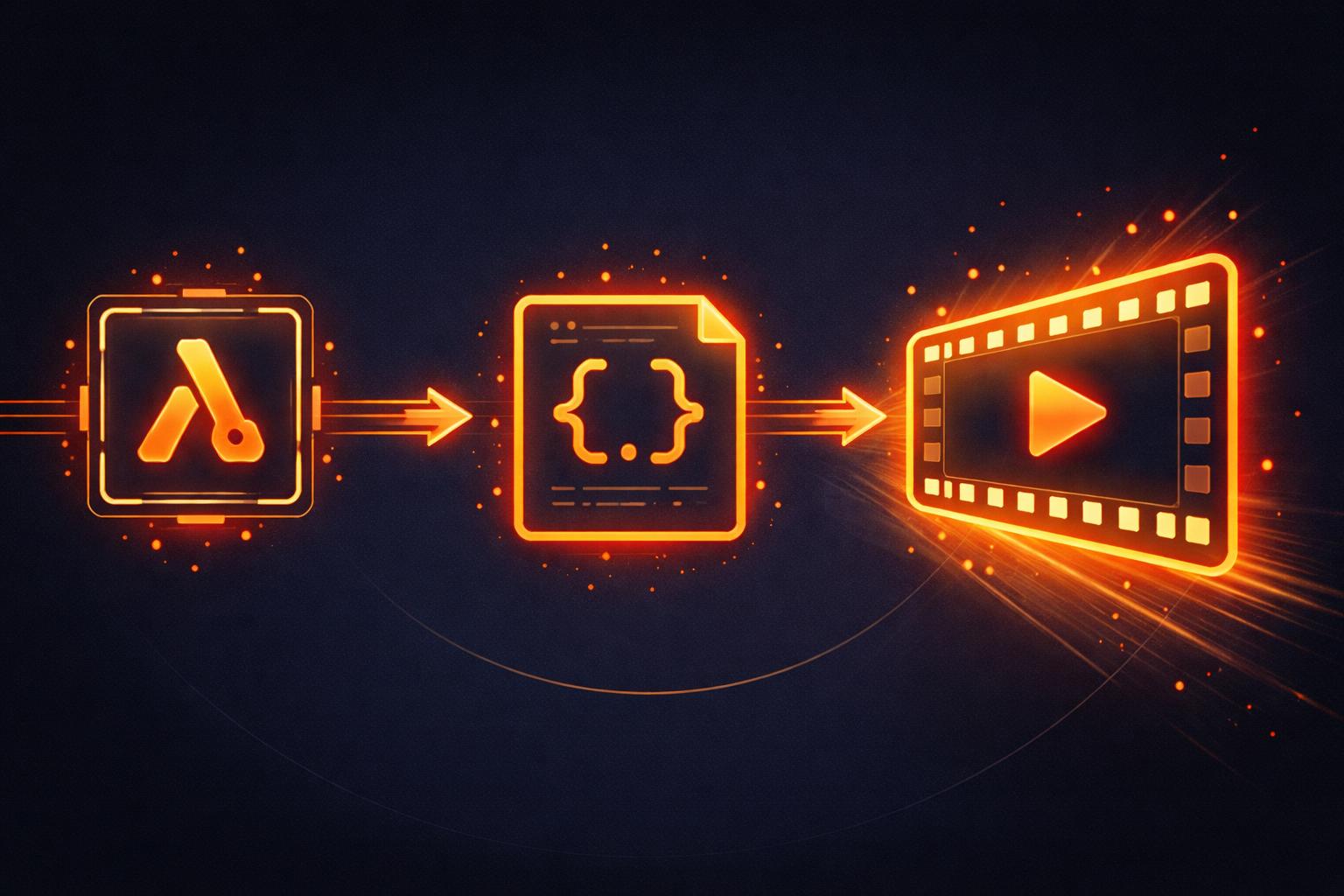
Building a Video Rendering API with Serverless Functions
Video rendering used to be a heavy, server-bound task that required expensive GPUs or complex FFmpeg clusters. For developers building SaaS products, this often meant managing long-running worker queues and scaling infrastructure that sat idle half the time.
But the landscape has shifted. With the advent of WebCodecs and headless browser rendering, it is now entirely possible to treat video generation like any other stateless API call. In this tutorial, we will build a scalable video rendering API using VideoFlow and serverless functions to generate high-quality MP4s on-demand.

Why Serverless for Video?
Traditional video pipelines are notoriously difficult to scale. If you are using FFmpeg shell scripts, you are tied to the CPU limits of your instance. If a surge of users requests personalized videos simultaneously, your server bottlenecks, or worse, crashes.
By moving the rendering logic to a serverless environment (like AWS Lambda, Vercel, or Google Cloud Functions), you gain:
- Zero Infrastructure Management: No more patching FFmpeg or managing persistent server clusters.
- Stateless Scaling: Every render runs in its own isolated container, scaling horizontally as demand spikes.
- Cost Efficiency: You only pay for the execution time of the render, making it ideal for features like automated SaaS user recap videos.
Step 1: Defining the Video Composition
First, we need to create the VideoFlow composition. The beauty of VideoFlow is that it represents videos as portable JSON. This means your serverless function simply needs to accept some data, build a timeline, and trigger the renderer.
import VideoFlow from '@videoflow/core';

export async function createComposition(data) {
  const $ = new VideoFlow({
    width: 1080,
    height: 1920,
    fps: 30,
    backgroundColor: '#0b0b1f'
  });

  // Add a background image
  const bg = $.addImage(
    { fit: 'cover', opacity: 0.8 },
    { source: data.backgroundUrl }
  );

  // Add animated text
  const title = $.addText({
    text: data.title,
    fontSize: 8,
    color: '#FFFFFF',
    fontWeight: 800,
    position: [0.5, 0.4]
  });

  title.fadeIn('800ms');
  $.wait('2s');
  title.fadeOut('500ms');

  return $;
}
Step 2: The Serverless Handler
Next, we implement the serverless handler. We will use @videoflow/renderer-server, which drives headless Chromium to perform the render. By default, it uses a WebCodecs-based pipeline that doesn't even require FFmpeg to be installed on the host environment.

import '@videoflow/renderer-server';
import { createComposition } from './composition';

export default async function handler(req, res) {
  if (req.method !== 'POST') return res.status(405).end();

  try {
    const $ = await createComposition(req.body);

    // Render directly to a buffer
    const buffer = await $.renderVideo({
      outputType: 'buffer',
      verbose: true
    });

    // Return the MP4 bytes
    res.setHeader('Content-Type', 'video/mp4');
    res.setHeader('Content-Disposition', 'attachment; filename="render.mp4"');
    return res.send(buffer);
  } catch (error) {
    console.error('Render failed:', error);
    return res.status(500).json({ error: 'Failed to render video' });
  }
}
How VideoFlow Handles the Heavy Lifting
The core of this architecture is the VideoFlow renderers. While @videoflow/core handles the timeline and logic, the server renderer abstracts the complexity of headless browsers.
When you call $.renderVideo(), VideoFlow spins up a Chromium instance, loads the VideoJSON produced by your builder, and captures every frame at 60fps-accurate timing. Because the output is byte-for-byte identical to what you see in the Playground, you can develop your templates locally and deploy them to the cloud with total confidence.
Conclusion
Building a video rendering API no longer requires a specialized DevOps team. By combining the fluent VideoFlow Docs with serverless execution, you can ship production-grade video features in hours.
Ready to build your first automated pipeline? Check out the VideoFlow GitHub repository to see the full source code, or jump into the playground to start composing your first scene.