
Video Version Control: Why Your Timelines Should Be in Git
May 22, 2026 · By VideoFlowLearn why representing video timelines as portable VideoJSON enables Git version control, diffing, and CI/CD pipelines for your programmatic video projects.
Video Version Control: Why Your Timelines Should Be in Git
For decades, video editing has been a "binary black box." Whether you are working in Premiere Pro, After Effects, or DaVinci Resolve, your project file is a proprietary blob. If two editors change the same clip, you don't get a merge conflict; you get a corrupted file or a manual reconstruction project. In the world of modern software engineering, this is an anti-pattern.
At VideoFlow, we believe that video should be treated like code. By representing timelines as portable, human-readable JSON, we unlock a superpower that traditional editors can't touch: Video Version Control.
The Problem with Binary Timelines
Traditional video project files are designed for GUI consumption, not for collaboration or automation. This leads to several critical bottlenecks:
- No Diffing: You can't see what changed between
v1andv2without opening the editor and scrubbing. - No Branching: Trying to experiment with a new visual style while keeping the main edit stable requires duplicating massive files.
- No Code Review: You can't "review" an edit in a PR. You have to watch the rendered output and leave timestamped comments.
- Vendor Lock-in: Your project is trapped in the specific version of the software that created it.

Treating Video as Data
VideoFlow changes this by making VideoJSON the source of truth. When you build a video using the @videoflow/core builder API, you aren't just creating a visual; you are generating a structured document that describes exactly how every layer, effect, and transition behaves over time.
Because this document is plain JSON, it fits perfectly into your existing Git workflow. You can git commit your timeline, git branch for a new experiment, and git diff to see exactly which hex code or font size was adjusted.
Code Snippet: A Versionable Timeline
import VideoFlow from '@videoflow/core';

const $ = new VideoFlow({ width: 1920, height: 1080, fps: 30 });

// Add a background
$.addImage(
  { fit: 'cover', opacity: 0.8 },
  { source: 'https://static.videoflow.dev/assets/hero-bg.jpg' }
);

// Add a title with a transition
const title = $.addText(
  {
    text: 'Code-Driven Video',
    fontSize: 7,
    color: '#FF5A1F',
    position: [0.5, 0.4]
  },
  { transitionIn: { transition: 'blurResolve', duration: '800ms' } }
);

title.fadeIn('500ms');
$.wait('3s');

// Compile to portable VideoJSON
const json = await $.compile();
console.log(JSON.stringify(json, null, 2));
When you run this, you get a clean JSON object. If you change the fontSize to 8 and the color to #ffffff, your git diff will show exactly those two lines changing. This is the foundation of programmatic video editing.
Why This Matters for Teams
For engineering teams building SaaS products or content automation platforms, this approach is transformative.
1. Automated Code Reviews for Video
Imagine a world where a designer submits a PR to update the brand colors in your automated onboarding videos. Instead of watching twenty different rendered variants, a developer can look at the metadata.json or the VideoJSON diff and verify that the correct variables were updated.
2. CI/CD for Your Media
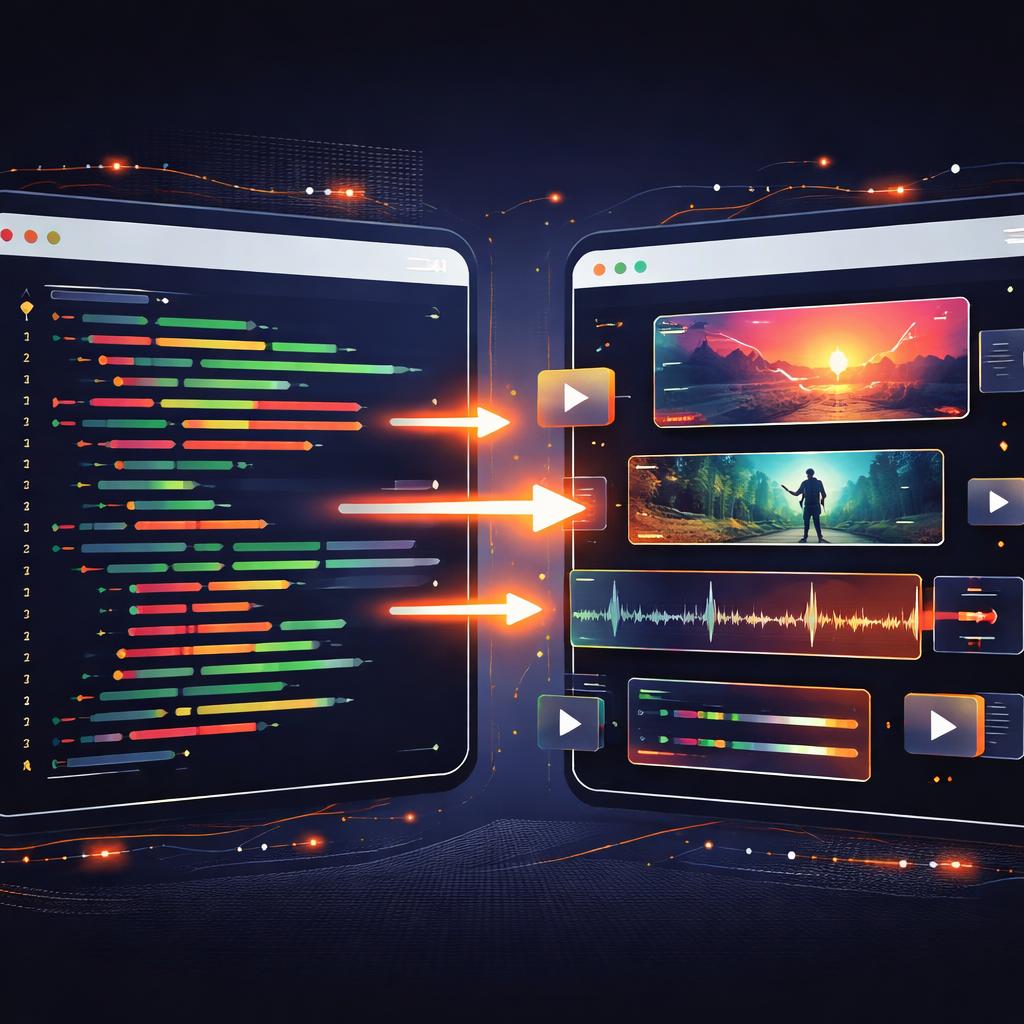
Just as you have a build pipeline for your frontend, you can have a render pipeline for your videos. A commit to the main branch can trigger a headless video render in Node.js using @videoflow/renderer-server. This ensures that your documentation, ads, or recap videos are always in sync with your latest code.
3. Portability Across Renderers
One of the unique strengths of VideoFlow is the Three-Renderer Rule. The same JSON file you version-control can be rendered in a browser tab via @videoflow/renderer-browser, on a server via @videoflow/renderer-server, or as a live 60fps preview in your app via @videoflow/renderer-dom.
Beyond Git: The Future of Collaborative Editing
By moving the timeline into the text domain, we also enable a new class of collaborative tools. You can build your own Video Editor using our React component, allowing non-technical users to edit the timeline while the underlying system continues to commit the changes to a versioned database or Git repo.
This bridge between "creative UI" and "developer infrastructure" is where VideoFlow shines. Whether you are building a YouTube Shorts factory or a personalized video dashboard for your SaaS, version control ensures that your media is as robust and maintainable as your codebase.
Get Started with VideoFlow
Ready to stop treating your videos like binary blobs?
- Try it in the browser: Head over to the Playground to see VideoJSON in action.
- Read the Docs: Check out our Getting Started guide to install the core toolkit.
- Explore the Source: VideoFlow is open-source (Apache-2.0). Star us on GitHub and join the community of developers building the future of programmatic video.