
Why Your Video Pipeline Should Be Diffable: Versioning Motion Graphics with Git
May 22, 2026 · By VideoFlowLearn why treating your video pipeline as code enables seamless versioning with Git. Discover how VideoJSON makes motion graphics diffable and CI/CD-friendly.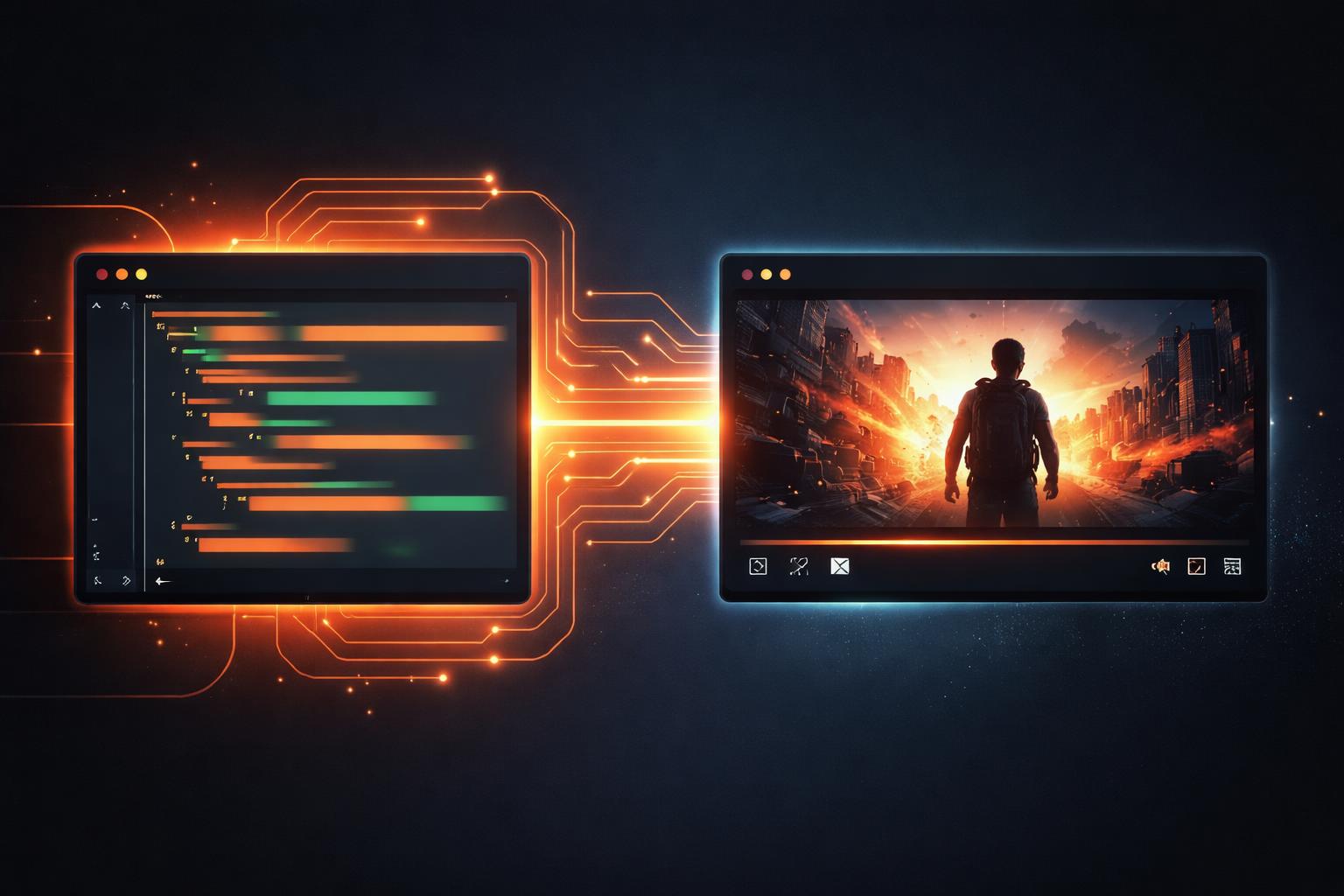
Why Your Video Pipeline Should Be Diffable: Versioning Motion Graphics with Git
For decades, motion graphics have lived inside black boxes. If you wanted to change a single hex code in a lower-third or swap a background image in a promotional video, you had to open a heavy binary file—an .aep or .prproj—modify it in a GUI, and manually export a new render. For developers, this is an anti-pattern. We don't ship binary blobs; we ship code. It’s time we treated our video pipeline with the same rigor.
In this guide, we’ll explore why moving from binary-heavy workflows to a code-based, diffable approach changes the way engineering teams build and scale video content.
The Binary Burden
Traditional video editing software relies on proprietary binary formats. These files are opaque to version control systems like Git. When two developers or designers modify the same project file, you can't "merge" their changes. You are forced to pick one version and discard the other, or manually re-apply changes in a fresh session.
Furthermore, binary projects make it impossible to answer simple questions during a code review:
- "What exactly changed in this animation?"
- "Is this the same easing curve we used in the last campaign?"
- "Who changed the font weight on the call-to-action?"
By moving your motion graphics into the realm of code, you unlock the ability to diff, branch, and peer-review every single frame of your production.

Video as Data: The VideoJSON Standard
At the heart of a diffable pipeline is the representation of a scene as structured data. In VideoFlow, every project compiles down to a VideoJSON document. This isn't just a configuration file; it is a portable, resolution-agnostic blueprint of your entire video.
Because VideoJSON is plain text, Git can track every change with surgical precision. When you update a property in the VideoFlow Core builder, your git diff shows you exactly what changed:
- "fontSize": 5,
+ "fontSize": 6.5,
- "color": "#FFFFFF",
+ "color": "#FF5A1F",
This transparency turns video from a creative asset into a first-class citizen of your codebase. You can see how we handle these structures in our Core Concepts guide.
Building a Diffable Motion Graphics Workflow
To implement a diffable video pipeline, you need a toolkit that prioritizes programmatic construction over manual keyframing. Here is how a typical VideoFlow project looks in TypeScript:
import VideoFlow from '@videoflow/core';

const $ = new VideoFlow({ width: 1920, height: 1080, fps: 30 });

// Add a background image with a blur effect
const bg = $.addImage(
  { fit: 'cover', opacity: 0.8 },
  { source: 'https://assets.videoflow.dev/bg-dark.jpg' }
);

// Stack a GLSL glow effect
bg.animate(
  { filterBlur: 0 },
  { filterBlur: 0.5 },
  { duration: '2s', wait: false }
);

// Add a title with a built-in transition
$.addText(
  {
    text: 'VERSIONED VIDEO',
    fontSize: 8,
    color: '#FF5A1F',
    fontWeight: 800,
    position: [0.5, 0.5]
  },
  {
    transitionIn: { transition: 'blurResolve', duration: '800ms' }
  }
);

$.wait('3s');
const videoJson = await $.compile();
In this snippet, every visual decision—from the blurResolve transition to the #FF5A1F brand color—is recorded as code. If a teammate wants to experiment with a different transition, they can create a branch, swap the string to fade, and submit a PR. You can even test these changes live in the VideoFlow Playground before merging.

Why This Matters for Scaling
When your video is code, you can automate the boring parts.
- CI/CD for Video: Automatically trigger a render whenever a PR is merged. Use the
@videoflow/renderer-serverpackage in a GitHub Action to generate a preview MP4 and post it as a comment on the PR. - Dynamic Personalization: Since the pipeline is just a function that returns VideoJSON, you can pass in user data (names, logos, stats) to generate thousands of unique videos from a single template.
- Component Libraries: Just as you have a React component library for your web UI, you can build a library of VideoFlow helper functions for your motion graphics. This ensures consistency across every video your company produces.
If you are already building internal tools, you might want to read our guide on how to build a browser-based video editor with React and VideoFlow, which takes this concept even further by embedding the editor directly into your product.
Conclusion
The future of video is not in proprietary binaries; it's in open, portable data structures. By adopting a diffable video pipeline, you bring the best practices of software engineering—versioning, code review, and automation—to the world of motion graphics.
Ready to start versioning your videos? Check out the VideoFlow Documentation to get started, or dive straight into the source code on GitHub.