
Cinematic Code: How to Stack GLSL Effects in VideoFlow
August 12, 2026 · By VideoFlowLearn how to stack and animate high-performance GLSL effects in VideoFlow to create cinematic, production-ready videos using nothing but TypeScript.
Developers often think of programmatic video as a utilitarian tool—a way to slap a watermark on a clip or generate a simple lower-third. But what if your code could look like a high-end After Effects composition?
When building video pipelines, the difference between a "functional" output and a "cinematic" one usually comes down to post-processing. In the world of VideoFlow, that means mastering the effects stack. By learning how to stack GLSL effects, you can move beyond flat overlays and create immersive, production-ready visuals using nothing but TypeScript.
The Power of the Effects Stack
In VideoFlow, every visual layer—whether it's text, image, video, or a shape—exposes an effects property. This isn't just a single filter; it's an ordered array of GLSL shaders that execute in sequence.
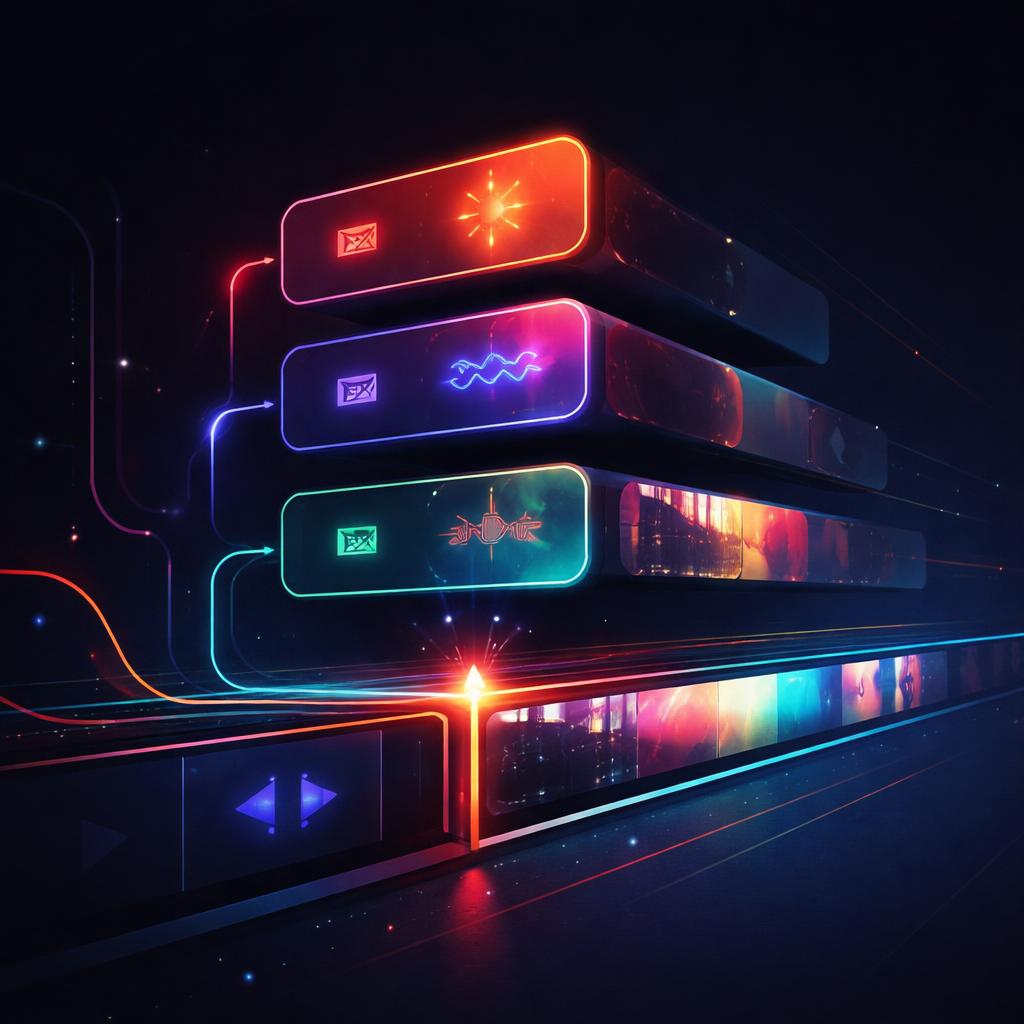
The order of this array matters. Just like in a physical signal chain, applying a gaussianBlur before a glow will produce a soft, diffused bloom, while reversing them might create sharp, glowing edges on a blurry subject. This composable architecture is what makes the VideoFlow core API so flexible for developers building content automation tools.
Tutorial: Building a Cinematic Aesthetic
Let's build a classic "cyberpunk" aesthetic by stacking three distinct effects: chromaticAberration, bloom, and vhsDistortion. This combination adds organic imperfection and high-end polish to otherwise sterile digital text.
import VideoFlow from '@videoflow/core';

const $ = new VideoFlow({ width: 1920, height: 1080, fps: 30 });

// Create a text layer with a stack of 3 effects
const title = $.addText({
  text: 'VIDEOFLOW',
  fontSize: 12,
  color: '#FF5A1F',
  fontWeight: 900,
  position: [0.5, 0.5],
  effects: [
    {
      effect: 'chromaticAberration',
      params: { intensity: 0.02 }
    },
    {
      effect: 'bloom',
      params: { strength: 0.5, radius: 1.2 }
    },
    {
      effect: 'vhsDistortion',
      params: { lineNoise: 0.1, colorDrift: 0.05 }
    }
  ]
});

title.fadeIn('800ms');
$.wait('4s');
title.fadeOut('400ms');

const json = await $.compile();
In this snippet, the chromaticAberration first splits the RGB channels slightly at the edges. Then, the bloom effect catches those bright pixels and bleeds them into the surrounding area. Finally, vhsDistortion applies a global layer of analog-style noise and horizontal jitter.
Animating the Stack
Static effects are great, but dynamic ones are better. Because every property in the effects array is animatable, you can create "reactive" visuals. For example, you could ramp up a gaussianBlur radius as a layer moves away from the camera, or pulse a glow effect in time with an audio track.
As we explored in our recent deep dive on animating effect parameters, you can use dot-path notation to target specific values within the stack. This level of control is essential for building automated video factories that need to feel alive and high-fidelity.
How VideoFlow Handles the Heavy Lifting
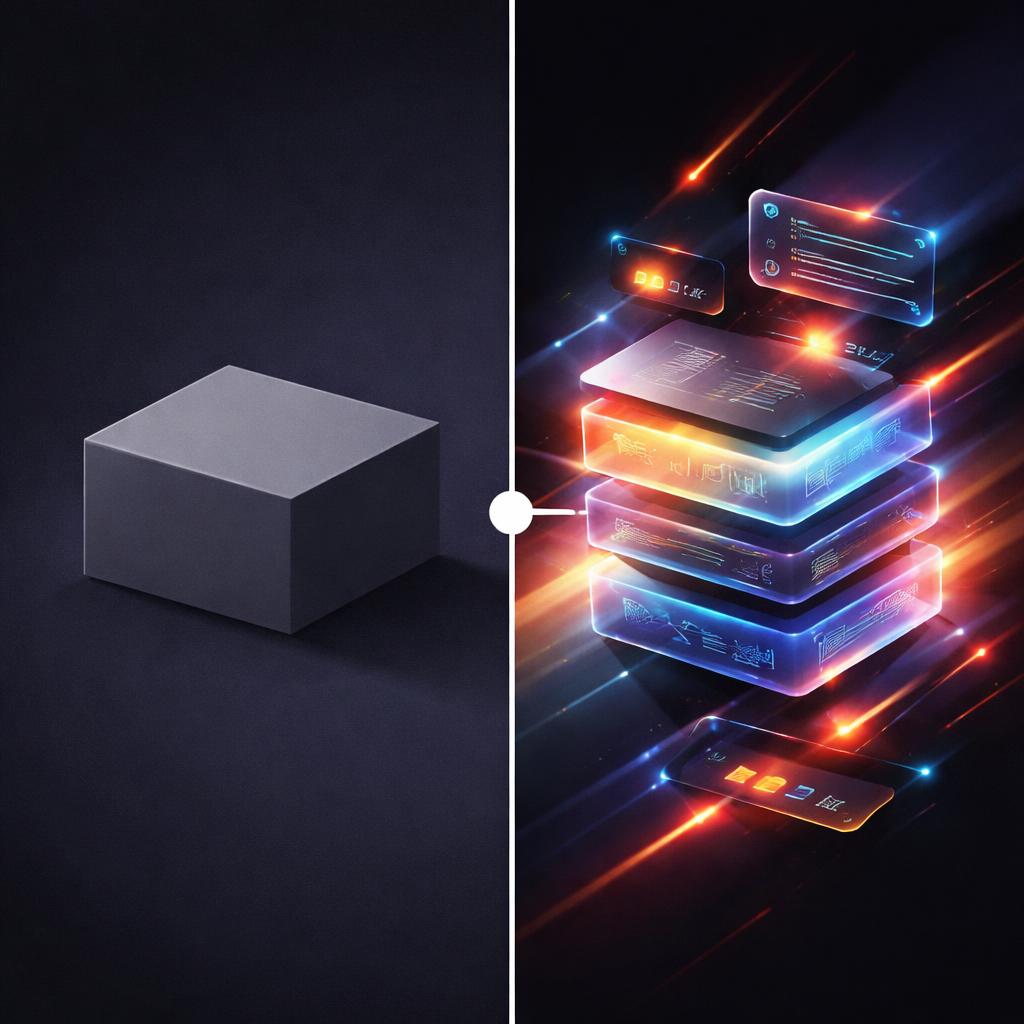
Traditional video editing requires "baking" these effects into a file, which is slow and computationally expensive. VideoFlow takes a different approach.
By representing these effects as metadata within a portable VideoJSON document, the actual rendering is deferred to the last possible second. Whether you are using the browser renderer for zero-cost client-side exports or the server renderer for batch processing, the GLSL shaders run directly on the GPU. This ensures that even complex stacks with dozens of effects render with high efficiency.
Furthermore, because the core toolkit and all three renderers are Apache-2.0 open source, you can embed this cinematic engine into your SaaS product, internal tools, or AI agents without worrying about restrictive licensing or proprietary lock-in.
Start Experimenting
Stacking effects is the fastest way to elevate your programmatic video from "generated" to "crafted." You don't need to be a GLSL expert to get started; VideoFlow ships with 42 verified presets that cover everything from subtle color correction to wild glitch distortions.
Ready to see it in action? Head over to the VideoFlow Playground to experiment with the effects stack in real-time, or check out our comprehensive effects guide to see the full list of available parameters.
If you're building something cool, don't forget to star the project on GitHub and join our community of developers redefining what's possible with video as code.