
Zero-Server-Cost Video Rendering: Exporting MP4s in the Browser
August 18, 2026 · By VideoFlowLearn how to move your entire video pipeline to the client using VideoFlow and WebCodecs for zero-server-cost browser video rendering and MP4 export.
Zero-Server-Cost Video Rendering: Exporting MP4s in the Browser
For years, programmatic video has been synonymous with heavy server-side infrastructure. If you wanted to generate a personalized video for a user, you had to queue a job, spin up a headless browser or an FFmpeg worker, and pay for the compute while your user stared at a "Rendering..." spinner.
This architecture is not just expensive; it is slow. It introduces latency between the user's action and the final result. But with the advent of WebCodecs and modern browser APIs, the paradigm is shifting. You can now move the entire rendering and encoding pipeline to the client, achieving zero-server-cost video rendering.
The Problem with Server-Side Rendering
Traditional video pipelines treat the browser as a mere preview window. The real work happens on the server. This leads to three main friction points:
- Infrastructure Cost: Rendering video is CPU-intensive. Scaling to thousands of concurrent users requires a massive, expensive cluster.
- Network Overhead: You have to upload assets to the server and then download the final MP4. For high-resolution video, this is a significant bottleneck.
- Privacy Concerns: Processing user data on your servers introduces security risks and compliance hurdles.
By leveraging browser video rendering, you eliminate these issues. Your users' devices handle the heavy lifting, your AWS bill stays flat, and data never has to leave the client.
How VideoFlow Enables Browser Export
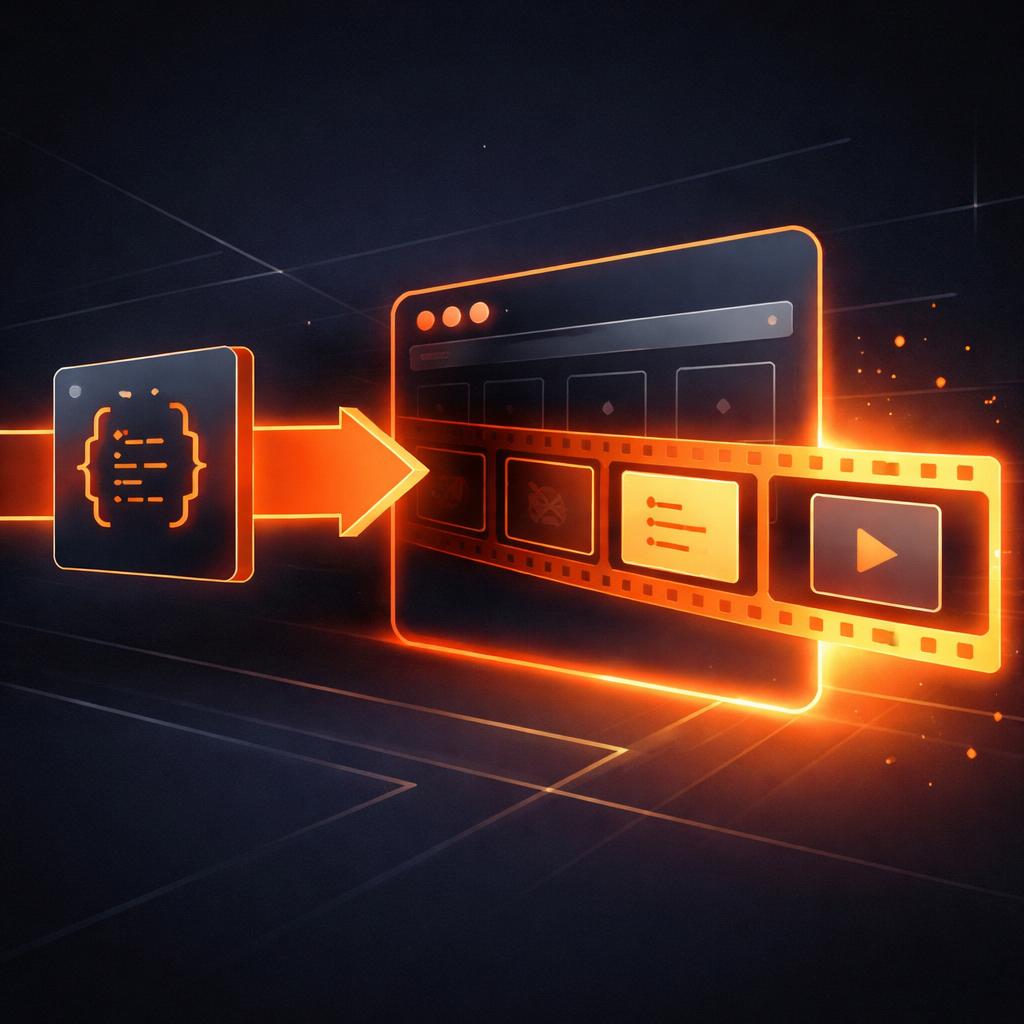
VideoFlow was built from the ground up to be renderer-agnostic. While we offer a robust server-side renderer, the @videoflow/renderer-browser package is the secret weapon for SaaS builders and indie hackers.
It uses a specialized per-layer rasterization pipeline. Every frame is composed by individual layers—text, images, shapes—which are rasterized via SVG and then composited onto an OffscreenCanvas. This allows us to apply cinematic GLSL effects and transitions without dropping a single frame.
Once the frames are ready, they are fed into WebCodecs via our MediaBunny integration to produce a high-quality H.264 MP4 file directly in the browser tab.
Implementing Browser Export in 20 Lines
Exporting a video in the browser with VideoFlow is remarkably straightforward. You don't need to manage workers or complex canvas state; the renderer handles the orchestration for you.
import VideoFlow from '@videoflow/core';
import BrowserRenderer from '@videoflow/renderer-browser';

// 1. Define your video
const $ = new VideoFlow({ width: 1920, height: 1080, fps: 30 });

$.addText({
  text: 'Zero Server Cost',
  fontSize: 8,
  color: '#FF5A1F',
  position: [0.5, 0.4]
}).fadeIn();

$.wait('3s');

// 2. Compile to VideoJSON
const videoJSON = await $.compile();

// 3. Export directly in the browser
const renderer = new BrowserRenderer(videoJSON);
const blob = await renderer.exportVideo({
  onProgress: (p) => console.log(`Exporting: ${Math.round(p * 100)}%`),
});

// 4. Trigger a download
const url = URL.createObjectURL(blob);
const a = document.createElement('a');
a.href = url;
a.download = 'my-video.mp4';
a.click();
This snippet works in any modern browser. It avoids the pixel-perfect issues common in other libraries by using VideoFlow's responsive design system, ensuring that the video looks identical whether the user is on a high-DPI monitor or a mobile device.
Why This Beats the Competition
When comparing VideoFlow to other tools like Remotion, the difference in the browser experience is stark. While Remotion is powerful, it is deeply tied to a React runtime. VideoFlow's Core API produces portable VideoJSON. This means you can author your video logic once and render it anywhere—in a React component, a vanilla JS app, or even a backend worker.
Furthermore, VideoFlow ships with 27 transitions and 42 GLSL effects built-in. You don't have to write custom shaders or interpolation logic to get a professional look. It's all part of the Apache-2.0 core.

Building Better Video UX
The best way to understand the power of browser-side rendering is to try it yourself. We've built an interactive Playground where you can compose a scene and hit 'Export' to see the browser renderer in action.
If you're building a tool where users need to generate videos—like a social media post creator or a personalized recap generator—moving the rendering to the client is the single biggest architectural win you can make. It's faster for the user, cheaper for you, and more secure for everyone.
Ready to dive deeper? Check out our comprehensive docs or explore the source code on GitHub. The future of video is client-side.