
CI/CD for Video: Building a Diffable Asset Pipeline with VideoFlow
October 3, 2026 · By VideoFlowLearn how to treat video as code by building a diffable CI/CD pipeline. Move from opaque binary blobs to version-controlled VideoJSON with VideoFlow.
CI/CD for Video: Building a Diffable Asset Pipeline with VideoFlow
For decades, video has been the "black box" of software engineering. While we’ve perfected the art of version-controlling code, diffing text, and automating deployments, video assets have remained heavy, opaque binaries. If a marketing video changes, you don't see a diff; you see a new 50MB .mp4 file and hope the editor didn't break anything.
This lack of visibility makes CI/CD for video notoriously difficult. How do you peer-review a timeline? How do you automate a regression test for a lower-third graphic?
By treating video as data—specifically, as portable VideoJSON—VideoFlow enables a truly diffable asset pipeline. In this guide, we’ll explore how to bring modern DevOps practices to video production.
The Problem with Binary Blobs
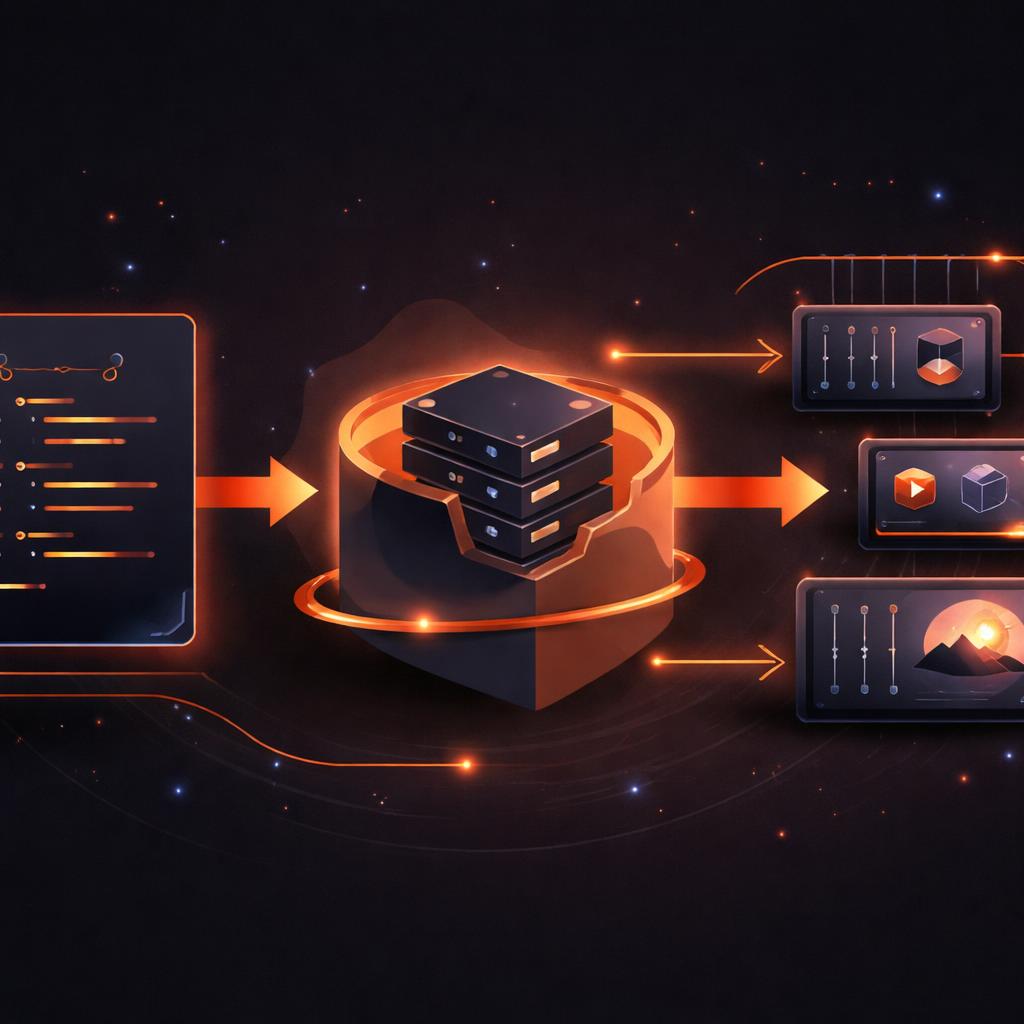
When your video assets are stored as .prproj (Premiere) or .aep (After Effects) files, they are invisible to your CI/CD tools. You cannot git diff a binary project file to see which keyframe was moved or which hex code was updated.
This creates a bottleneck. Changes require manual exporting, manual uploading to a review tool, and manual approval. It is slow, prone to human error, and completely disconnected from your main application's release cycle.
Video as Code: The JSON Advantage
VideoFlow changes this by decoupling the description of a video from its rendering. When you use the VideoFlow Core builder API, you aren't creating a video file; you are building a structured document.
import VideoFlow from '@videoflow/core';

const $ = new VideoFlow({ width: 1920, height: 1080 });

// Add a brand-consistent title
const title = $.addText({
  text: 'Q4 Product Update',
  fontSize: 6,
  color: '#FF5A1F', // Brand Orange
  position: [0.5, 0.4]
});

title.fadeIn('500ms');
$.wait('3s');

// Compile to portable JSON
const videoJson = await $.compile();
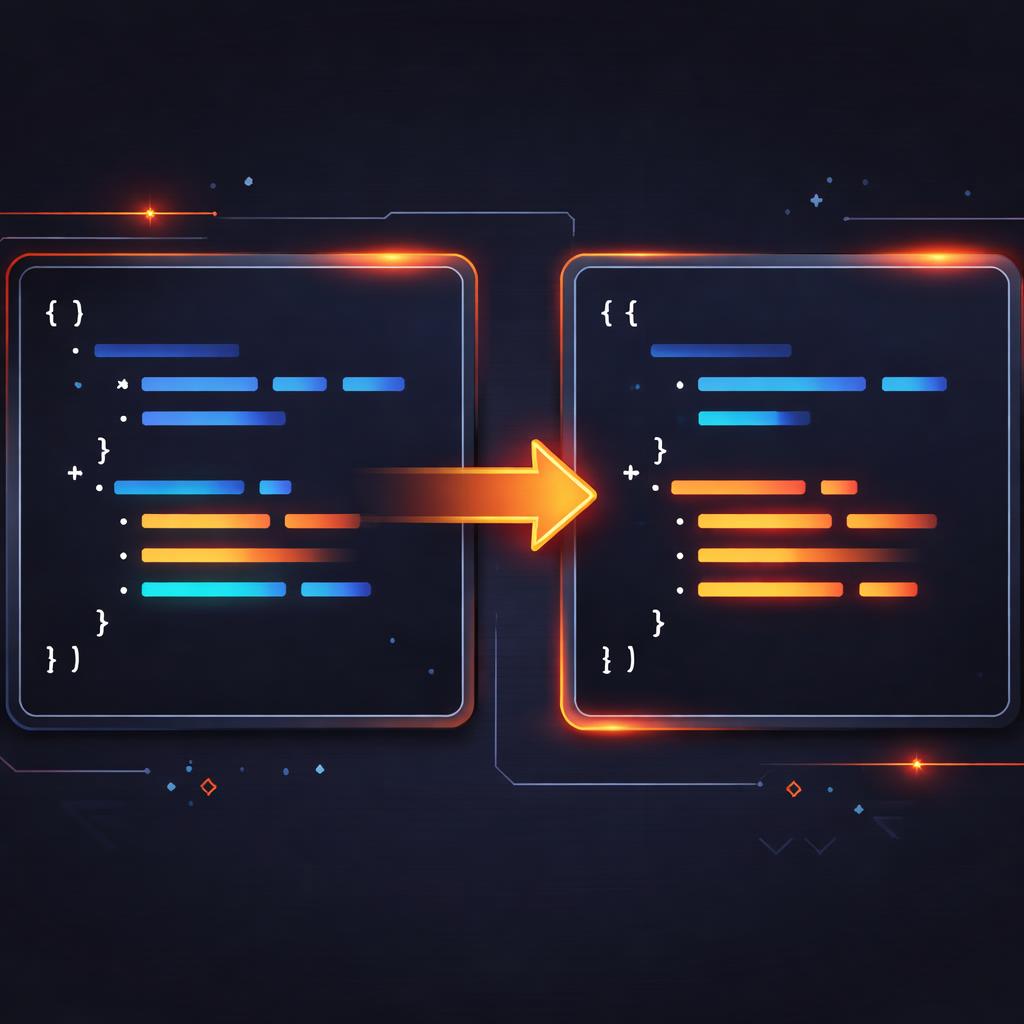
This videoJson is a plain text file. It can be committed to Git, reviewed in a Pull Request, and—most importantly—diffed. If a developer changes the color from #FF5A1F to #000000, the PR will show a clear, one-line text change.
Building the Automated Pipeline
With your video represented as JSON, you can integrate it into any CI/CD runner. Here is a conceptual workflow for a GitHub Action that automates your video production:
- Commit: A developer updates a data source (like a JSON file of product specs) or the TypeScript builder logic.
- Lint & Test: The CI runner executes your VideoFlow script to ensure it compiles without errors.
- Diff Review: The team reviews the resulting VideoJSON changes in the PR. Unlike binary files, you can see exactly what changed in the timeline.
- Headless Render: Upon merge, a GitHub Action uses the
@videoflow/renderer-serverto generate a fresh MP4. - Deploy: The rendered video is automatically pushed to an S3 bucket or a CDN.
Because @videoflow/renderer-server runs on headless Chromium (and can even run without FFmpeg by default), it is incredibly easy to set up in containerized environments like Docker or GitHub-hosted runners.
Headless Rendering in CI
The VideoFlow Renderers are designed for this exact purpose. While you might use the renderer-dom for live previews in the Playground, the renderer-server is the workhorse of the CI pipeline.
import '@videoflow/renderer-server';

// ... inside your CI script
await $.renderVideo({
  outputType: 'file',
  output: './dist/latest-marketing-video.mp4',
  verbose: true
});
This approach is a massive upgrade over the patterns described in our migration guide from FFmpeg. Instead of fighting with fragile shell commands and opaque encoding logs, you get a typed, predictable, and repeatable build process.
Why This Matters for Teams
Implementing a diffable video pipeline isn't just about technical elegance; it's about speed and reliability:
- Personalization at Scale: If you are a SaaS company generating recap videos for thousands of users, you need a pipeline that handles updates to the template as safely as updates to your database schema.
- Brand Consistency: Centralize your brand styles (colors, fonts, transitions) in a core library. Any change to the brand library triggers a re-render of all dependent video assets.
- Audit Trails: Every version of every video you’ve ever produced is recorded in your Git history as a JSON document. You can "time travel" to any previous version and re-render it instantly.
Get Started with Automated Video
Stop treating video as a manual chore. By moving from binary blobs to diffable JSON, you can bring the same rigor to your video assets that you bring to your code.
Explore the VideoFlow documentation to learn more about the VideoJSON schema, or head over to the GitHub repository to start building your own automated video pipeline today.