
How to Give Your AI Agent a Video Tool: An LLM-to-Video Playbook
October 3, 2026 · By VideoFlowLearn how to build an LLM-to-Video pipeline using VideoFlow. Give your AI agents the power to emit cinematic videos as portable JSON for automated content creation.
How to Give Your AI Agent a Video Tool: An LLM-to-Video Playbook
AI agents are remarkably good at reasoning, coding, and planning. But when it comes to communication, they are often trapped in the world of text and static images. If an agent wants to explain a complex concept, visualize a data trend, or create a personalized product demo, it has to "tell" rather than "show."
Giving your AI agent a video tool changes the equation. Instead of generating a wall of text, your agent can emit a cinematic, frame-perfect video that explains the result. In this playbook, we’ll explore how to build an LLM-to-Video pipeline using VideoFlow, the Apache-2.0 toolkit that treats videos like portable JSON data.
The JSON Bridge: Why Agents Love VideoJSON
Generating a raw MP4 file directly from a Large Language Model (LLM) is computationally expensive and architecturally fragile. You can't ask GPT-4 to "write the bytes of a video." You can, however, ask it to write a structured JSON document.
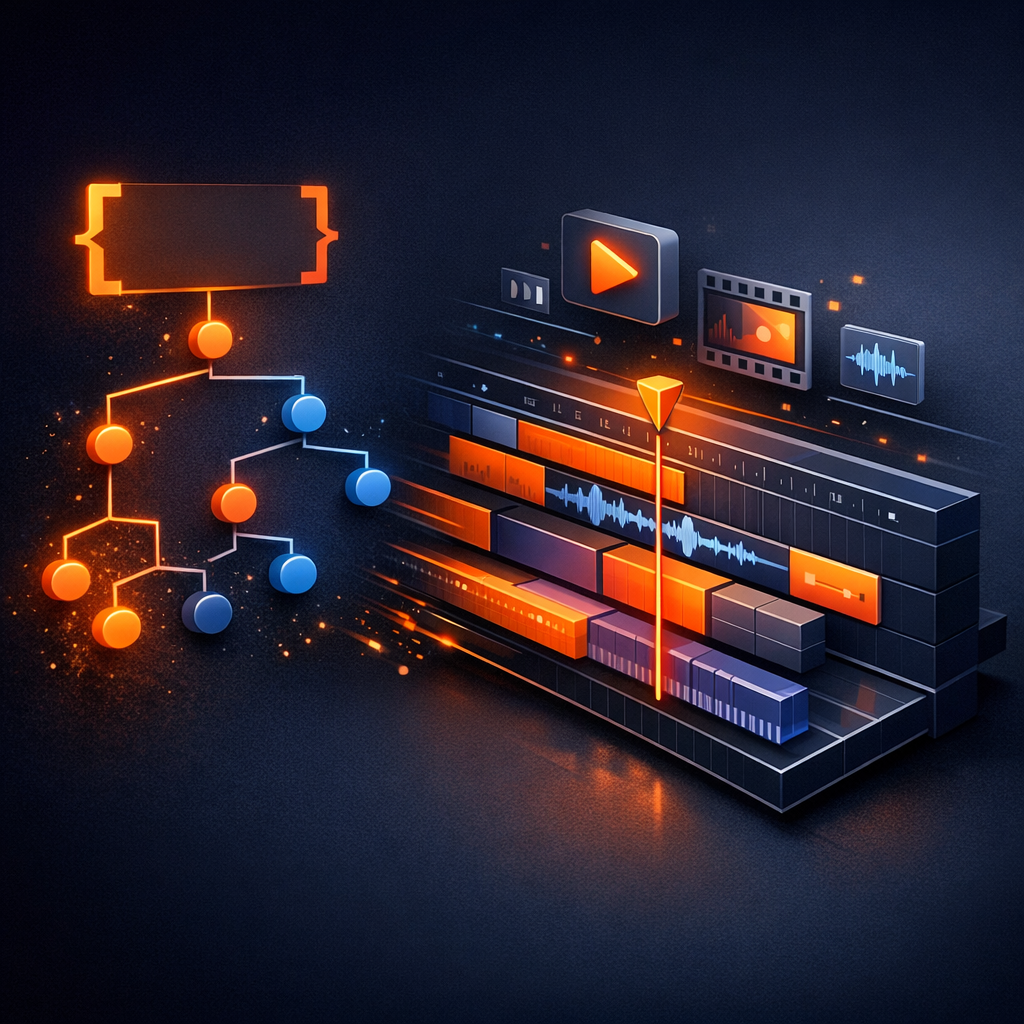
This is where the VideoFlow Core API shines. By representing a video timeline as a declarative JSON schema (VideoJSON), you create a perfect interface for AI agents. The agent doesn't need to understand FFmpeg flags or frame-rate math; it only needs to understand a simple schema of layers, timings, and transitions.
Building the Tool: Defining the Schema
To give an agent a video tool, you define a function (or "tool") that accepts parameters for a video scene. Because VideoFlow is resolution-agnostic (using em units where 1em = 1% of width), the agent doesn't even need to worry about the final resolution. It just defines the relative layout.
Here is how you might define a simplified "render_explainer" tool for an agent using the @videoflow/core patterns:
import VideoFlow from '@videoflow/core';

async function renderExplainerTool({ title, subtitle, bgImageUrl }) {
  const $ = new VideoFlow({ width: 1920, height: 1080, fps: 30 });

  // Add a background with a cinematic resolve
  const bg = $.addImage(
    { fit: 'cover', opacity: 0.7 },
    { source: bgImageUrl, transitionIn: { transition: 'blurResolve', duration: '800ms' } }
  );

  // Add the hero text
  const text = $.addText({
    text: title,
    fontSize: 8,
    color: '#FF5A1F', // VideoFlow orange
    fontWeight: 800,
    position: [0.5, 0.45]
  });
  text.fadeIn('600ms');

  $.wait('1s');

  // Add supporting detail
  const sub = $.addText({
    text: subtitle,
    fontSize: 4,
    color: '#ffffff',
    position: [0.5, 0.6]
  });
  sub.transitionIn = { transition: 'slideUp', duration: '500ms' };

  $.wait('3s');

  // Compile to portable VideoJSON
  return await $.compile();
}
The Pipeline: From Prompt to Render
Once the agent emits the VideoJSON, the rendering can happen anywhere. This is the "Three Renderer Rule" of VideoFlow:
- Browser Export: Use
@videoflow/renderer-browserto let the user export the MP4 directly in their tab with zero server cost. This is perfect for scaling personalized video without a massive infrastructure bill. - Server-Side Batching: Use
@videoflow/renderer-serverin a Node.js environment to render MP4s without FFmpeg dependencies. It uses headless Chromium to ensure the agent's vision is rendered exactly as intended. - Live Preview: Use
@videoflow/renderer-domto show the agent's work-in-progress in a frame-accurate 60fps preview. You can even embed the React Video Editor so a human can tweak the agent's output before hitting "Render."

Why VideoFlow for AI Agents?
If you are evaluating alternatives like Remotion, you might find that while React-based video is powerful, it is often tied to a React runtime. VideoFlow’s JSON-first approach makes it uniquely suited for LLM pipelines because JSON is the universal language of agents.
- Apache-2.0 Licensing: The core and all three renderers are truly open source. You can embed them in your SaaS or agent platform without proprietary overhead.
- Cinematic Primitives: VideoFlow ships with 27 transition presets (like
glitchResolve,blurResolve, andtilt3d) and 42 GLSL effects (likebloomandvhsDistortion) built-in. Your agent can create high-production-value content by just naming a preset. - No FFmpeg Headaches: By default, the server renderer uses WebCodecs inside Chromium, avoiding the fragile string-concatenation of traditional FFmpeg pipelines.
Get Started
Ready to give your agents a voice? You can start experimenting today in the VideoFlow Playground, where you can write builder code and see the JSON and video output in real-time.
For a deeper dive into the API, check out our Core Concepts guide or browse the source on GitHub. If you're building a multi-agent system that needs to communicate visually, VideoJSON is the bridge you've been looking for.