
The GLSL Power User: Stacking Effects for Cinematic Video as Code
August 22, 2026 · By VideoFlowMaster the art of stacking GLSL effects in VideoFlow. Learn how to combine bloom, vignette, and film grain in a programmatic video pipeline for cinematic results.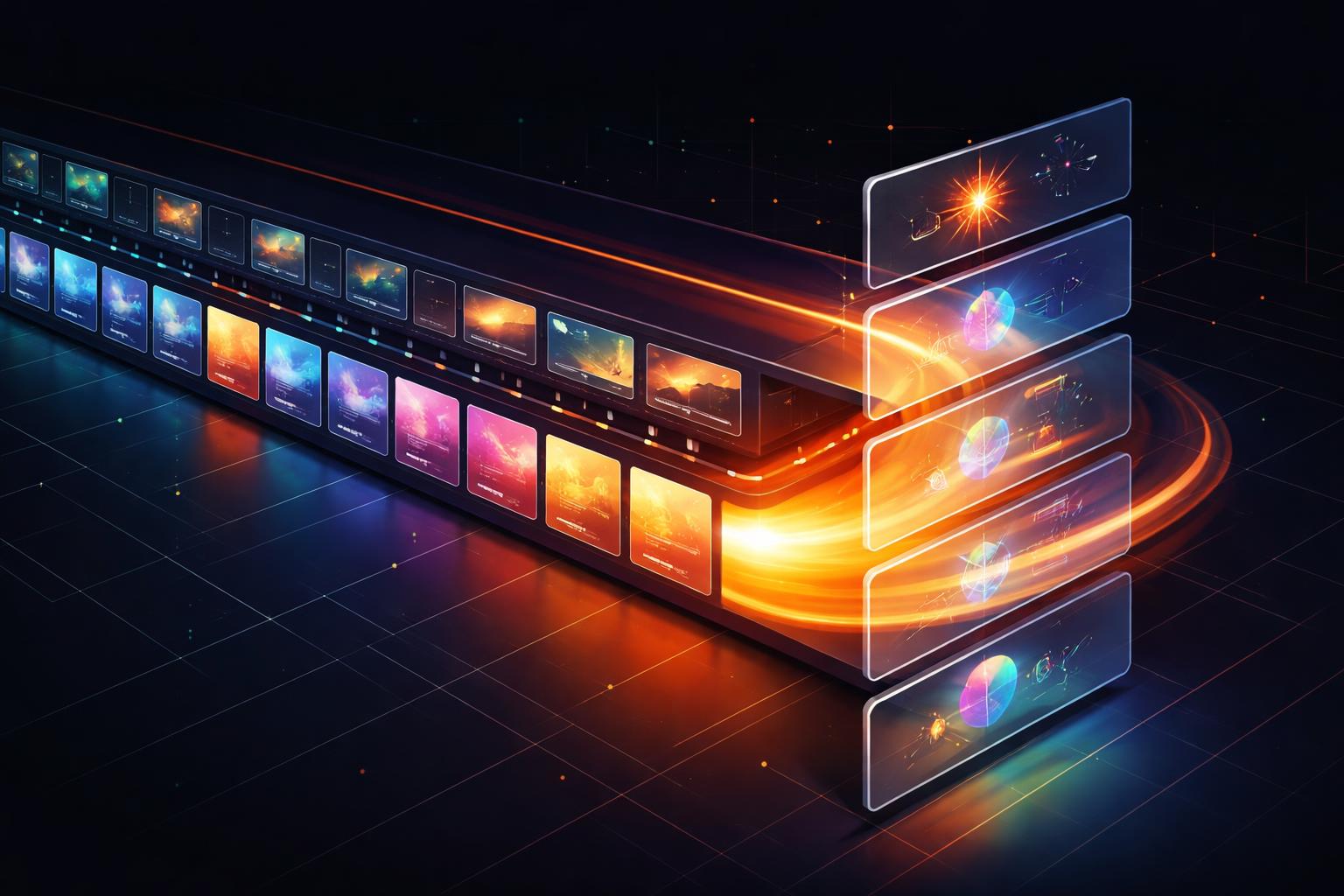
The GLSL Power User: Stacking Effects for Cinematic Video as Code
Programmatic video often suffers from a "flat" aesthetic. When you generate an MP4 from a raw image or a basic text layer, it lacks the depth, texture, and atmospheric polish of a professionally edited video. In traditional workflows, editors layer dozens of adjustment filters to achieve a "look." In VideoFlow, we do this with the effects array.
By treating GLSL effects as first-class, stackable primitives, you can transform sterile data-driven videos into cinematic experiences. This isn't just about adding a blur; it's about building a digital lens.
The Stack: Why Order Matters
In VideoFlow, the effects property on any visual layer is an array. These effects are rendered in order, meaning the output of the first effect becomes the input for the second. This is the secret to creating complex textures.
For example, applying a pixelate effect before a gaussianBlur creates a soft, mosaic-like abstraction. Reversing them produces a sharp, blocky version of a blurred image. When building a cinematic pipeline, you typically want to stack from "structural" changes to "atmospheric" ones.

Building the "Cinematic Standard" Stack
To give your programmatic videos a high-end feel, you can combine three specific effects that mimic professional color grading and film stock. Here is how you define that stack using the @videoflow/core builder API:
const heroVideo = $.addVideo(
  {
    fit: 'cover',
    effects: [
      // 1. Add depth with Bloom
      { effect: 'bloom', params: { strength: 0.4, threshold: 0.6 } },
      // 2. Focus the viewer with a Vignette
      { effect: 'vignette', params: { strength: 0.3 } },
      // 3. Add organic texture with Film Grain
      { effect: 'filmGrain', params: { amount: 0.05 } },
    ],
  },
  { source: 'https://assets.videoflow.dev/nature-hero.mp4' },
);
In this stack:
- Bloom makes the highlights bleed into the shadows, simulating a high-quality camera lens.
- Vignette subtly darkens the corners, drawing the eye toward the center of the frame.
- Film Grain breaks up digital gradients, preventing the "banding" artifacts often seen in compressed web videos.
Animating the Atmosphere
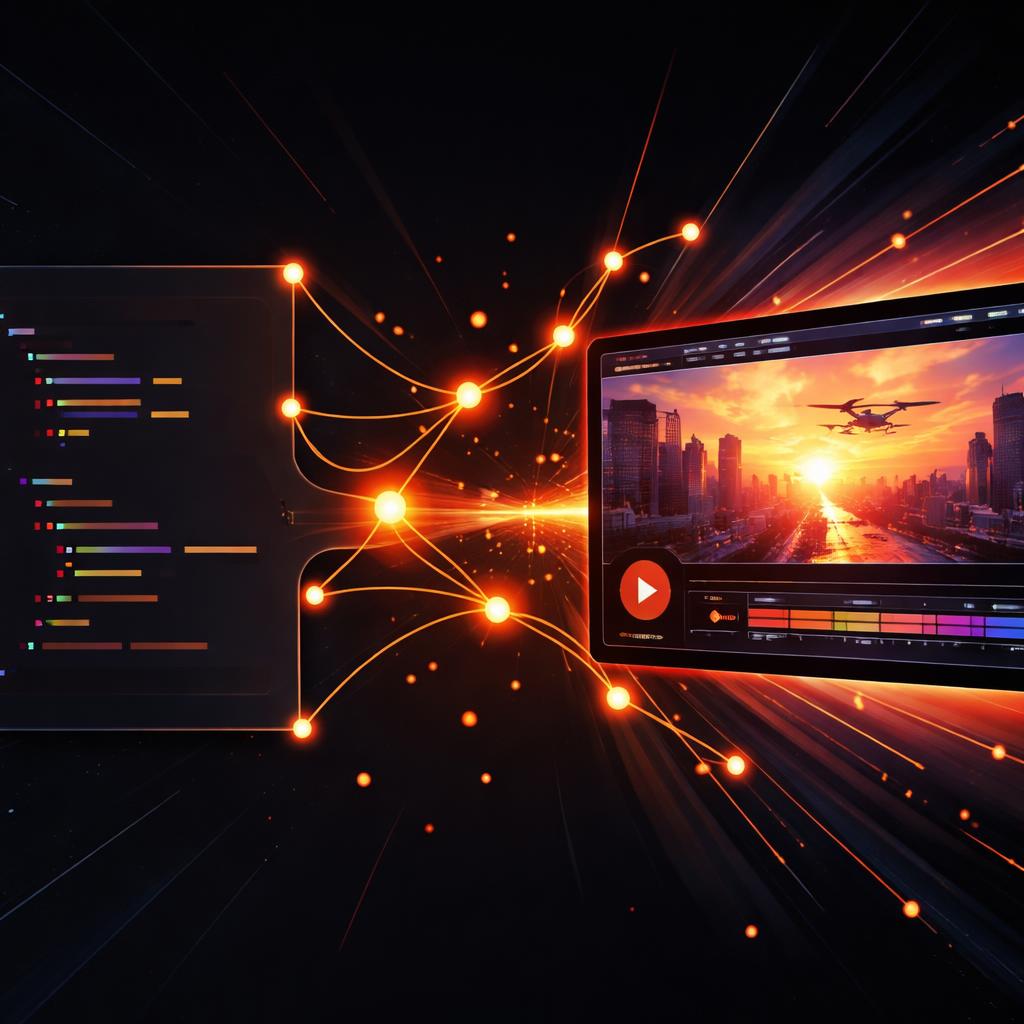
Because every property in VideoFlow is frame-perfect and animatable, you aren't limited to static filters. You can animate the parameters of your GLSL effects over time to create dynamic shifts in mood or focus.
Imagine a transition where a video starts in a heavy vhsDistortion and slowly clears into a sharp, high-definition image as the text appears. You can achieve this by animating the params of the effect:
const clip = $.addVideo(
  {
    effects: [{ effect: 'vhsDistortion', params: { intensity: 1 } }]
  },
  { source: '/clips/intro.mp4' }
);

// Smoothly clear the distortion over 2 seconds
clip.animate(
  { 'effects.0.params.intensity': 1 },
  { 'effects.0.params.intensity': 0 },
  { duration: '2s' }
);
This level of control is why VideoFlow is the preferred Remotion alternative for engineers who need portable, JSON-based video definitions without sacrificing cinematic quality.
How VideoFlow Handles the Heavy Lifting
Running multiple GLSL shaders in sequence can be computationally expensive. VideoFlow handles this by optimizing the render pipeline within the official renderers.
Whether you are using the @videoflow/renderer-browser for zero-cost client-side export or running batch jobs on a server, the compositor minimizes texture swaps and maximizes GPU utilization. This ensures that even a complex stack of 5 or 6 effects remains performant enough for live preview in the DOM while you are authoring.
Elevate Your Video Pipeline
Stop shipping flat videos. By mastering the effects array, you can bring the visual polish of a post-production house to your automated content factory.
Ready to experiment with the full library of 42 GLSL effects? Head over to the VideoFlow Docs to see the complete list of presets, or grab the source from our GitHub repository and start building your own cinematic stack today. If you've already explored our transitions catalogue, you know how much motion can change a video—now see what atmosphere can do.