
Mastering GLSL Effects: Building Cinematic Pipelines with Code
October 3, 2026 · By VideoFlowLearn how to use VideoFlow's 42 GLSL effect presets to build professional, cinematic video pipelines with code. Master bloom, vignette, and animated shaders.
Mastering GLSL Effects: Building Cinematic Pipelines with Code
How do you turn a flat, programmatic video into a high-end cinematic experience without manually touching a single frame in After Effects? For developers building automated content pipelines, the answer isn't in better assets—it's in the post-processing stack.
In the world of programmatic video, we often focus on the 'what' (the text, the images, the layout) while neglecting the 'how' (the texture, the lighting, the atmosphere). This is where GLSL effects come in. By leveraging GPU-accelerated shaders, you can transform raw data into professional-grade content that feels organic, polished, and expensive.
The Power of the Stackable Pipeline
In VideoFlow, effects aren't just filters; they are functional layers in a video pipeline that you can stack, animate, and control via code. Because VideoFlow is built on a portable JSON schema, these effects render identically across the official renderers, whether you are exporting an MP4 in the browser or running a headless batch job on a server.
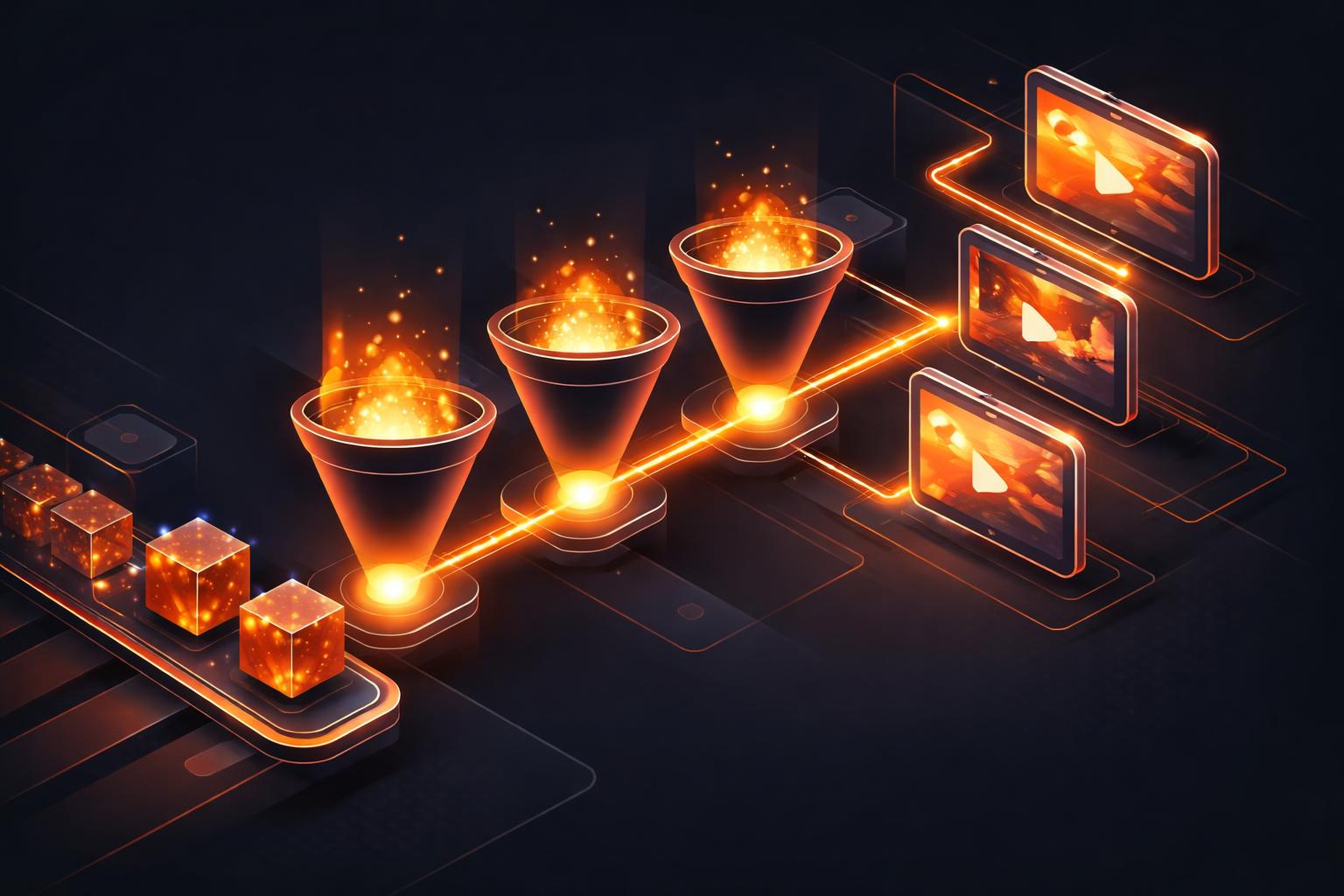
Unlike traditional video tools that might require complex FFmpeg filter strings, VideoFlow provides a typed, intuitive API for applying high-performance GLSL shaders. You don't need to be a math wizard to create cinematic visuals; you just need to understand how to stack your effects.
Creating Atmosphere with Bloom and Vignette
One of the fastest ways to add "production value" to a video is through lighting. In VideoFlow, you can use the bloom and vignette presets to create a sense of depth and focus.
Bloom simulates the way light bleeds around bright objects, giving them a soft, ethereal glow. When combined with a subtle vignette—which darkens the edges of the frame—you naturally draw the viewer's eye toward your central message.
import VideoFlow from '@videoflow/core';

const $ = new VideoFlow({ width: 1920, height: 1080 });

// Add a card with a glowing edge effect
const card = $.addShape(
  {
    width: 60, height: 30,
    fill: '#FF5A1F', // VideoFlow Orange
    effects: [
      { effect: 'bloom', params: { strength: 0.4, radius: 0.8 } },
      { effect: 'vignette', params: { strength: 0.3 } },
    ],
  },
  {
    shapeType: 'rectangle',
    transitionIn: { transition: 'blurResolve', duration: '800ms' },
  }
);

$.wait('3s');
const json = await $.compile();
Beyond Static Filters: Animating Effect Parameters
Static effects are great, but dynamic effects are where the magic happens. Every parameter in a VideoFlow effect is animatable. This means you can increase the gaussianBlur as a layer moves into the background, or pulse a chromaticAberration effect to emphasize a specific data point.
This level of control is what makes VideoFlow a powerful Remotion alternative for developers who need resolution-agnostic, portable video definitions. You aren't just rendering pixels; you're orchestrating a living composition.

The Professional Stack: VHS and Glitch
For modern social media or tech-focused content, the "perfect" digital look can sometimes feel sterile. Adding intentional imperfections like vhsDistortion or rgbSplit can give your video character. These effects are part of the 42 GLSL presets available out of the box in the VideoFlow core library.
When you combine these with cinematic blend modes, you unlock a level of visual sophistication that was previously reserved for professional editors.
How VideoFlow Handles the Heavy Lifting
Behind the scenes, VideoFlow manages the complexity of the WebGL context and shader compilation. Whether you use @videoflow/renderer-browser for zero-cost client-side exports or @videoflow/renderer-server for high-throughput Node.js rendering, the engine ensures that your effects are applied efficiently.
Because the effects are defined in the VideoJSON document, you can even preview them in real-time at 60fps using the Playground. This immediate feedback loop is essential for fine-tuning the "feel" of your video pipeline.
Conclusion: Start Building Your Pipeline
Cinematic video doesn't have to be a manual process. By treating your video as code and your effects as a programmable stack, you can automate the creation of high-quality content that scales with your business.
Ready to see the effects in action? Head over to the VideoFlow GitHub to explore the source, or dive into our effects guide to see the full list of 42 presets. The future of video is programmatic—it's time to make it cinematic.