
Resolution-Agnostic Video: Why Your Code Should Render 4K and 720p Identically
October 3, 2026 · By VideoFlowLearn how VideoFlow uses em units and normalized coordinates to create resolution-agnostic videos that render identically at 720p, 1080p, and 4K.
Resolution-Agnostic Video: Why Your Code Should Render 4K and 720p Identically
If you've ever built a video pipeline using FFmpeg shell scripts or legacy imperative canvas calls, you know the "resolution tax." You write code for a 1080p output, only to realize your user needs a 4K version or a lightweight 720p preview. Suddenly, every hardcoded pixel value—font sizes, stroke widths, positions, and shadow offsets—is wrong. You're left scaling integers by hand or, worse, shipping a blurry mess.
At VideoFlow, we believe video should be treated like modern web design: fluid, responsive, and resolution-agnostic. When you write code to compose a video, that code should be a blueprint, not a fixed-pixel map.
In this guide, we’ll explore how VideoFlow’s unit system and portable VideoJSON schema allow you to author once and render at any resolution without changing a single line of logic.

The Problem with Pixel-Perfect Authoring
Traditional video editing software (and many programmatic tools) often forces you into a specific frame size from the start. If you add a title at x: 960, y: 540 in a 1080p project, that title is centered. But move that same data to a 4K project, and your title is suddenly tucked into the top-left quadrant.
This makes video automation incredibly fragile. If you're building a SaaS that generates personalized videos, your customers might want different aspect ratios for Instagram, YouTube, and LinkedIn. Managing separate coordinate systems for each is a maintenance nightmare.
Solution 1: The 'em' Unit System
VideoFlow solves this by ditching absolute pixels in favor of em units. In the context of a VideoFlow project, 1em is defined as 1% of the project width.
Whether your project is 1280px wide or 3840px wide, fontSize: 5 will always occupy exactly 5% of the canvas width. This applies to everything in the builder API:
- Font Size:
$.addText({ fontSize: 8 })is a hero title that scales perfectly. - Shapes:
$.addShape({ width: 50, height: 25 }, { shapeType: 'rectangle' })creates a card that is half the width of the video, regardless of resolution. - Effects: Blur radiuses and shadow offsets also respect this system, ensuring that a "subtle glow" looks the same on a phone screen and a cinema display.
Solution 2: Normalized Coordinates [0..1]
Positioning in VideoFlow uses a normalized [x, y] coordinate system. Instead of calculating pixels, you work with percentages of the canvas. [0.5, 0.5] is always the center. [0.9, 0.1] is always the top-right corner.
// This code renders identically at 720p, 1080p, and 4K
const $ = new VideoFlow({ width: 1920, height: 1080, fps: 30 });

$.addText({
  text: 'Resolution Independent',
  fontSize: 6,           // 6% of width
  position: [0.5, 0.4],  // 50% from left, 40% from top
  color: '#FF5A1F',
});
By combining normalized positions with em-based sizing, your video layout becomes a mathematical relationship rather than a static image.
The Three-Renderer Rule
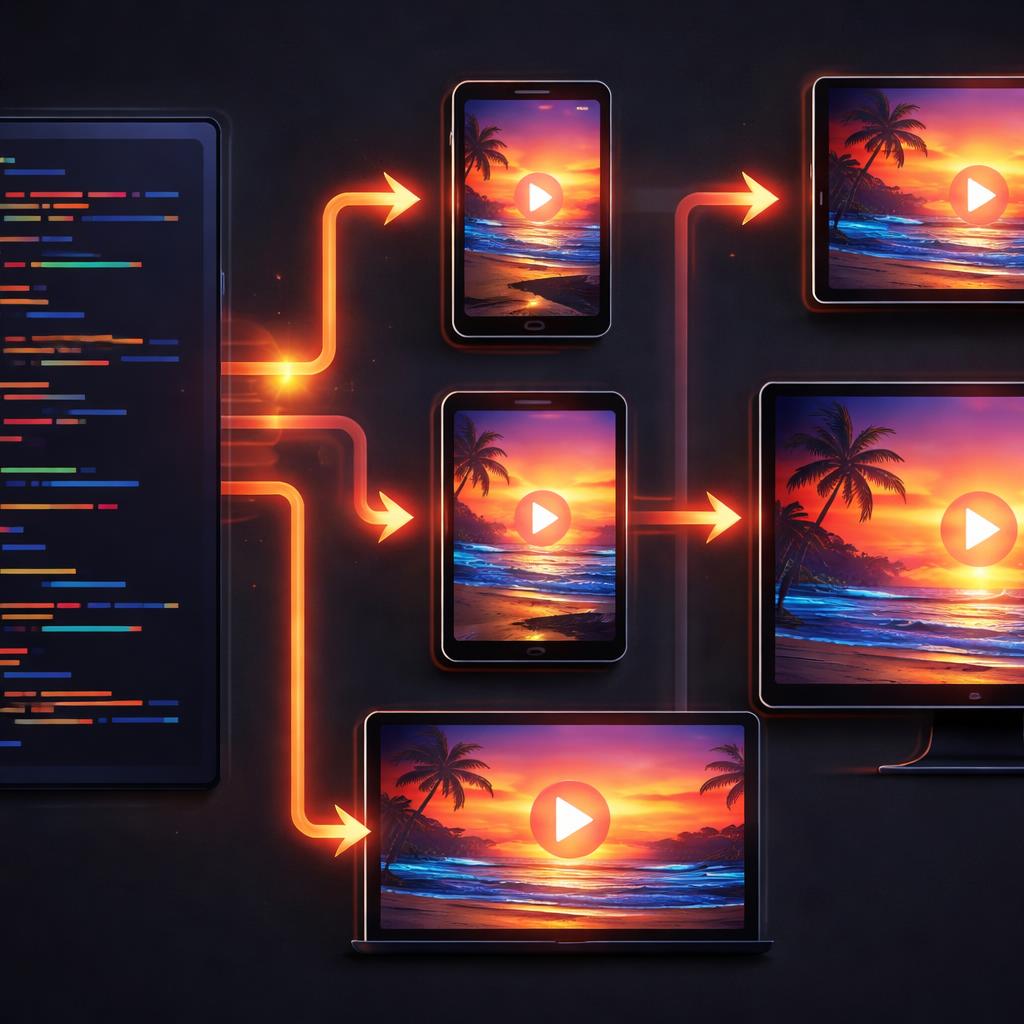
This abstraction isn't just for convenience—it's what enables VideoFlow's unique multi-renderer architecture. Because the scene is described as a portable VideoJSON document, it can be interpreted identically by any of our three official renderers:
- @videoflow/renderer-dom: Provides a frame-accurate 60fps live preview in your web app. It renders to a smaller DOM target for performance while maintaining the correct layout.
- @videoflow/renderer-browser: Exports high-quality MP4s directly in the user's browser via WebCodecs. Perfect for client-side tools that want to avoid server costs.
- @videoflow/renderer-server: A headless Node.js renderer for batch processing and automated pipelines.
You can scrub the preview at 480p in the Playground, hit 'Export', and have the server generate the final 4K master. The output is byte-for-byte identical in composition because the underlying math doesn't change.
Why This Matters for LLMs and Agents
If you are building AI-driven video pipelines, resolution-agnosticism is a superpower. Large Language Models (LLMs) struggle with complex pixel math but excel at following structural rules. By asking an agent to emit VideoJSON with normalized coordinates and em units, you remove the need for the model to know the output resolution. It just needs to know that a title should be "large and centered."
We've seen this pattern work beautifully in cinematic JSON workflows, where agents stack GLSL effects and transitions without ever worrying about the final render target.
Start Building Responsive Video
Stop thinking in pixels and start thinking in proportions. Whether you are building an automated social media factory or a personalized SaaS recap tool, VideoFlow ensures your content looks professional on every screen.
Ready to see it in action? Head over to the VideoFlow GitHub to explore the source, or jump straight into the Getting Started guide to build your first resolution-agnostic video in minutes.