
The Headless Video Playbook: Scaling Your Rendering API
May 21, 2026 · By VideoFlowScaling video production doesn't have to be a nightmare. Learn the architectural patterns for building a high-performance, headless video rendering API using VideoFlow and VideoJSON.
The Headless Video Playbook: Scaling Your Rendering API
Scaling video production has traditionally been the final boss of engineering challenges. Between the opaque complexity of FFmpeg shell commands, the heavy CPU requirements of frame-by-frame rendering, and the fragility of maintaining custom media pipelines, most teams either give up or pay exorbitant fees for proprietary APIs.
But as personalized content becomes the standard—from automated SaaS recaps to dynamic social ads—the need for a robust, headless video rendering API is no longer optional.
In this playbook, we’ll explore the architectural patterns required to build a high-performance video generation engine using VideoFlow. By treating video as portable JSON data rather than a binary black box, we can finally apply modern DevOps principles to motion graphics.
The Portability Advantage: VideoJSON
The core of any scalable headless pipeline is portability. If your video definition is tied to a specific runtime or a proprietary file format, you’ve already lost the battle against vendor lock-in and horizontal scaling.
VideoFlow solves this by compiling your TypeScript builder code into a VideoJSON document. This schema describes every layer, property, and keyframe in a plain, serializable format.
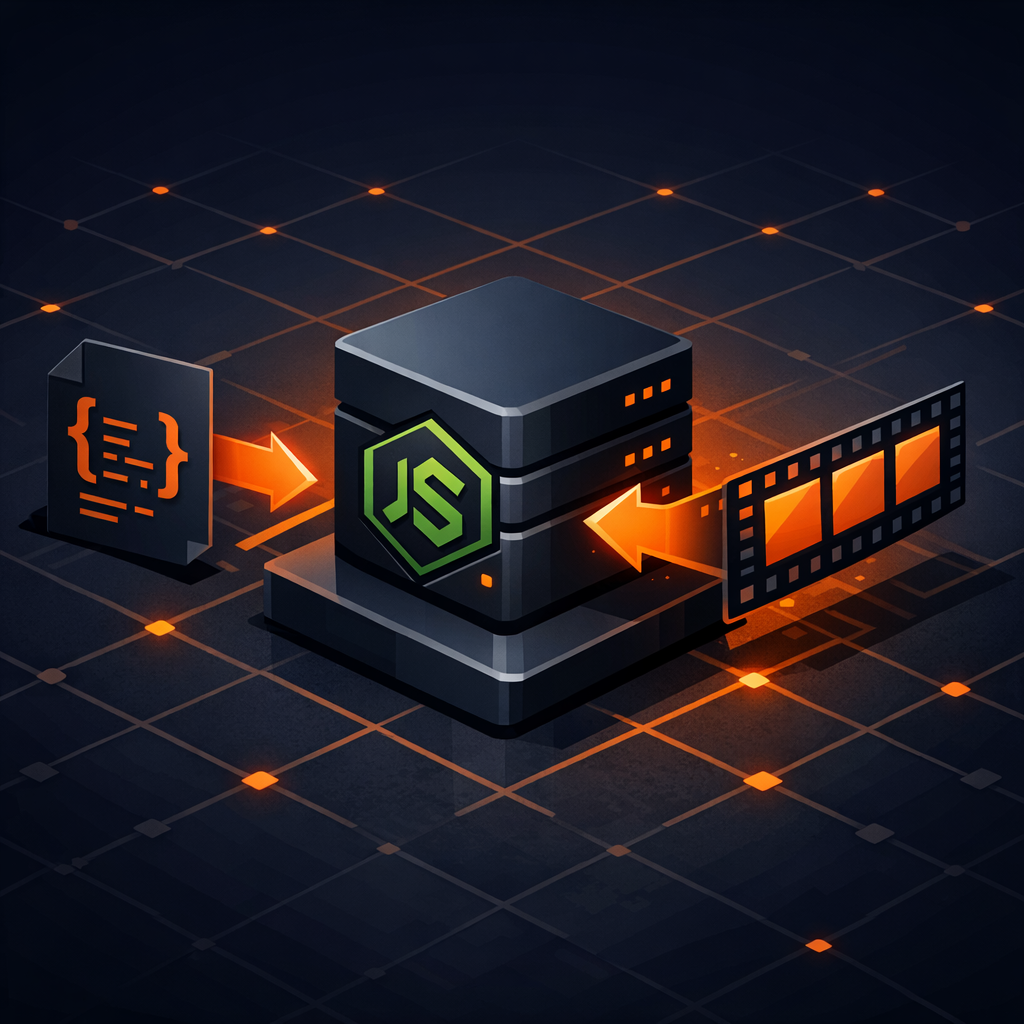
Because VideoJSON is just data, you can:
- Store it in Postgres (JSONB) or S3.
- Version it in Git to see exactly how a transition changed.
- Transfer it between different environments (browser, server, or edge).
This architecture allows your "Creative Engine" (the part that decides what the video looks like) to be completely decoupled from your "Render Engine" (the part that churns pixels into an MP4).
Headless Rendering without FFmpeg
One of the biggest hurdles in headless video is the FFmpeg dependency. Installing, configuring, and maintaining FFmpeg in containerized environments like Docker or AWS Lambda is a notorious pain point.
VideoFlow’s @videoflow/renderer-server takes a different approach. By default, it drives a headless Chromium instance via Playwright and uses WebCodecs to encode the video. This means you get professional-grade MP4 export in a Node.js environment with zero system-level FFmpeg requirements.
Here is what a minimal headless render endpoint looks like:
import VideoFlow from '@videoflow/core';
import '@videoflow/renderer-server';

export async function renderVideo(data) {
  const $ = new VideoFlow({ width: 1080, height: 1920, fps: 30 });

  // Add dynamic content based on the request
  $.addText({ text: `Hello, ${data.userName}`, fontSize: 8, color: '#FF5A1F' });
  $.wait('3s');

  // Render directly to a buffer for S3 upload
  const buffer = await $.renderVideo({
    outputType: 'buffer',
    verbose: true
  });

  return buffer;
}
This pattern is perfect for serverless functions where you want to spin up a renderer, export a 10-second personalized clip, and shut down immediately.
Architecture for Scale: The Queue Pattern
While synchronous rendering works for low-volume requests, a production-grade API needs a queue. Video rendering is CPU-intensive; you don't want a burst of requests to bring down your main API server.

1. The Producer (API)
Your main application receives the user data, validates it, and generates a VideoJSON document using the VideoFlow Core API. Instead of rendering it immediately, it pushes the JSON to a queue (like RabbitMQ, BullMQ, or AWS SQS).
2. The Worker (Renderer)
A fleet of worker nodes (running the server renderer) pulls jobs from the queue. Because the input is just JSON, these workers don't need access to your main database—they just need the schema and the URLs for the media assets.
3. The Storage
Once the render is complete, the worker uploads the MP4 to a CDN (like S3 or Google Cloud Storage) and notifies the producer via a webhook or a database update.
This decoupled approach allows you to scale your render workers independently of your web traffic. If you have a massive batch of "Year in Review" videos to process, you can simply spin up 100 temporary workers to clear the queue.
The Three-Renderer Rule
A common mistake in programmatic video is building a pipeline that can only render on the server. This makes debugging and previewing nearly impossible for developers.
VideoFlow enforces the Three-Renderer Rule: the same VideoJSON must work across three official renderers:
@videoflow/renderer-dom: For frame-accurate live previews inside your dashboard.@videoflow/renderer-browser: For zero-cost client-side exports directly in the user's tab.@videoflow/renderer-server: For the headless automation we've discussed here.
You can find a deep dive on this philosophy in our guide on The Three-Renderer Rule.
Conclusion
Building a headless video API doesn't have to mean wrestling with shell scripts and binary dependencies. By leveraging the VideoFlow documentation and the portable nature of VideoJSON, you can build a pipeline that is as easy to scale as a standard REST API.
Ready to build your first automated video? Check out the VideoFlow GitHub repository to see the source code, or jump straight into the Playground to start composing.
For a technical deep dive on the rendering internals, see our guide on How to Render MP4s in Node.js without Installing FFmpeg.