
Prompt-to-MP4: How to Let AI Agents Compose Videos via JSON
July 8, 2026 · By VideoFlowBridge the gap between creative intent and execution by letting AI agents generate VideoJSON. Learn how to build a prompt-to-MP4 pipeline with VideoFlow.
Prompt-to-MP4: How to Let AI Agents Compose Videos via JSON
Large Language Models (LLMs) are incredibly good at generating structured data, but they struggle with opaque binary formats like MP4 or complex, stateful GUI automation. If you want an AI agent to "make a video," asking it to write a Python script that orchestrates FFmpeg commands is fragile, and asking it to click buttons in a cloud editor is slow.
The solution is to treat video as a first-class data type. By providing an agent with a schema-validated JSON format for video composition, you bridge the gap between creative intent and programmatic execution.
The Gap Between LLMs and Video
Most video generation today relies on "black box" models where you provide a prompt and get a file. While impressive, these models offer zero control over specific branding, precise timing, or data-driven content. If your agent needs to generate a weekly SaaS recap video, it needs to place specific charts, text, and clips at exact timestamps.
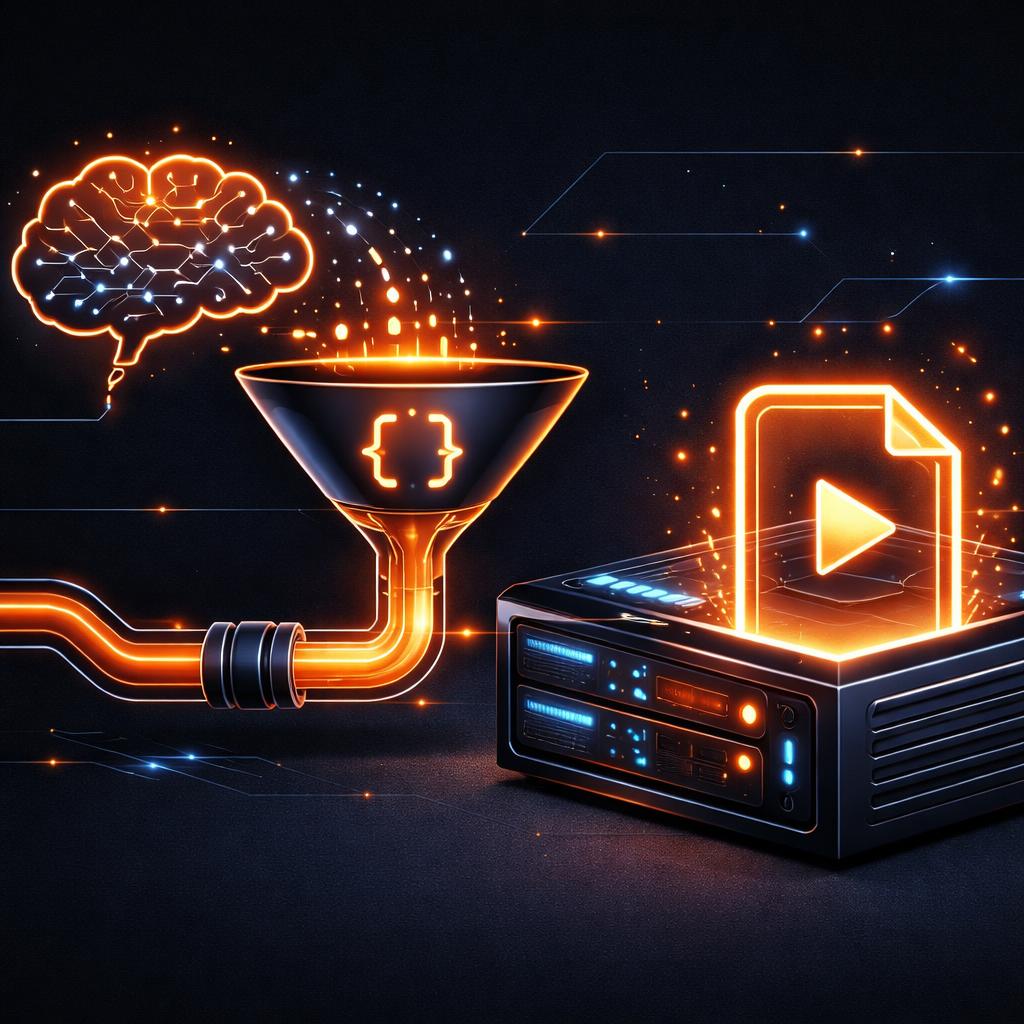
This is where VideoFlow changes the game. Instead of asking an LLM to generate pixels, you ask it to generate a VideoJSON document.
Why JSON is the Perfect "Video Language" for Agents
JSON is the native tongue of the modern web and the preferred output format for function-calling AI agents. When a video is represented as a portable JSON tree, it becomes:
- Deterministic: The agent specifies exactly what happens at 02:15.
- Validatable: You can use JSON Schema to ensure the agent's "edit" is renderable before it even hits the GPU.
- Diffable: You can track changes to a video project just like code.
Compared to alternatives like Remotion—where the video logic is locked inside React components—VideoFlow's portable JSON architecture allows any language (Python, Go, Rust) to produce the source, while the official renderers handle the heavy lifting of turning that data into an MP4.
Building the Pipeline: From Prompt to MP4
A typical "Prompt-to-MP4" pipeline consists of three stages:
1. The System Prompt
You provide the LLM with the VideoFlow builder API signatures or the VideoJSON schema. Because the API is fluent and descriptive, agents find it intuitive.
2. The JSON Generation
The agent emits a JSON block. For example, a simple "News Break" video might look like this in the agent's mind:
import VideoFlow from '@videoflow/core';

const $ = new VideoFlow({ width: 1080, height: 1920, fps: 30 });

// Background image from a dynamic source
$.addImage(
  { fit: 'cover', opacity: 0.8 },
  { source: 'https://images.unsplash.com/photo-1504711432869-00107765955a' }
);

// Headline text with a cinematic transition
const headline = $.addText({
  text: 'BREAKING NEWS: AI AGENTS NOW EDIT VIDEO',
  fontSize: 6,
  color: '#FF5A1F',
  position: [0.5, 0.4],
});
headline.fadeIn('600ms');

$.wait('3s');
headline.fadeOut('400ms');
3. The Render
The generated JSON is sent to a renderer. If you are building a user-facing tool, you can use the browser renderer to export the MP4 directly in the user's tab, saving you server costs. For background jobs, the server renderer can run in a headless environment.
How VideoFlow Handles the Complexity
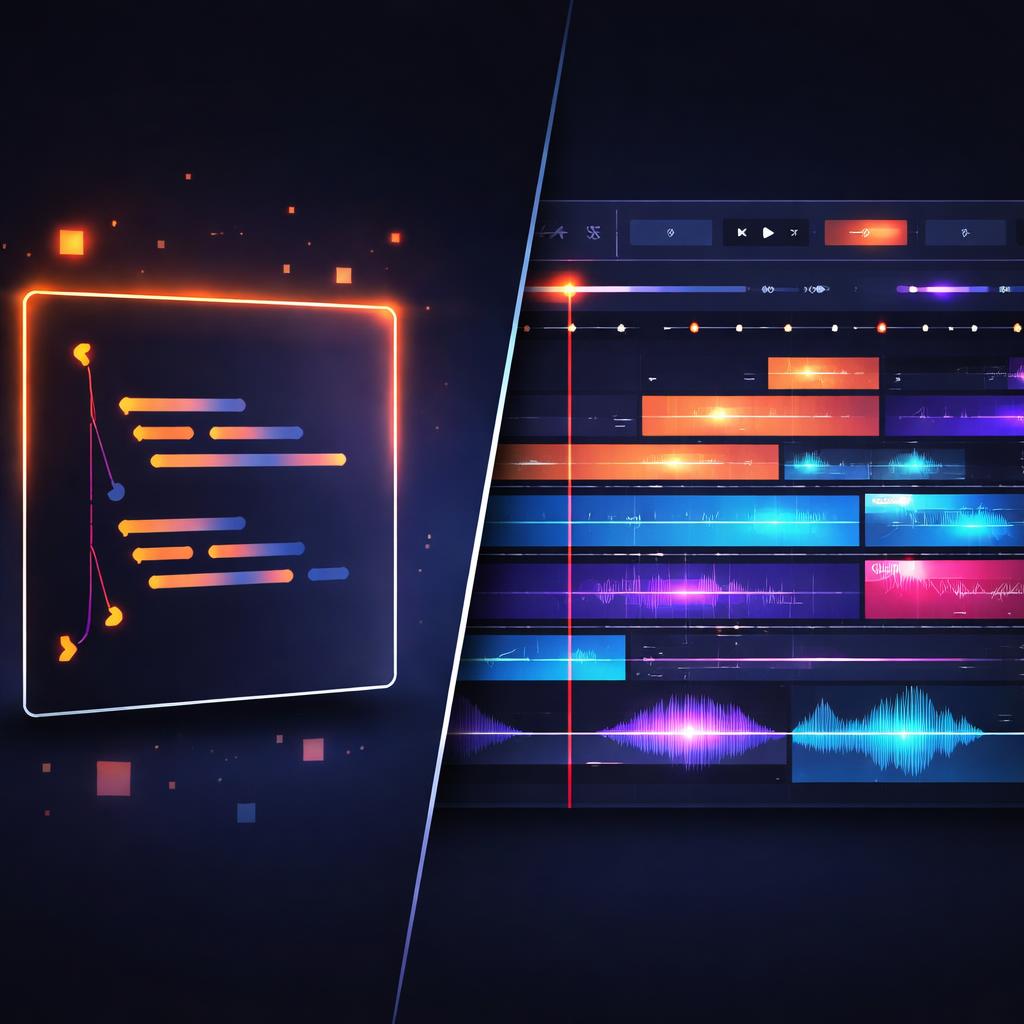
VideoFlow was designed from the ground up to be the "rendering engine for the programmable web." It abstracts away the "frame math" that usually makes programmatic video hard.
- Sequential Timing: Instead of calculating
startTimefor every layer, agents use$.wait()and$.parallel(). This "flow" mental model is much closer to how humans (and LLMs) describe sequences. - Built-in Cinematic Primitives: You don't have to explain GLSL to an agent. It just picks from 27 transition presets like
blurResolveorglitchResolve. - Resolution Agnostic: Since units are in
em(1% of width), an agent can design a video once, and it will render perfectly as a 9:16 TikTok or a 16:9 YouTube video.
For a deeper look at how this JSON structure works under the hood, check out our guide on understanding the VideoJSON schema.
Start Building Your Video Agent
The future of content isn't just "AI-generated"—it's "AI-composed." By using VideoFlow as your agent's creative toolkit, you get the precision of code with the flexibility of a modern video editor.
Explore the VideoFlow Playground to see how code turns into cinematic frames in real-time, or dive into the documentation to start building your own pipeline. If you're ready to integrate, the source is available on GitHub.