
Video as a Git Artifact: Why Your Motion Graphics Should Be Versioned
May 21, 2026 · By VideoFlowStop shipping opaque binary blobs. Learn how to treat video as a Git artifact using VideoFlow's diffable VideoJSON and automated CI/CD pipelines.
Video as a Git Artifact: Why Your Motion Graphics Should Be Versioned
For decades, video files have been the ultimate black box in software development. You can't diff an MP4. You can't see why a specific frame changed in a commit history. You can't merge two versions of a motion graphics project without opening a proprietary editor and manually re-syncing keyframes.
In a world where we treat infrastructure, documentation, and logic as code, video remains an opaque binary blob. But what if we treated Video as a Git Artifact? What if your video timeline was just a portable JSON document that lived in your repository alongside your application code?
This is the core promise of VideoFlow: turning video production into a first-class DevOps citizen.
The Portability of VideoJSON
Most video-as-code tools couple your timeline to a specific runtime or framework. If you use React for video, your video is effectively a React component tree. While powerful, it's hard to version-control in a way that non-JS environments can understand.
VideoFlow takes a different approach. The VideoFlow Core API uses a fluent TypeScript builder to compile your intent into a single, portable VideoJSON document.
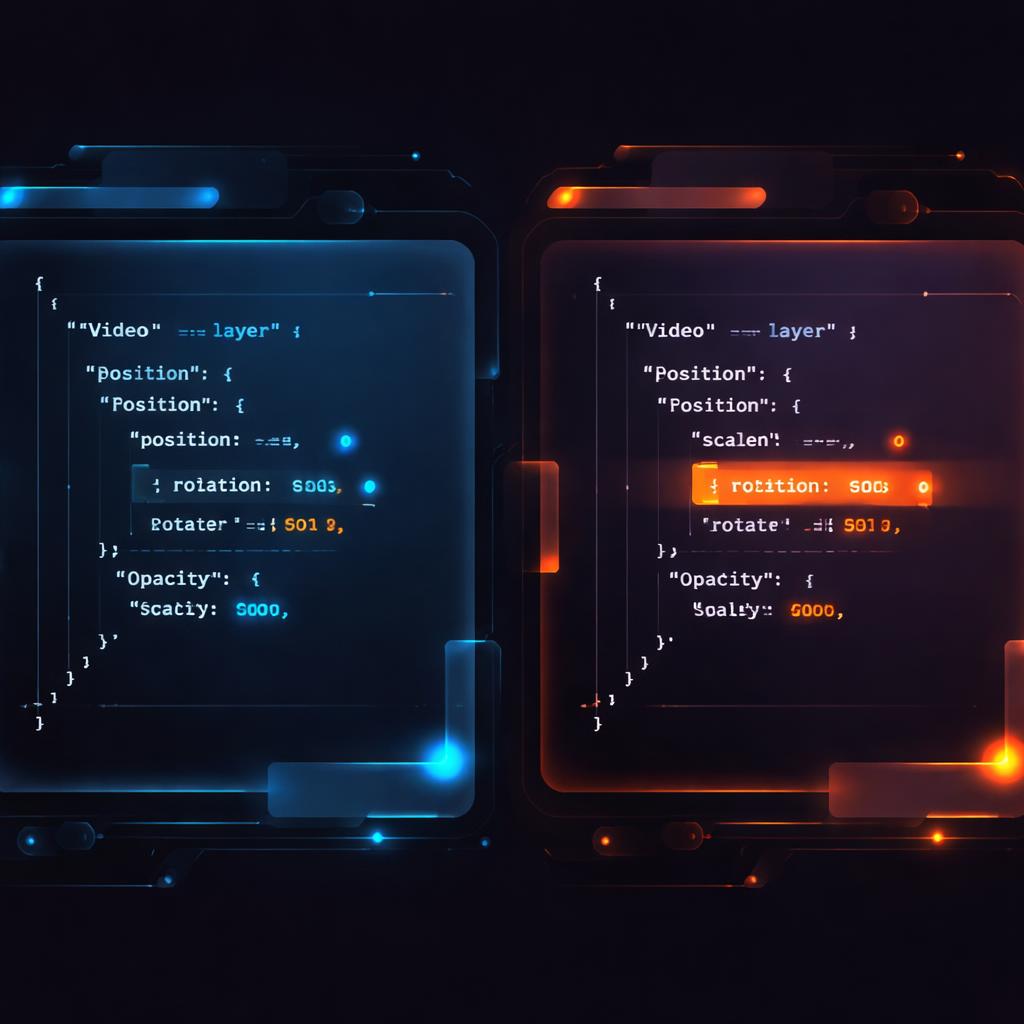
Because VideoJSON is a plain data structure, it is natively diffable. When you move a text layer by 5% or change a transition from fade to blurResolve, your git diff shows you exactly what changed. You aren't just saving a video; you're versioning the intent of the video.
import VideoFlow from '@videoflow/core';

const $ = new VideoFlow({ width: 1920, height: 1080 });

// This structure compiles to a diffable JSON object
const title = $.addText({
  text: 'Versioned Video',
  position: [0.5, 0.4],
  fontSize: 6,
  color: '#FF5A1F'
});

title.fadeIn('600ms');
$.wait('2s');

const json = await $.compile();
Building a CI/CD Video Pipeline
Once your video is a Git artifact, you can plug it into a standard CI/CD pipeline. Imagine a workflow where every pull request that updates your product's landing page also triggers a GitHub Action to re-render the background explainer video to reflect the new UI.
Using @videoflow/renderer-server, you can render these artifacts in a headless environment without even having FFmpeg installed on the runner.

This "Video as Code" approach eliminates the manual export-and-upload cycle. Your CI/CD pipeline becomes your video editor. You can even run automated tests against your video metadata to ensure that branding colors or legal disclaimers are present in every generated frame.
The Three-Renderer Rule
One of the biggest hurdles in programmatic video is the gap between authoring and rendering. You often build in one tool, preview in another, and render in a third. VideoFlow solves this with the "Three-Renderer Rule": the same VideoJSON artifact renders identically across three official, Apache-2.0 licensed renderers:
- @videoflow/renderer-dom: Provides frame-accurate 60 fps live preview in your web app. You can test your changes in the VideoFlow Playground instantly.
- @videoflow/renderer-browser: Exports MP4s directly in the user's browser using WebCodecs. This is perfect for client-side tools where you want to avoid server costs.
- @videoflow/renderer-server: A Node.js renderer for batch jobs and automated pipelines, driving headless Chromium via Playwright.
By keeping the rendering logic consistent across all environments, your Git artifact becomes a reliable source of truth from development to production.
How VideoFlow Handles Versioning
VideoFlow was built from the ground up for teams who care about automation and scalability. Unlike proprietary alternatives, the core toolkit and all three renderers are Apache-2.0, ensuring that your video pipeline remains open and under your control.
Whether you are building a LLM-powered video generation pipeline or simply automating your weekly SaaS recap videos, treating your timelines as code allows you to apply the same rigour to your media as you do to your infrastructure.
Ready to stop shipping binary blobs? Check out the VideoFlow Documentation to start building your first versioned video pipeline, or dive into the source on GitHub.