
Video as Markdown: Why Your Next Video Pipeline Should Speak JSON
October 31, 2026 · By VideoFlowLearn why treating video as markdown via JSON pipelines is the future of programmatic video. Explore VideoJSON portability, diffability, and automation.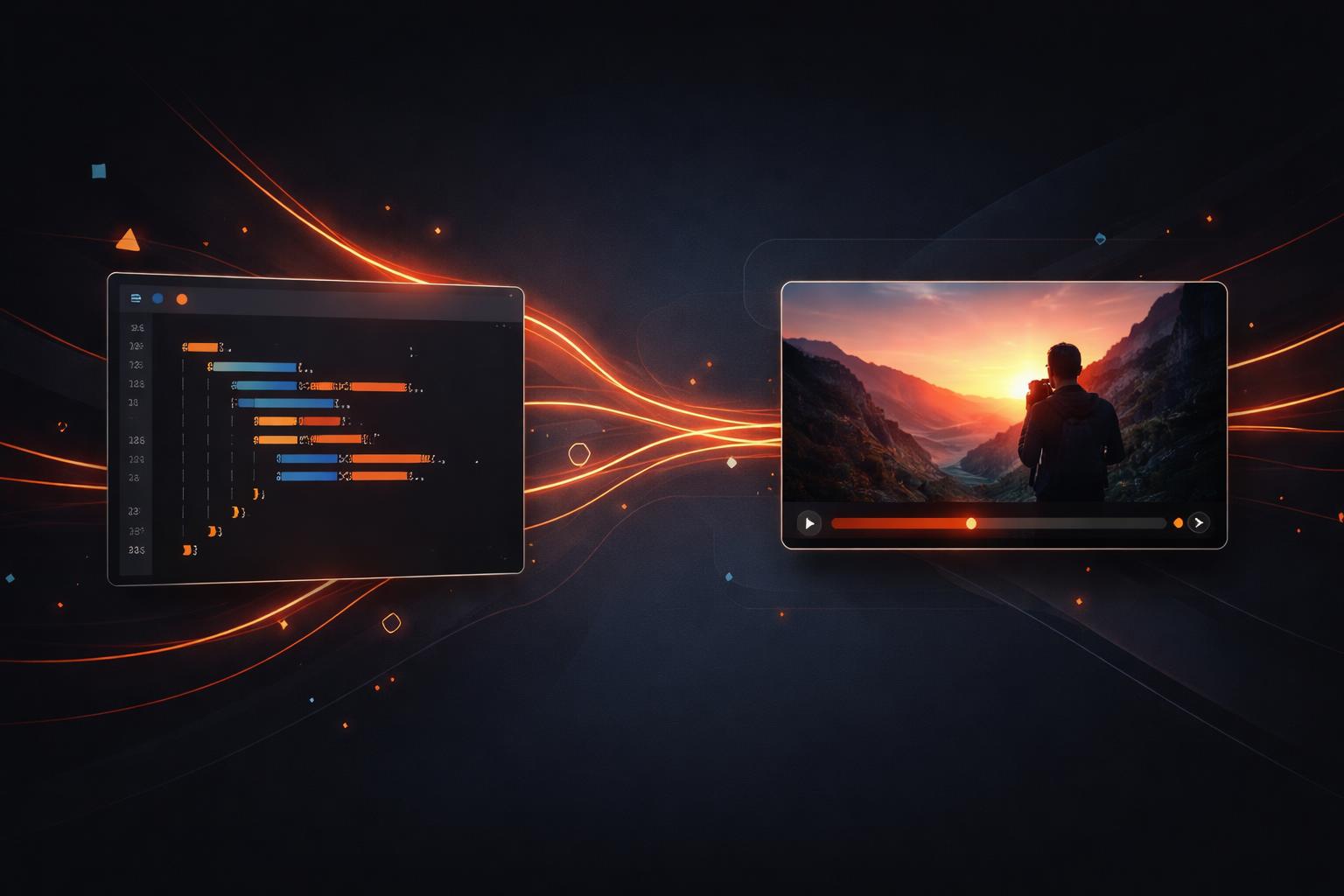
Video as Markdown: Why Your Next Video Pipeline Should Speak JSON
For decades, video has been treated as a "black box" binary asset. You record it, you edit it in a proprietary GUI, and you export a heavy MP4 that is impossible to diff, version, or automate. If you wanted to change a single word in a lower-third across a hundred videos, you were in for a long night of manual re-rendering.
But for developers, this workflow is an outlier. We don't treat our documentation as binary blobs; we use Markdown. We don't treat our infrastructure as manual clicks; we use Terraform. It’s time we started treating video as markdown—a portable, human-readable, and machine-generatable format that lives in your version control alongside your code.
By adopting a JSON video pipeline, you unlock a level of automation and flexibility that traditional video editing simply cannot match. In this post, we’ll explore why VideoJSON is the future of programmatic video and how VideoFlow makes this transition seamless.

The Mental Model: Video as Markdown
When you write Markdown, you aren't worrying about the specific pixels of the bold text or the exact line-height of your headers. You describe the intent of the document, and a renderer handles the presentation.
VideoFlow brings this same philosophy to video creation. Instead of wrestling with keyframes in a timeline GUI, you describe your video as a tree of layers and animations. This approach, which we call "Video as Markdown," means your video is no longer a static file—it's a living document.
Because the underlying representation is VideoJSON, your video pipelines become:
- Diffable: See exactly what changed between two versions of a video in a pull request.
- Versionable: Roll back a video project just as easily as you roll back a bug in your production code.
- Portable: Author a video once and render it anywhere—in the browser, on a server, or as a live preview.
Portable VideoJSON vs. Code-Locked Compositions
Many programmatic video tools lock your video logic inside a specific framework or runtime. If you build a video in a React-based tool, you need a React environment to render it. If you use a proprietary API, your video data is locked in their database.
VideoFlow breaks this lock-in by decoupling the authoring from the rendering via the VideoJSON schema.
When you use the @videoflow/core builder API, the end result isn't a video file—it's a portable JSON document. This document contains everything needed to reconstruct the video: the layers, the media sources, the keyframes, and the 27 cinematic transitions and 42 GLSL effects.
This portability is what enables the three-renderer rule: the same JSON can be passed to our browser-side renderer for zero-cost exports, our server-side renderer for batch jobs, or our DOM renderer for 60fps live previews. This is a massive advantage over traditional tools that require a heavy headless browser or a specific server-side environment for every single frame.
Building a JSON-First Pipeline
Creating a video with VideoFlow feels more like writing a script than editing a movie. Here is how you can define a cinematic title sequence in just a few lines of TypeScript:
import VideoFlow from '@videoflow/core';

const $ = new VideoFlow({ width: 1920, height: 1080, fps: 30 });

// Add a background image
const bg = $.addImage(
  { fit: 'cover', opacity: 0.8 },
  { source: 'https://images.unsplash.com/photo-1618005182384-a83a8bd57fbe' }
);

// Add a title with a built-in transition
const title = $.addText(
  {
    text: 'VIDEO AS MARKDOWN',
    fontSize: 8,
    color: '#FF5A1F',
    fontWeight: 700,
    position: [0.5, 0.5],
  },
  {
    transitionIn: { transition: 'blurResolve', duration: '800ms' },
  }
);

$.wait('3s');
title.fadeOut('500ms');

const json = await $.compile();
console.log(JSON.stringify(json, null, 2));
This script doesn't just create a video; it creates a template. Because the output is JSON, you can easily swap the text or the source URL based on data from an API, a database, or even an LLM agent. This is the foundation of programmatic video at scale.
How VideoFlow Handles the Pipeline
VideoFlow was built from the ground up to support this JSON-first workflow. The toolkit is split into modular packages that handle different stages of the pipeline:
- @videoflow/core: The fluent builder API used to compose scenes and compile them into VideoJSON.
- @videoflow/renderer-browser: Handles in-tab MP4 export via WebCodecs, perfect for client-side tools.
- @videoflow/renderer-server: A Node.js renderer that uses headless Chromium to render video without FFmpeg by default.
- @videoflow/renderer-dom: Provides a frame-accurate, 60 fps live preview for your web apps.
Whether you are building a social media automation tool, a personalized SaaS recap engine, or an AI-driven video agent, VideoFlow gives you the primitives to treat your video assets with the same rigour as your codebase.

Stop Rendering, Start Composing
The era of manual video rendering is coming to an end. By moving your video logic into JSON, you gain the ability to automate, scale, and iterate at the speed of software development.
Ready to see your first video as code? Head over to the VideoFlow Playground to experiment with the builder API in real-time, or check out our getting started guide to integrate VideoFlow into your next project.
You can also explore the source code and join the community on GitHub. Let's build the future of video, one JSON block at a time.