
The Video Markdown Pattern: Turning Static Content into Automated MP4s
September 11, 2026 · By VideoFlowLearn the Video Markdown Pattern: how to treat video as portable, version-controlled JSON data to build scalable automation pipelines without FFmpeg complexity.
The Video Markdown Pattern: Turning Static Content into Automated MP4s
For the last decade, we have perfected the art of treating static content as data. We write Markdown, commit it to Git, and watch a CI/CD pipeline transform it into a high-performance website. This "content-as-code" workflow gives us versioning, diffs, and automation. But for video, we are still stuck in the dark ages of manual exports, fragile FFmpeg shell scripts, and proprietary binary formats that are impossible to diff.
At VideoFlow, we believe the future of video looks a lot like Markdown. We call it the Video Markdown Pattern: representing cinematic scenes as portable, human-readable JSON that can be version-controlled, generated by code, and rendered identically anywhere.
Why Video Needs a Portable Schema
If you've ever tried to automate video production, you've likely hit the "FFmpeg Wall." FFmpeg is an incredible tool, but its filter graphs are string-concatenated nightmares that are difficult to debug and even harder to maintain. On the other end of the spectrum, tools like After Effects produce binary blobs that are opaque to your version control system.
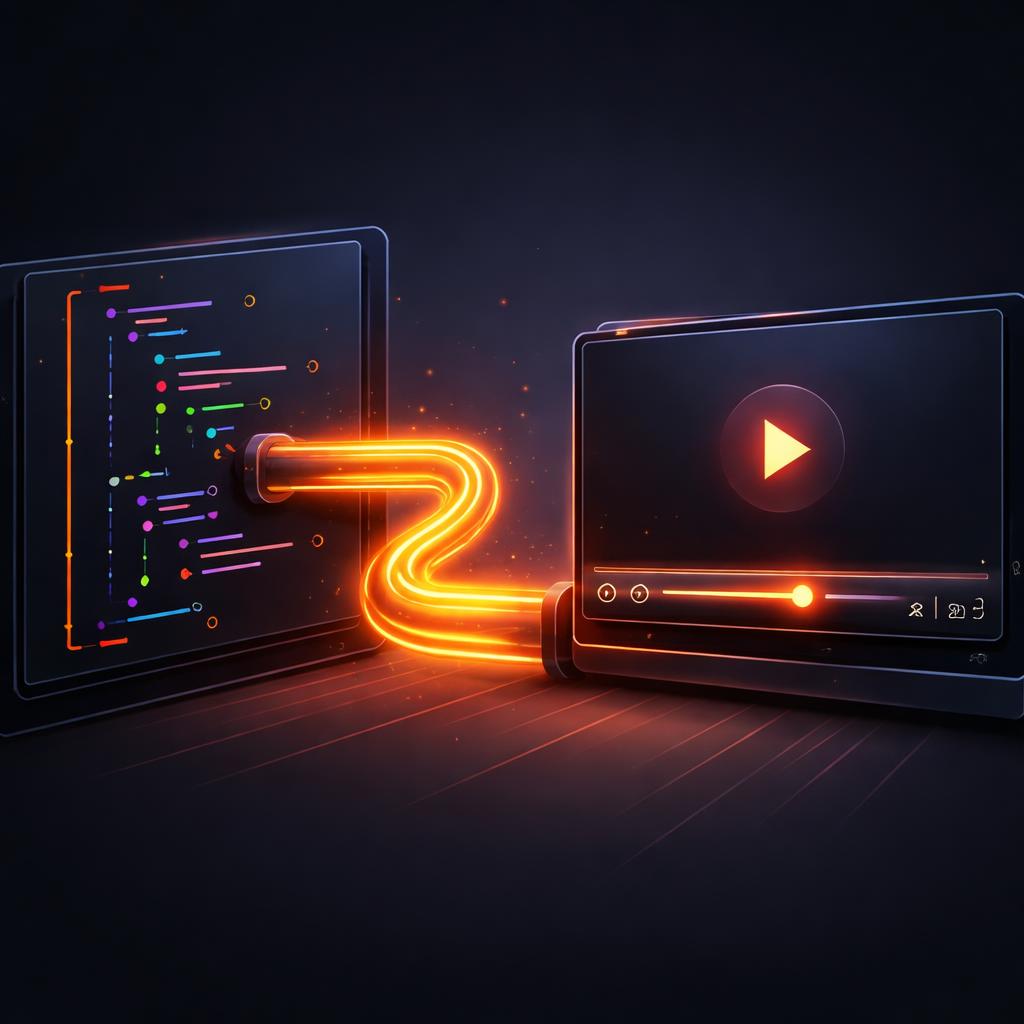
The VideoJSON schema changes this. By treating a video timeline as a structured document, you gain the same advantages you have with your technical documentation:
- Version Control: See exactly how a transition changed in a Git diff.
- Programmatic Generation: Let an LLM or a simple script emit a video timeline based on real-time data.
- Renderer Independence: Render the same JSON in a browser tab, on a headless server, or as a live preview.
Building Your First "Video Document"
The heart of this pattern is the @videoflow/core builder API. It allows you to compose layers—text, images, video, audio—using a fluent, type-safe interface.
Consider this example of a dynamic "Product Update" video. Instead of manually editing a clip for every new feature, you can script the layout using normalized coordinates and resolution-independent units.
import VideoFlow from '@videoflow/core';

const $ = new VideoFlow({ width: 1920, height: 1080, fps: 30 });

// Add a background image with a cinematic blur
const bg = $.addImage(
  { fit: 'cover', opacity: 0.8 },
  { source: 'https://assets.videoflow.dev/bg-abstract.jpg' }
);

// Stack a GLSL effect for that editorial look
bg.animate(
  { filterBlur: 0 },
  { filterBlur: 0.5 },
  { duration: '3s', wait: false }
);

// Add dynamic text with a resolve transition
const title = $.addText({
  text: 'New Feature: AI Summaries',
  fontSize: 8,           // 8% of project width
  color: '#FF5A1F',     // VideoFlow Orange
  position: [0.5, 0.4],  // Centred horizontally, 40% from top
}, {
  transitionIn: { transition: 'blurResolve', duration: '800ms' }
});

$.wait('2s');
title.fadeOut('500ms');

const videoJson = await $.compile();
In this snippet, notice how we use em units for fontSize and normalized [0, 1] arrays for position. This ensures that if you decide to render this video at 4K instead of 1080p, the layout remains pixel-perfect without changing a single line of code. It’s the same philosophy as responsive web design, applied to motion graphics.
Headless Rendering Without FFmpeg
One of the biggest hurdles in video automation is the infrastructure. Traditionally, you needed to manage complex FFmpeg binaries on your servers. VideoFlow’s @videoflow/renderer-server takes a different approach.
By default, it uses headless Chromium via Playwright and the WebCodecs API to encode MP4s directly. This means you can deploy your video pipeline to standard Node.js environments without worrying about native dependencies.

This architecture allows for the "three-renderer rule":
- Live Preview: Use
@videoflow/renderer-domin your React dashboard for a 60fps, frame-accurate preview. - Client-Side Export: Use
@videoflow/renderer-browserto let users export their own videos in the browser, saving you server costs. - Batch Processing: Use
@videoflow/renderer-serverfor scheduled jobs or high-volume automation.
How VideoFlow Handles the Complexity
VideoFlow is designed to be an open-source alternative to proprietary video APIs. While the core toolkit is Apache-2.0, it doesn't compromise on cinematic quality. Out of the box, you get 27 transition presets (like glitchResolve and lightSweepReveal) and 42 GLSL effects (like chromaticAberration and frostedGlass).
You can see these in action in our Playground, which lets you tweak parameters and see the results instantly in the browser. For those building internal tools, we also offer the @videoflow/react-video-editor, a drop-in component that gives your users a full multi-track timeline without you having to build it from scratch.
Conclusion: Treat Video Like Code
The shift from manual editing to programmatic "Video Markdown" is inevitable for any team operating at scale. Whether you are building automated product update videos or a personalized onboarding flow for your SaaS, treating your timeline as data is the key to maintainability.
Ready to build your first video pipeline? Check out our Getting Started guide, explore the GitHub repository, or start tinkering in the Playground today. Video doesn't have to be a black box—it can be just as manageable as your codebase.