
Why Your Video Pipeline Should Be Diffable: Git for MP4s
May 22, 2026 · By VideoFlowStop shipping black-box MP4s. Learn how a diffable video pipeline using VideoJSON and VideoFlow lets you version, review, and automate video creation like code.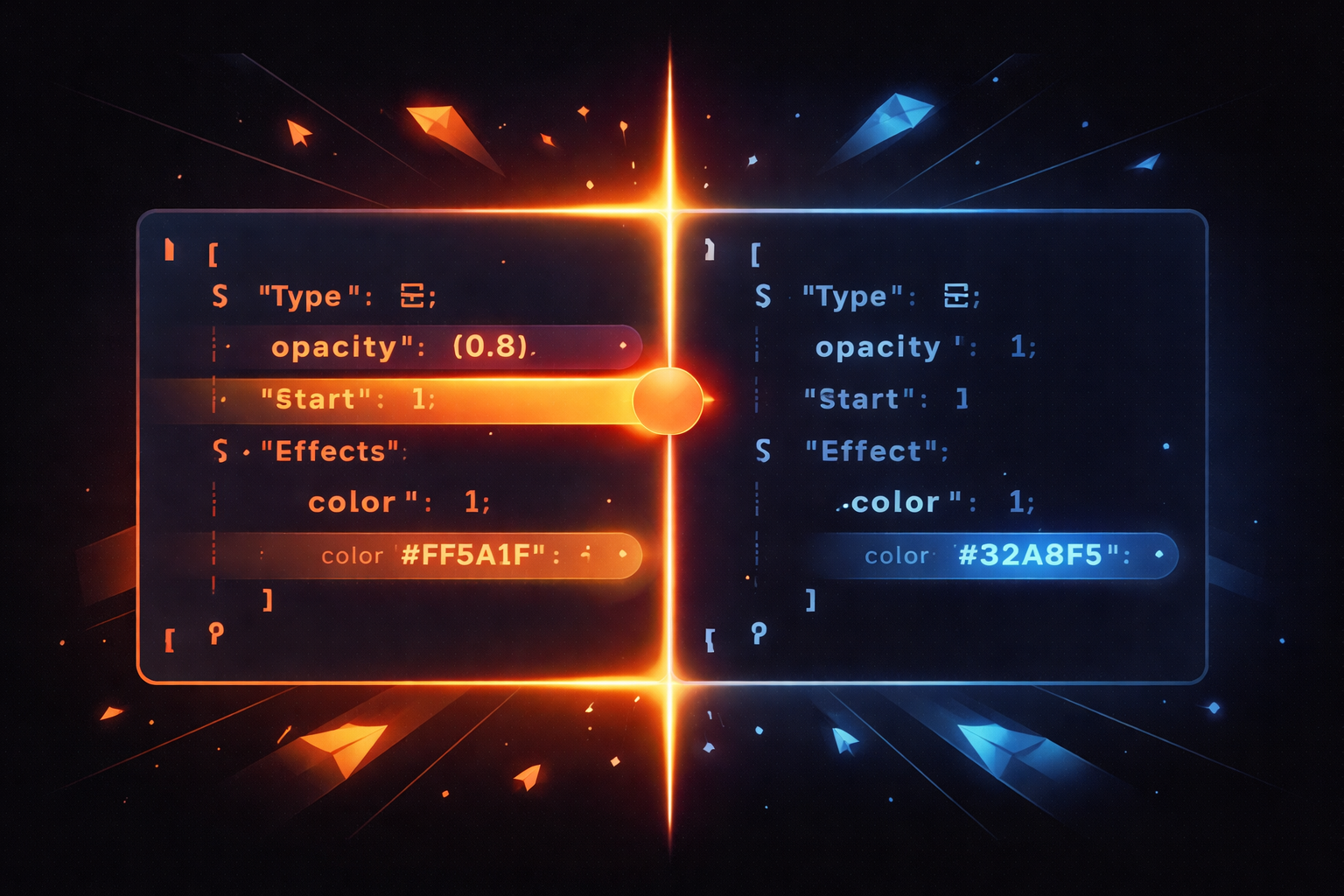
Why Your Video Pipeline Should Be Diffable: Git for MP4s
Traditional video editing is a black box. If you've ever tried to manage a high-volume video pipeline using binary files and manual exports, you know the pain: you can't see what changed between versions, you can't easily roll back a single tweak, and code reviews for "visuals" are practically impossible.
In the world of software, we have Git. We have diffs. We have pull requests. But in video production, we often have final_v2_edit_fixed_FINAL.mp4. It's time to treat video like code.
The Problem: Black Box Binaries
When your video assets are locked inside opaque binary formats or proprietary project files, your engineering team loses visibility. If a marketing video's background color changes from #FF5A1F to a slightly different shade, how do you track that? In a standard pipeline, you don't. You just re-render and hope for the best.
This lack of transparency makes automated video creation risky. Without a way to diff the actual structure of a video, you're flying blind. This is where the concept of "Video-as-Code" changes the game.

The Solution: VideoJSON and Portable State
By representing a video as a structured, portable document—like VideoJSON—you turn a visual medium into a diffable one. Instead of comparing pixels, you compare the intent.
With VideoFlow, every video starts as a TypeScript program that compiles into a clean JSON schema. This schema defines every layer, every keyframe, and every GLSL effect. Because it's plain text, it lives in your Git repository alongside your application code.
What a "Video Diff" Looks Like
Imagine you're building a SaaS recap video and you want to update the font size of the user's name. In a diffable pipeline, your pull request looks like this:
  const title = $.addText({
    text: 'Welcome back, Alex',
-   fontSize: 6,
+   fontSize: 7,
    color: '#FF5A1F',
  });
This isn't just a code change; it's a verifiable change to your video's DNA. Your CI/CD pipeline can now see exactly what changed, run automated tests against the VideoFlow core, and even generate a preview render before you merge.
How VideoFlow Handles This
VideoFlow was built from the ground up to be the engine for these modern pipelines. It separates the description of the video from the rendering of it.
- The Builder API: Use
@videoflow/coreto define your timeline. It's a fluent TS API that feels like writing UI code. - Portable VideoJSON: The result of
$.compile()is a JSON object. This is your "source of truth" that can be stored in Postgres, version-controlled in Git, or passed between microservices. - The Three Renderers: Whether you need to export an MP4 in the browser with
@videoflow/renderer-browser, render on a server with@videoflow/renderer-server, or show a live preview in React with@videoflow/renderer-dom, they all consume the exact same JSON.

Practical Example: A Diffable Animation
Let's look at a real snippet. Suppose we want to add a bloom effect to a call-to-action button. In a traditional editor, this is a hidden setting. In VideoFlow, it's a clear, diffable property:
import VideoFlow from '@videoflow/core';

const $ = new VideoFlow({ width: 1920, height: 1080 });

const cta = $.addShape(
  {
    width: 40, height: 15,
    fill: '#FF5A1F',
    effects: [
      { effect: 'bloom', params: { strength: 0.5 } } // Diffable effect addition
    ],
  },
  {
    shapeType: 'rectangle',
    transitionIn: { transition: 'blurResolve', duration: '500ms' }
  }
);

$.wait('3s');
const videoJson = await $.compile();
Because this is just code, your team can review the strength parameter or the blurResolve transition duration during a normal PR review. No more "hey, can you make that glow a bit softer?"—just a code comment on the specific line.
Why This Matters for Engineering Teams
Moving to a diffable video pipeline isn't just about being "cool with code." It's about operational excellence:
- Audit Trails: Know exactly when the brand colors were updated across 1,000 automated videos.
- Reliability: Prevent regressions. If a change to your JSON schema breaks the render, your tests will catch it before it hits production.
- Collaboration: Designers and developers can speak the same language. A designer can tweak a value in the Playground, and a developer can copy that JSON snippet directly into the codebase.
- Scalability: When you treat video like data, you can build content factories that generate millions of personalized videos with the same confidence you have in your web app.
Start Building Your Pipeline
Ready to stop shipping black boxes? Start treating your videos like the first-class code assets they are. Explore our official documentation to see how the VideoJSON schema works, or jump into the Playground to build your first diffable scene.
For teams looking to build full-scale automation, check out the VideoFlow GitHub repository and join the community of developers building the future of programmatic video.