
Parallel vs Sequential: Mastering the VideoFlow Timing Model
August 12, 2026 · By VideoFlowTired of manual frame math? Learn how VideoFlow's timing model uses sequential flows, parallel blocks, and nested groups to make programmatic video timing effortless.
Parallel vs Sequential: Mastering the VideoFlow Timing Model
Most programmatic video libraries force you to think in absolute frames or millisecond timestamps. Want to move a title back by half a second? You're recalculating the start times for every subsequent layer. It turns creative coding into a fragile math problem where a single change ripples through the entire timeline.
VideoFlow takes a different approach. By treating video like a logical "flow" rather than a static array of layers, it lets you describe what should happen and when it should happen relative to the previous action.
In this guide, we'll dive into the VideoFlow timing model—the core engine that powers how you orchestrate complex cinematic sequences without the frame-math headache.
The Sequential Default: The Flow
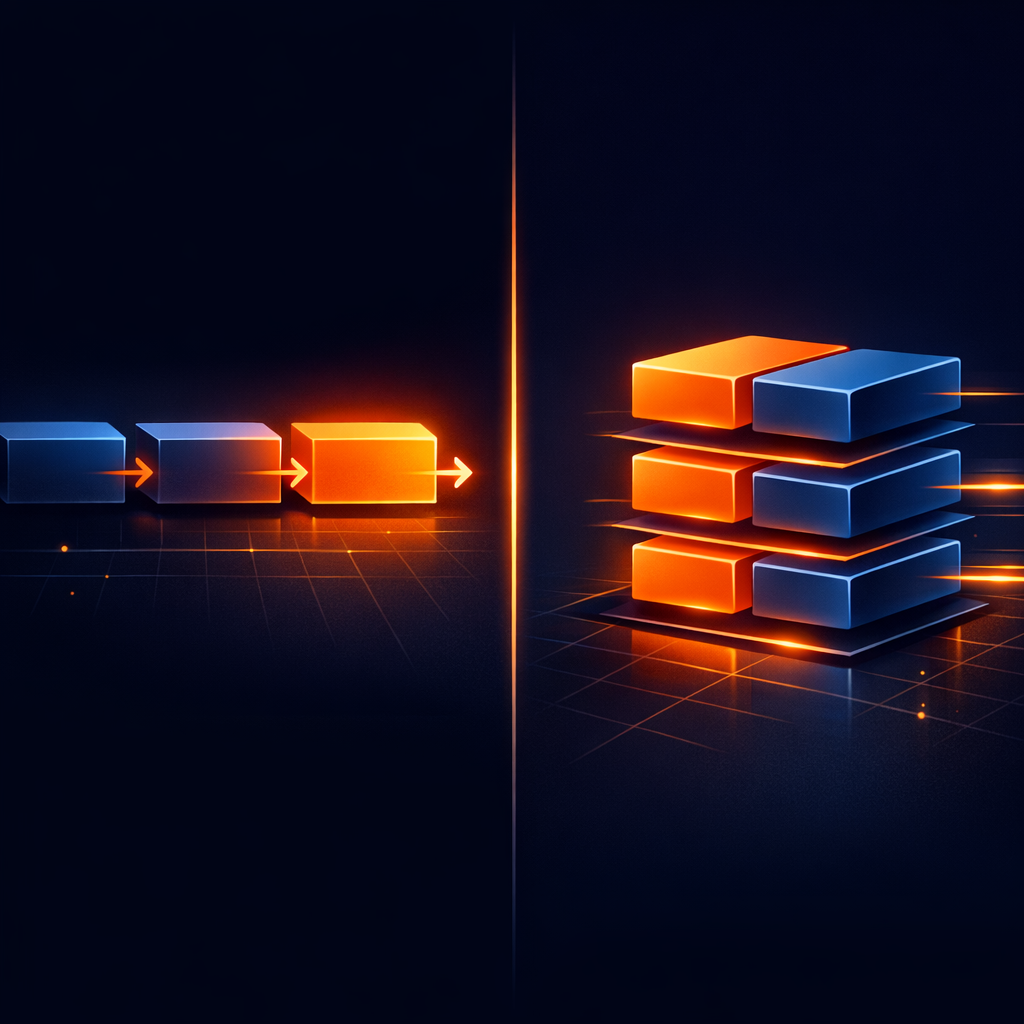
At its heart, VideoFlow is built on a sequential pointer. When you call a method like $.addText() or $.wait(), you are interacting with an internal clock that moves forward automatically. This is the "Sequential Model," and it makes building a basic scene feel like writing a script.
Consider this simple intro:
import VideoFlow from '@videoflow/core';

const $ = new VideoFlow();

// 1. Add a background. The pointer stays at 0s.
const bg = $.addImage({ fit: 'cover' }, { source: 'bg.jpg' });

// 2. Animate it. Method calls advance the pointer by default.
bg.fadeIn('1s'); // Pointer is now at 1s

// 3. Wait. Explicitly advance the pointer.
$.wait('2s');    // Pointer is now at 3s

// 4. Add a title. It starts at 3s automatically.
$.addText({ text: 'The Future of Video' }).fadeIn('500ms');
By default, every layer addition and every animation method (like .fadeIn(), .fadeOut(), or .animate()) advances the project's internal time pointer. This makes the code readable: you can see the story unfolding line by line.
Breaking the Flow: Parallel Execution
Sequential logic is great for transitions, but what if you want to animate a background while text is fading in? Or what if you want to add a music track that spans the entire video without affecting the placement of other layers?
Enter $.parallel(). This primitive tells VideoFlow: "Run this block of code, but when it's done, return the time pointer to exactly where it was before the block started."
// Start a parallel block at 0s
$.parallel(() => {
  const music = $.addAudio({ volume: 0.5 }, { source: 'track.mp3' });
  $.wait('30s');
  music.fadeOut('2s');
});

// The pointer is STILL at 0s here!
$.addText({ text: 'This starts at the same time as the music' });
You can also use the wait: false option on individual layer methods to achieve a similar result for single animations. This is incredibly powerful for "backgrounding" animations like camera pans or slow blurs while you continue to place foreground elements.
Nested Timelines with GroupLayer
For complex scenes—like a lower-third graphic with multiple shapes and text elements—sequential and parallel blocks can get messy. This is where $.group() shines.
A group creates a private, project-sized surface with its own local timeline. Inside the group's callback, the clock starts at 0s. You can build a complex 5-second animation, and VideoFlow will treat that entire group as a single layer on the main timeline.

$.group({ opacity: 1 }, { transitionIn: { transition: 'slideUp' } }, ($group) => {
  // Inside here, time starts at 0s relative to the group's start
  $group.addShape({ shapeType: 'rectangle', fill: '#FF5A1F', width: 40, height: 10 });
  $group.wait('200ms');
  $group.addText({ text: 'Breaking News', fontSize: 4 });
});

// The main pointer advances to the end of the group's longest child
The magic of the GroupLayer API is that it encapsulates both visual properties (like applying a blurResolve transition to everything inside) and timing properties. If you decide to move the entire group later in the video, you only change one $.wait() call, and every internal timing remains perfectly preserved.
Why This Matters for Programmatic Video
This architecture is what makes VideoFlow a superior Remotion alternative for developers who prefer portable data over proprietary React components. Because this timing logic compiles down to a flat, portable VideoJSON document, your timing decisions are independent of the renderer.
Whether you are exporting an MP4 in the browser using the @videoflow/renderer-browser or queueing a batch job on a Node.js server, the sequential, parallel, and grouped relationships you've defined will render byte-for-byte identical results.
Getting Started with Orchestration
Mastering the VideoFlow timing model is the first step toward building truly dynamic, automated video pipelines. By moving away from absolute frame math and toward a relative, fluent flow, you can build templates that are resilient to content changes—whether your text is three words or thirty.
Ready to see it in action? Head over to the VideoFlow Playground to experiment with sequential and parallel blocks in real-time, or check out the core concepts guide in our documentation. If you're building something cool, we'd love to see it on GitHub.