
VideoFlow vs FFmpeg: Why You Should Stop Concatenating Shell Commands
July 8, 2026 · By VideoFlowStop fighting complex shell commands. Learn why VideoFlow's typed builder and portable JSON are the modern alternative to FFmpeg for programmatic video pipelines.
If you’ve ever built a programmatic video pipeline, you’ve likely stared into the abyss of an FFmpeg command. It starts innocently—maybe a simple resize and a watermark. But as soon as you need dynamic overlays, cross-fades, or complex layout logic, you find yourself deep in "string-concatenation hell," escaping square brackets and fighting complex filter graphs that are impossible to debug.
FFmpeg is a legendary piece of software, but for the modern full-stack developer, it is often the wrong tool for composition. While FFmpeg excels at low-level transcoding, using it to build cinematic videos from code is like trying to paint a masterpiece by describing every brushstroke in a shell terminal.
In this post, we’ll explore why VideoFlow is the modern alternative to FFmpeg for programmatic video, and how moving from shell scripts to a typed builder API can transform your development speed.
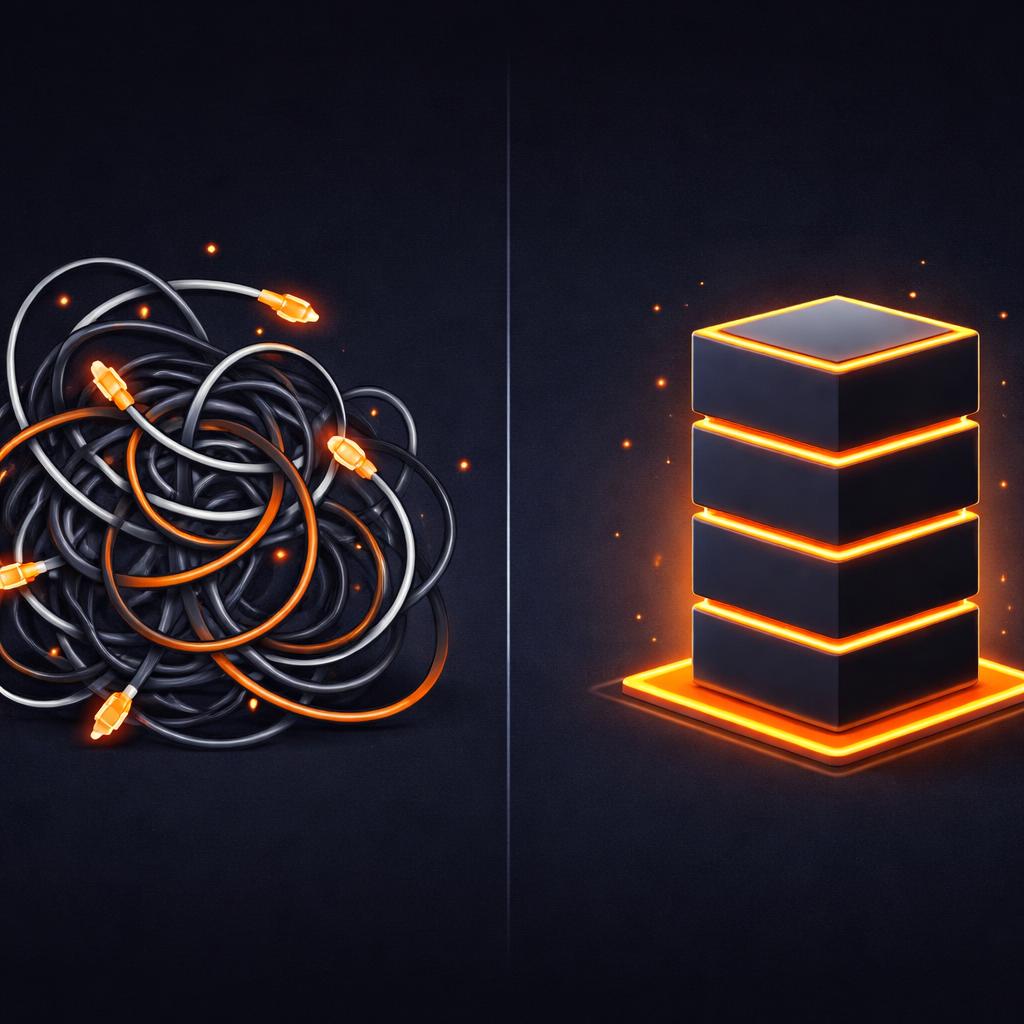
The Fragility of Shell Commands
When you use FFmpeg for dynamic video, your code usually looks something like this:
ffmpeg -i bg.mp4 -i logo.png -filter_complex "[0:v][1:v]overlay=W-w-10:H-h-10[out]" -map "[out]" output.mp4
This is fine for a static overlay. But what if the logo needs to fade in at 2 seconds? What if you want to add a blur effect that pulses with the audio? Suddenly, your Node.js or Python backend is just a giant string builder, trying to maintain state across a opaque shell command.
One missing semicolon or an unescaped path, and the whole pipeline crashes with a cryptic error. Because FFmpeg doesn't have a native understanding of "scenes" or "timing," you are forced to do all the frame math yourself.
Cinematic Primitives vs. Raw Math
VideoFlow replaces raw math with cinematic primitives. Instead of calculating timestamps for a fade, you call a method. Instead of writing GLSL shaders by hand (or using FFmpeg's limited filters), you use one of our 42 built-in GLSL effects.
Compare the FFmpeg approach to the VideoFlow builder API:
import VideoFlow from '@videoflow/core';

const $ = new VideoFlow({ width: 1920, height: 1080 });

const title = $.addText({
  text: 'Modern Video Pipelines',
  fontSize: 6,
  color: '#FF5A1F',
  position: [0.5, 0.4],
});

// Add a cinematic entrance
title.fadeIn('800ms');

// Add a complex effect stack without a filter graph
title.animate(
  { filterBlur: 0 },
  { filterBlur: 2 },
  { duration: '2s', wait: false }
);

$.wait('3s');
const json = await $.compile();
This isn't just easier to read; it's typed. Your IDE tells you which properties are animatable, which transitions are available, and where your coordinates are. You can even version control your videos because the output is portable JSON, not a transient shell state.
The Three-Renderer Rule
Perhaps the biggest limitation of FFmpeg is that it only lives on the server. If you want to show your user a preview of the video they just generated, you have to render it on the server, upload it to S3, and send back a URL. This creates massive latency and high egress costs.
VideoFlow follows the Three-Renderer Rule. Because VideoFlow compiles to a portable VideoJSON document, the same source can be used by all three official renderers:
- @videoflow/renderer-dom: Provides a frame-accurate, 60fps live preview in your web app for scrubbing and editing.
- @videoflow/renderer-browser: Uses WebCodecs to export an MP4 directly in the user's browser tab—zero server cost.
- @videoflow/renderer-server: A headless Node.js renderer for high-volume batch jobs.

How VideoFlow Handles This
VideoFlow is designed to be the "React for Video." It provides a declarative way to describe what should happen on screen, and the renderers handle the "how."
By default, the @videoflow/renderer-server doesn't even require FFmpeg to be installed on your host. It uses a headless Chromium instance to render frames and mux them into an MP4 using WebCodecs. This makes deployment to serverless environments like AWS Lambda or Vercel significantly easier, as you don't have to manage heavy system-level dependencies.
If you do need specific x264 flags or custom encoding profiles, you can still opt-in to an FFmpeg-based pipeline, but you'll be interacting with it through a clean, typed interface instead of raw strings.
Conclusion: Stop Concatenating, Start Composing
If your application is still generating videos by chaining shell commands, you are building on a fragile foundation. By moving to a JSON-first workflow, you gain portability, testability, and a significantly better developer experience.
Ready to see the difference? Head over to the VideoFlow Playground to build your first video in the browser, or dive into our getting started guide to see how to integrate the server renderer into your Node.js stack.
You can also check out the source code and join the community on GitHub. Stop fighting the shell and start building the future of programmatic video.