
VideoFlow vs. Remotion: Why Portable JSON is the Future of Programmatic Video
October 2, 2026 · By VideoFlowA deep dive into VideoFlow vs Remotion. Discover why a portable VideoJSON schema and Apache-2.0 licensing make VideoFlow the superior choice for scalable programmatic video.
VideoFlow vs. Remotion: Why Portable JSON is the Future of Programmatic Video
Programmatic video is no longer a niche requirement for experimental startups. From automated social media factories to personalized SaaS onboarding and AI-driven content generation, the ability to turn data into high-quality MP4s is becoming a core engineering capability. However, as teams evaluate the landscape, they often find themselves at a crossroads: do you choose a framework tied to a specific UI library, or one built on a portable, language-agnostic foundation?
In this deep dive, we compare VideoFlow vs Remotion, examining why VideoFlow's commitment to a portable VideoJSON schema and Apache-2.0 licensing represents the next evolution in video-as-code architecture.
The Portability Paradox: React vs. JSON
Remotion revolutionized the space by allowing developers to use React components to define video frames. It’s a powerful mental model for frontend engineers, but it comes with a hidden cost: runtime coupling. Because the video is defined as a React component tree, you need a full React runtime (and usually a browser environment) just to understand what the video is.
VideoFlow takes a different approach. While it offers a fluent TypeScript builder via the @videoflow/core builder API, its final output isn't a component—it's a VideoJSON document.
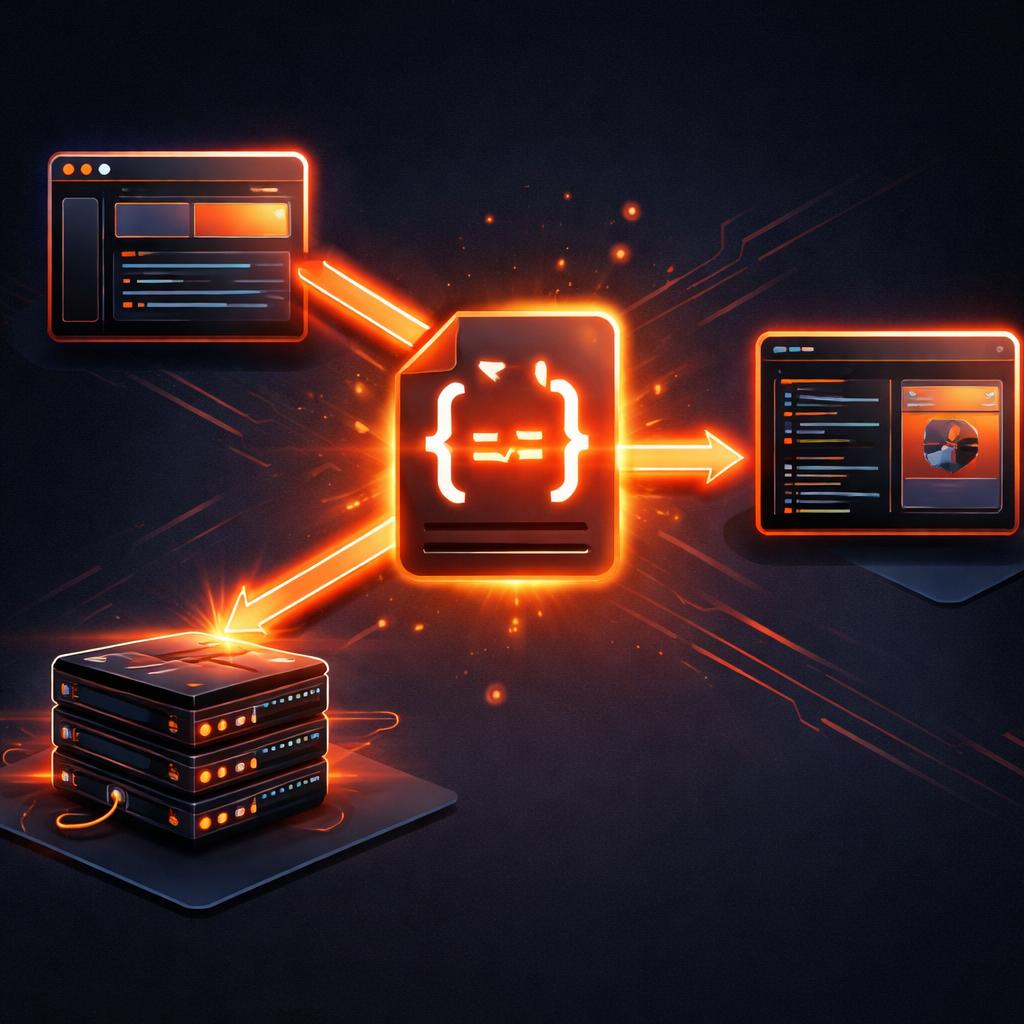
This distinction is critical for scalability. A VideoJSON file is a static, declarative description of every layer, keyframe, and effect. It can be generated by a Python script, stored in a Postgres JSONB column, diffed in Git, and—most importantly—rendered identically across different environments without needing to re-evaluate complex UI logic.
The Three-Renderer Rule
One of the most significant advantages of the VideoFlow architecture is its decoupled rendering. When you compare VideoFlow vs Remotion, you'll notice that VideoFlow provides three official, specialized renderers that all consume the exact same JSON:
- @videoflow/renderer-browser: Performs in-tab MP4 export using WebCodecs. This allows your users to export videos directly in their browser with zero server costs.
- @videoflow/renderer-server: A headless Node.js renderer that drives Chromium. Unlike many traditional pipelines, it doesn't even require FFmpeg by default, making it incredibly easy to deploy in serverless environments like AWS Lambda.
- @videoflow/renderer-dom: Provides a frame-accurate, 60fps live preview. This is what powers the VideoFlow Playground, allowing for real-time scrubbing and editing.
By separating the definition of the video (JSON) from the execution (Renderers), VideoFlow ensures that your video pipeline remains flexible as your product grows.
Open Source Without the Asterisk
Licensing is often an afterthought until it becomes a budget line item. VideoFlow's core and all three official renderers are licensed under Apache-2.0. This means they are free to use, modify, and embed in commercial products forever, with no "teaser" tiers or proprietary cores.

While the optional @videoflow/react-video-editor uses a dual license, it remains free for individuals, small teams (up to 3 employees), and non-profits. This transparent approach stands in contrast to the proprietary commercial licensing required for Remotion's core, making VideoFlow the natural choice for open-source advocates and budget-conscious engineering teams.
Building with VideoFlow: A Concrete Example
To see the difference in practice, consider how you might build a simple animated title card. In VideoFlow, you don't need to manage complex React state or hooks for basic motion. You use a fluent, imperative-style builder that compiles to that portable JSON.
import VideoFlow from '@videoflow/core';

const $ = new VideoFlow({ width: 1920, height: 1080 });

// Add a background image
const bg = $.addImage(
  { fit: 'cover', opacity: 0.8 },
  { source: 'https://assets.videoflow.dev/samples/nature.jpg' }
);

// Add a text layer with a cinematic transition
const title = $.addText(
  {
    text: 'Portable Video',
    fontSize: 8,
    color: '#FF5A1F',
    position: [0.5, 0.4]
  },
  {
    transitionIn: { transition: 'blurResolve', duration: '800ms' }
  }
);

// Animate properties without manual frame math
title.animate(
  { scale: 1 },
  { scale: 1.2 },
  { duration: '4s', easing: 'easeOut' }
);

$.wait('3s');
title.fadeOut('500ms');

const json = await $.compile();
This snippet demonstrates the power of the VideoFlow animation guide. You get dozens of built-in transition presets (like blurResolve) and GLSL effects out of the box, rather than having to build them from scratch with interpolation functions.
Why Your Next Project Should Use VideoFlow
If you are building a React-only application where the video logic is simple and server-side rendering isn't a primary concern, Remotion is a solid choice. However, if you value:
- Language Agnosticism: Generating videos from any backend (Python, Go, Rust).
- AI/Agent Compatibility: Letting LLMs emit simple JSON to generate complex videos.
- Cost Efficiency: Leveraging client-side browser export via WebCodecs.
- True Open Source: Building on a foundation that will always be Apache-2.0.
...then VideoFlow is the superior architecture. By treating video as a portable data format, we unlock a world of automation that goes far beyond what a UI-coupled framework can offer.
Ready to see it in action? Head over to our Examples gallery to see what's possible, or dive straight into the Quick Start guide. If you're coming from another tool, check out our Remotion alternatives page for a more granular feature breakdown.
Don't forget to star the project on GitHub and join the community of developers building the future of programmatic video.
Related Reading: Mastering Cinematic Compositing: A Guide to VideoFlow BlendModes