
Building a Canva for Video: Embeddable Editing in Your React App
August 18, 2026 · By VideoFlowLearn how to drop a professional, multi-track video editor into your React application using VideoFlow's embeddable component for in-app video creation.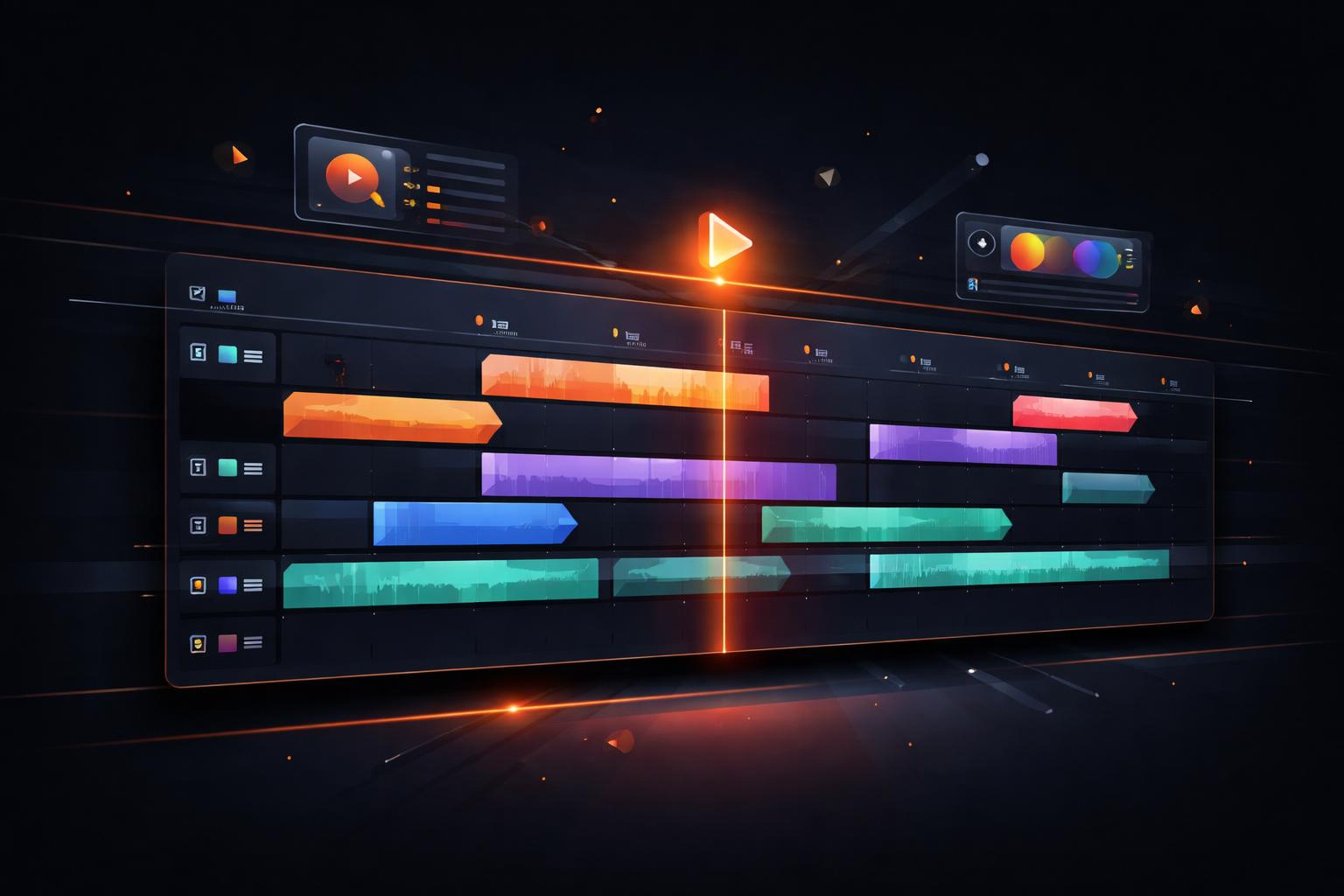
Building a Canva for Video: Embeddable Editing in Your React App
For most SaaS platforms, video is no longer just a static asset to be hosted; it’s a medium that users want to create, tweak, and personalize directly within your product. Whether you are building a social media management suite, an internal training portal, or a marketing automation tool, the requirement is the same: your users need a way to edit video without leaving your interface.
But building a multi-track video editor from scratch is a monumental engineering challenge. You have to handle timeline synchronization, frame-accurate previews, asset management, and complex rendering pipelines. This is where VideoFlow changes the game.
The Rise of Programmatic Video Editing
Traditional video editing has always been a siloed experience, locked inside heavy desktop applications or proprietary SaaS platforms. By treating video as data, VideoFlow allows you to move the editing experience directly into your React application.
The core of this experience is the @videoflow/react-video-editor package. It’s a drop-in <VideoEditor /> component that provides a full-featured UI—timeline, inspector, and preview—out of the box. Because it uses the same VideoJSON schema as our headless renderers, anything your users build in the editor can be rendered identically on the server or in the browser.

Dropping in the <VideoEditor />
Getting started is as simple as installing the package and providing an initial video state. The editor is designed to fill its parent container, making it easy to fit into your existing layout.
import { VideoEditor } from '@videoflow/react-video-editor';
import '@videoflow/react-video-editor/style.css';

const initialVideo = {
  name: 'New Project',
  width: 1920, height: 1080, fps: 30, duration: 10,
  layers: [],
};

export default function EditorPage() {
  return (
    <div style={{ height: '100vh' }}>
      <VideoEditor
        video={initialVideo}
        onChange={(nextVideo) => {
          // Persist the VideoJSON to your database
          console.log('Project updated:', nextVideo);
        }}
        theme="dark"
      />
    </div>
  );
}
This simple implementation gives your users a frame-accurate 60fps preview, multi-track timeline support, and a property inspector for every layer type.
Customizing the Experience
A white-label editor needs to look like part of your brand, not a third-party plugin. VideoFlow provides four built-in themes—light, grey, dark, and night—and allows for deep customization via CSS variables. You can easily align the editor's primary colors, borders, and typography with your own design system.
<VideoEditor
  theme="night"
  style={{
    '--vf-primary': '#FF5A1F', // VideoFlow Orange
    '--vf-accent': '#a855f7',
    '--vf-radius': '8px',
  }}
/>
You can even swap out entire panels. If you want a custom titlebar with your own branding or a specialized asset library sidebar, the components prop lets you inject your own React nodes into the editor's layout.
Handling Exports and Uploads
The real power of an embeddable editor lies in what happens after the user hits "Save." VideoFlow handles the heavy lifting of rendering. By default, the editor includes an export modal that uses @videoflow/renderer-browser to perform zero-server-cost video rendering directly in the user's tab.

For asset management, the onUpload handler allows you to hook into your own S3 or Cloudinary pipeline. When a user drags an image or video onto the timeline, the editor calls your function, waits for a URL, and then adds the layer to the composition.
<VideoEditor
  onUpload={async (file) => {
    const url = await myUploadService(file);
    return url; // The editor now uses this public URL
  }}
  onExportComplete={(blob) => {
    // Send the final MP4 to your backend or trigger a download
    uploadFinalVideo(blob);
  }}
/>
Why VideoFlow?
Unlike proprietary alternatives that charge per-minute or lock you into their cloud, the VideoFlow Core and its official renderers are Apache-2.0. The React Video Editor itself is free for individuals, small teams, and non-profits, making it the most accessible way to add professional video editing capabilities to any web application.
If you're ready to build the next generation of video-enabled software, dive into our Editor Quickstart, explore the Playground, or check out the source on GitHub.