
Mastering the ShapeLayer: Programmatic Motion Graphics for SaaS
August 22, 2026 · By VideoFlowLearn how to use VideoFlow's ShapeLayer to build resolution-agnostic, branded motion graphics for your SaaS platform using programmatic animation and GLSL effects.
Mastering the ShapeLayer: Programmatic Motion Graphics for SaaS
Static product screenshots and generic stock videos no longer cut it in a world of personalized user experiences. For SaaS platforms, the ability to generate high-quality, branded video content on the fly—think personalized onboarding, weekly activity recaps, or automated feature announcements—is becoming a competitive necessity. But how do you scale the production of cinematic motion graphics without hiring an army of editors?
The answer lies in programmatic motion graphics. By treating video elements as data, you can build dynamic templates that render unique videos for every user. In VideoFlow, the cornerstone of this workflow is the ShapeLayer.
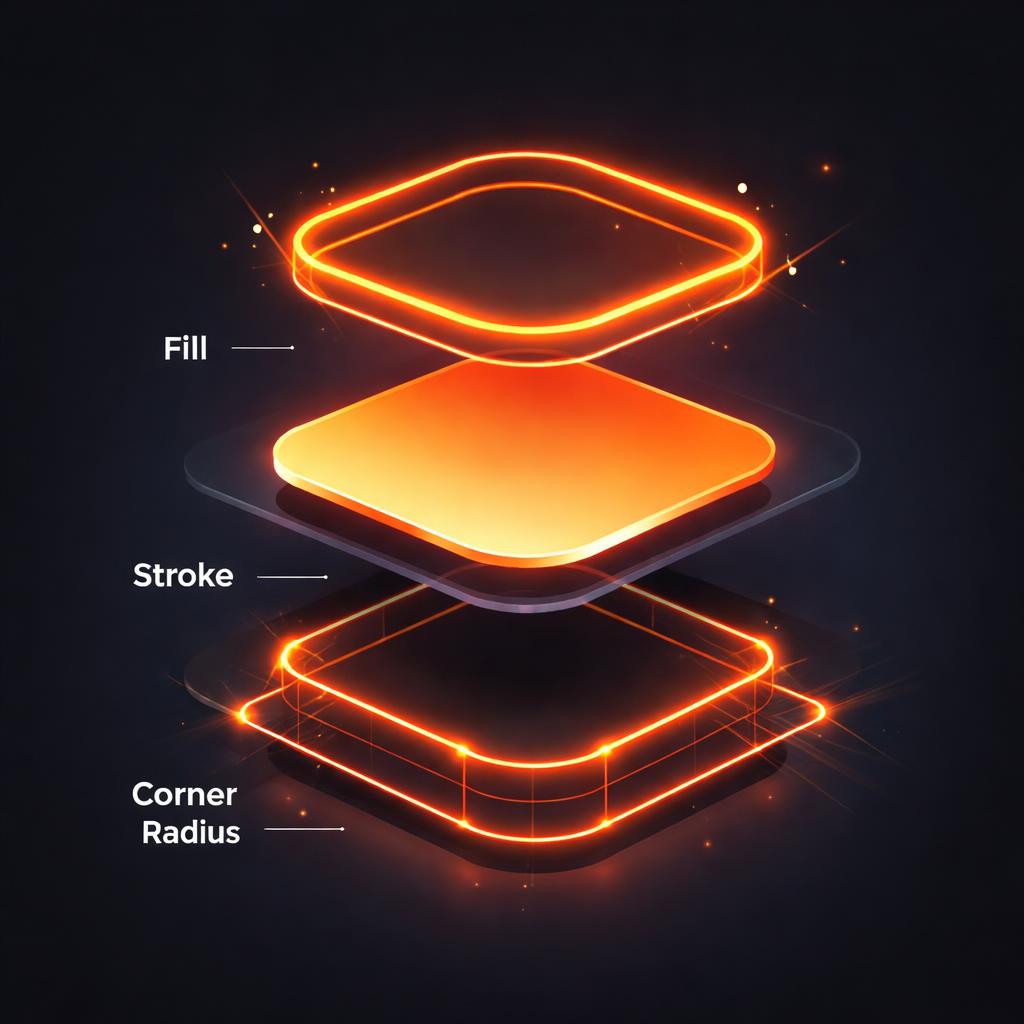
The Anatomy of a ShapeLayer
Unlike traditional video editors where shapes are baked-in assets, VideoFlow's ShapeLayer is a live vector primitive. It renders crisp, resolution-agnostic graphics using SVG under the hood, ensuring your branding looks just as sharp in a 4K export as it does in a mobile preview.
To understand the ShapeLayer, you must first grasp the distinction between Properties and Settings. This is the single most important concept in the VideoFlow core API.
- Settings (The "What"): These are non-animatable attributes that define the identity of the layer. For a shape, this is the
shapeType. You choose betweenrectangle,ellipse,polygon, orstarwhen you create the layer. - Properties (The "How"): These are animatable attributes like
fill,strokeColor,width,height, andcornerRadius.
The Power of Em Units
VideoFlow uses a resolution-agnostic coordinate system. While position is normalized (0 to 1), sizing for shapes is defined in em, where 1em equals 1% of the project width. This means a shape defined as width: 50, height: 50 will always occupy exactly half the project's width, whether you are rendering for Instagram Stories or a widescreen dashboard.
const card = $.addShape(
  {
    width: 60, height: 40,
    fill: '#1A1A1A',
    cornerRadius: 2,
    position: [0.5, 0.5],
  },
  { shapeType: 'rectangle' }
);
Animating Beyond Position
Most developers start by animating position or opacity. While effective, true programmatic motion graphics leverage the full animatable surface of the ShapeLayer. You can animate the strokeWidth to create "drawing" effects, or transition the cornerRadius to morph a sharp rectangle into a pill-shaped button.
Every animatable property in VideoFlow supports frame-perfect keyframes and easings.
// Morph a square into a circle while changing color
card.animate(
  { cornerRadius: 0, fill: '#FF5A1F' },
  { cornerRadius: 30, fill: '#7C3AED' },
  { duration: '1s', easing: 'easeInOut' }
);
This level of control is what makes VideoFlow a powerful alternative to Remotion or complex FFmpeg scripts. You aren't just moving images around; you are programmatically controlling the visual properties of your brand assets.

Compositing with Effects and Blend Modes
To move from "functional" to "cinematic," you need to stack layers and effects. The ShapeLayer inherits all the capabilities of the VisualLayer, meaning you can apply any of the 42 built-in GLSL effects or 16 blend modes.
For a SaaS dashboard, you might want to create a "glassmorphism" effect. By using the frostedGlass effect on a shape and setting its blendMode to overlay, you can create sophisticated UI elements that feel integrated with the background.
const glassPanel = $.addShape(
  {
    width: 80, height: 20,
    fill: 'rgba(255, 255, 255, 0.1)',
    blendMode: 'overlay',
    effects: [
      { effect: 'frostedGlass', params: { strength: 0.5 } },
      { effect: 'glow', params: { strength: 0.3, color: '#FF5A1F' } }
    ]
  },
  { shapeType: 'rectangle' }
);
This approach is significantly more efficient than traditional rendering. Because VideoFlow's three official renderers share the same VideoJSON schema, you can preview these complex compositions at 60fps in the browser, export them as MP4s client-side, or queue them on a server for batch processing.
Why Your SaaS Needs a Video Pipeline
Building a manual video for every user is impossible. Hard-coding FFmpeg strings is fragile. VideoFlow provides a typed, predictable middle ground. Whether you are building animated dashboards or automated product demos, the ShapeLayer gives you the primitives needed to build a robust design system in code.
By mastering these vector primitives, you unlock the ability to:
- Maintain Brand Integrity: Define your brand colors, border-radii, and animation curves once in a TypeScript template.
- Reduce Infrastructure Costs: Use
@videoflow/renderer-browserto let the user's machine do the rendering, saving you thousands in server costs. - Iterate Faster: Changing a brand color across 10,000 generated videos is as simple as updating a single variable in your JSON template.
Get Started with ShapeLayers
Ready to build your first programmatic video? The best way to learn is to experiment.
- Try the VideoFlow Playground: Edit ShapeLayer properties in real-time and see the results instantly.
- Read the ShapeLayer Guide: Dive deep into the full list of properties like
strokeDash,innerRadius, andsides. - Explore the Docs: Learn how to combine shapes with text, video, and audio layers.
VideoFlow is open-source (Apache-2.0). You can find the full source code and contribute to the project on GitHub. Start building your video pipeline today.