
The Math of Motion: Mastering Easings and Keyframes in VideoFlow
September 1, 2026 · By VideoFlowLearn how to master VideoFlow animation using easings and keyframes. Discover how to create smooth, cinematic programmatic video motion that feels professional.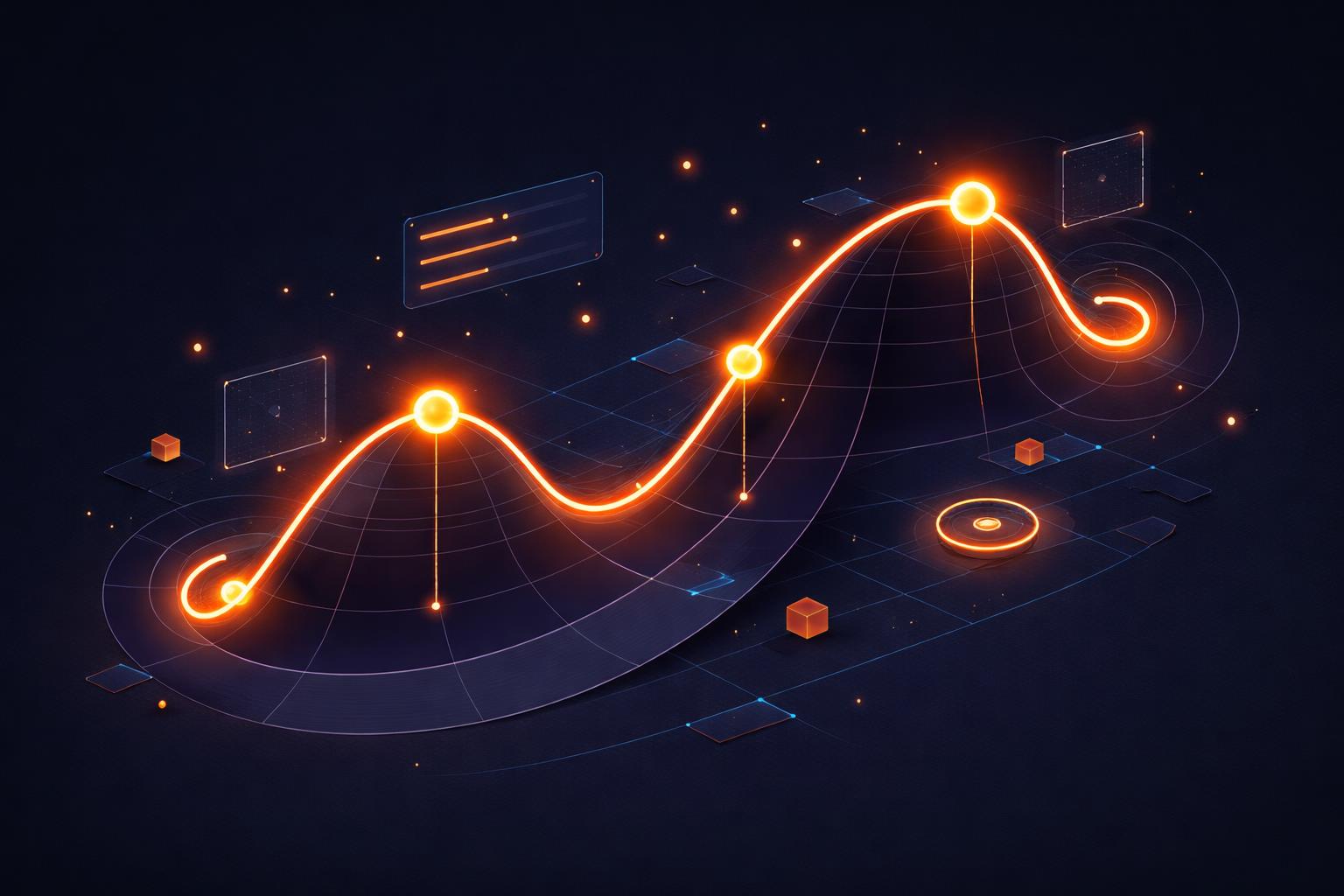
The Math of Motion: Mastering Easings and Keyframes in VideoFlow
Programmatic video often suffers from a "mechanical" feel. When objects simply snap into position or move at a perfectly constant velocity, the result feels robotic and sterile. In the world of high-end motion graphics, the secret to professional-grade output isn't just what moves, but how it moves.
Mastering VideoFlow animation requires a shift from thinking about static frames to thinking about motion curves. Whether you are building an automated social media factory or a personalized SaaS recap video, understanding the math of motion—specifically easings and keyframes—is what separates a basic slideshow from a cinematic experience.
The Keyframe Mental Model
In VideoFlow, every animatable property follows a timeline. When you use the .animate() method on a layer, you aren't just setting a value; you are defining a path through time.
Unlike traditional video editors where you might manually drag nodes on a timeline, VideoFlow allows you to define these paths programmatically. The core builder API in @videoflow/core handles the interpolation between your start and end states automatically.

Consider this simple pattern: we want a title to scale up while simultaneously blurring out. Instead of calculating the blur value for every frame, we define the boundaries and let the engine handle the math.
const title = $.addText({
  text: 'STAY SMOOTH',
  fontSize: 8,
  color: '#FF5A1F',
  position: [0.5, 0.5]
});

title.animate(
  { scale: 0.8, filterBlur: 0 },
  { scale: 1.2, filterBlur: 2 },
  { duration: '2s', easing: 'easeOut', wait: false }
);
Choosing the Right Easing
Easings are the mathematical functions that dictate the rate of change over time. VideoFlow ships with five core easing types, each serving a specific aesthetic and functional purpose in your programmatic video motion.
1. Linear
The linear easing is a constant rate of change. It is rarely used for primary visual elements because it feels unnatural—nothing in the physical world starts and stops instantly at full speed. However, it is perfect for continuous background loops, such as a rotating gradient or a slow-scrolling ticker.
2. EaseIn and EaseOut
These are the workhorses of motion design. easeIn starts slow and accelerates, mimicking an object gaining momentum (like a car starting). easeOut starts fast and decelerates, mimicking an object coming to a graceful stop. For UI elements entering the screen, easeOut is almost always the better choice as it feels responsive to the user's eye.
3. EaseInOut
This is the most natural-feeling easing for elements that move from one point on the screen to another. It provides a smooth acceleration and a smooth deceleration, creating a balanced, organic look. If you are unsure which to pick, easeInOut is the safest default for professional motion.
4. Step
step is the outlier. It holds the start value until the very end of the duration and then snaps to the final value. This is essential for "jump cut" animations or when you want to toggle visibility or discrete states (like a blinking cursor) without interpolation.
Beyond Simple Transitions
While transition presets like blurResolve or zoom are great for quick entries, the .animate() method allows for complex, multi-property paths. You can stack animations to create sophisticated "secondary motion"—the subtle movements that happen alongside a primary action.

For example, you can animate a layer's position and rotation independently to create a "toss" effect. By setting wait: false, you can run these animations in the background while your flow continues to the next instruction, allowing for intricate overlaps that are difficult to manage in FFmpeg shell scripts.
// Animate position and rotation in parallel
card.animate({ position: [0.1, 0.5] }, { position: [0.5, 0.5] }, { duration: '1s', easing: 'easeOut', wait: false });
card.animate({ rotation: -15 }, { rotation: 0 }, { duration: '1.2s', easing: 'easeOut' });
How VideoFlow Handles Motion
VideoFlow's architecture is designed to ensure that the motion you see in your browser is exactly what gets rendered to the final MP4. The @videoflow/renderer-dom provides a frame-accurate 60fps preview, allowing you to scrub through your easings and verify the feel of the motion before committing to a render.
When you are ready, the same VideoJSON is passed to either the browser-based WebCodecs renderer or the server-side headless Chromium renderer. Because the timing logic is baked into the core, your easings remain perfectly consistent across all environments.
To see these easings in action, head over to the VideoFlow Playground and try swapping the easing types on a basic ShapeLayer. You'll immediately see how a simple change from linear to easeOut transforms the professional quality of the output.
Conclusion
Motion is the soul of video. By moving beyond static properties and embracing the math of easings and keyframes, you can build video automation pipelines that produce content indistinguishable from hand-edited work.
Ready to start building? Check out our comprehensive guide to animation or dive into the GLSL Effects Playbook to learn how to animate shader parameters for even more cinematic results. You can also explore the source code and join the community on GitHub.