
Beyond Node.js: Generating Programmatic Video from Python, Go, and Rust
May 21, 2026 · By VideoFlowDiscover how VideoFlow breaks the Node.js barrier. Learn to generate programmatic video using Python, Go, or Rust by leveraging the portable VideoJSON schema.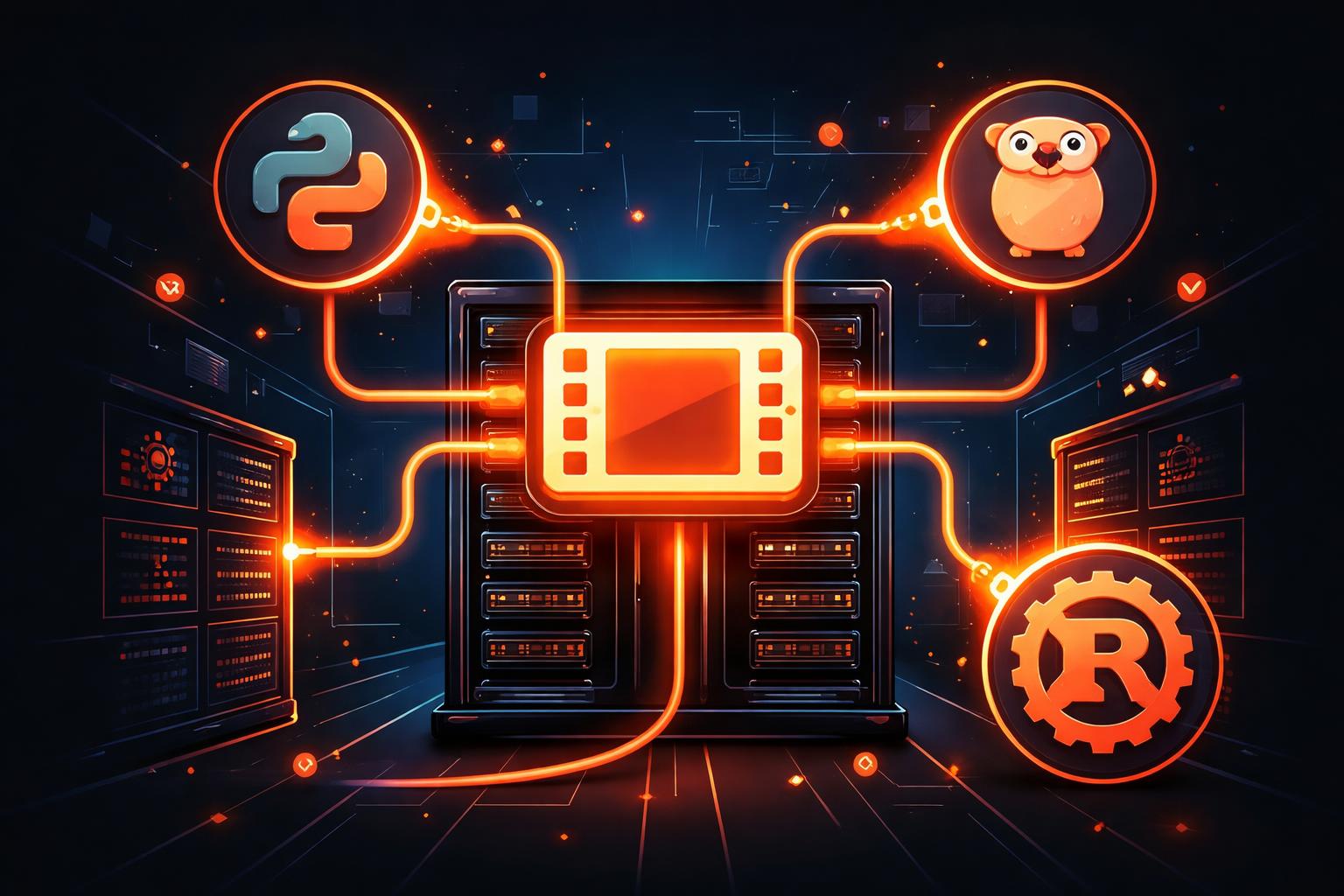
Beyond Node.js: Generating Programmatic Video from Python, Go, and Rust
For years, programmatic video has felt like a walled garden. If you wanted to generate MP4s from code, you typically had two choices: wrestle with complex FFmpeg shell commands or adopt a Node.js-based framework like Remotion. But what if your stack is built on Python, Go, or Rust?
The need for programmatic video generation shouldn't dictate your entire backend architecture. Whether you are building an automated social media factory in Python or a high-performance video service in Go, you need a way to compose cinematic scenes without forcing a specific runtime on your business logic.
The VideoJSON Bridge
The secret to VideoFlow’s multi-language support is its core design philosophy: Video as Data.
Unlike frameworks that define video scenes as executable React component trees, VideoFlow treats a video as a portable, serializable VideoJSON document. This document is a complete, static representation of every layer, property, and keyframe in your project.

Because the schema is pure JSON, any language capable of writing a dictionary or a struct can "author" a VideoFlow project. You don't need @videoflow/core installed to produce the data that VideoFlow understands. You just need to follow the spec.
Authoring from Any Language
Imagine you are building a data-driven video digest in Python. Instead of trying to find a Python wrapper for a Node library, you simply construct the JSON structure directly.
The Python Pattern
import json

video_project = {
    "name": "Weekly Digest",
    "width": 1080, "height": 1920, "fps": 30,
    "layers": [
        {
            "type": "text",
            "text": "Your Weekly Stats",
            "fontSize": 6,
            "color": "#FF5A1F",
            "position": [0.5, 0.4],
            "keyframes": {
                "opacity": [
                    {"time": 0, "value": 0},
                    {"time": 0.5, "value": 1}
                ]
            }
        }
    ]
}

# Send this JSON to your rendering microservice
print(json.dumps(video_project))
This approach decouples the authoring (your business logic) from the rendering (the heavy lifting). It’s a pattern we’ve discussed before in our guide on why portable JSON is the future of video pipelines.
The Headless Rendering Pipeline
Once your Python, Go, or Rust service has emitted the VideoJSON, you hand it off to the VideoFlow rendering stack. This is where the official VideoFlow renderers take over.
The most common pattern for multi-language stacks is to run a lightweight Node.js "rendering worker" using @videoflow/renderer-server. This worker accepts VideoJSON via an API or a queue and outputs a finished MP4.

Because the rendering logic is entirely contained within the JSON, your Node.js worker remains "dumb." It doesn't need to know about your database, your users, or your business logic. It just renders the frames described in the data.
How VideoFlow Handles Cross-Language Workflows
VideoFlow was built from the ground up to support this decoupled architecture.
- Portable Schema: The VideoJSON format is the same whether it's generated by the
@videoflow/corebuilder, a Python script, or a manual edit in our Playground. - Identical Output: The same JSON will produce byte-for-byte identical results across
@videoflow/renderer-browserand@videoflow/renderer-server. You can preview the video in a customer's browser using the DOM renderer and then render the final export on a Linux server. - No FFmpeg Required: By default,
@videoflow/renderer-serveruses a headless Chromium instance to encode video via WebCodecs. This eliminates the need to manage complex FFmpeg dependencies on your rendering nodes.
Get Started with Multi-Language Video
You don't have to rewrite your entire backend to start building with VideoFlow. Start by exploring the VideoFlow documentation to understand the layer properties and timing model.
If you want to see the JSON in action, head over to the Playground, build a quick scene, and hit the "Export JSON" button. That JSON is the blueprint for your next automation, no matter what language you choose to write it in.
Ready to build? Check out the source on GitHub and join the community of developers moving beyond the Node.js silo.