
From JSON to 60 FPS: Building Real-Time Video Previews in React
May 22, 2026 · By VideoFlowLearn how to build a high-performance real-time video preview in React using VideoFlow. Use the DOM renderer to achieve 60 FPS scrubbing and instant feedback.
From JSON to 60 FPS: Building Real-Time Video Previews in React
Building a video automation tool often feels like working in the dark. You tweak a JSON parameter, wait for a server render, and download an MP4 just to see if a title is centered correctly. That "save to preview" cycle is the death of developer productivity.
To build a truly modern video experience—whether it's a social media factory or a personalized SaaS dashboard—you need a real-time video preview. You need to see every frame, every transition, and every GLSL effect at 60 FPS as you type.
In this guide, we'll explore how to use VideoFlow's unique architecture to bridge the gap between portable JSON and high-performance React UIs.
The Three-Renderer Rule
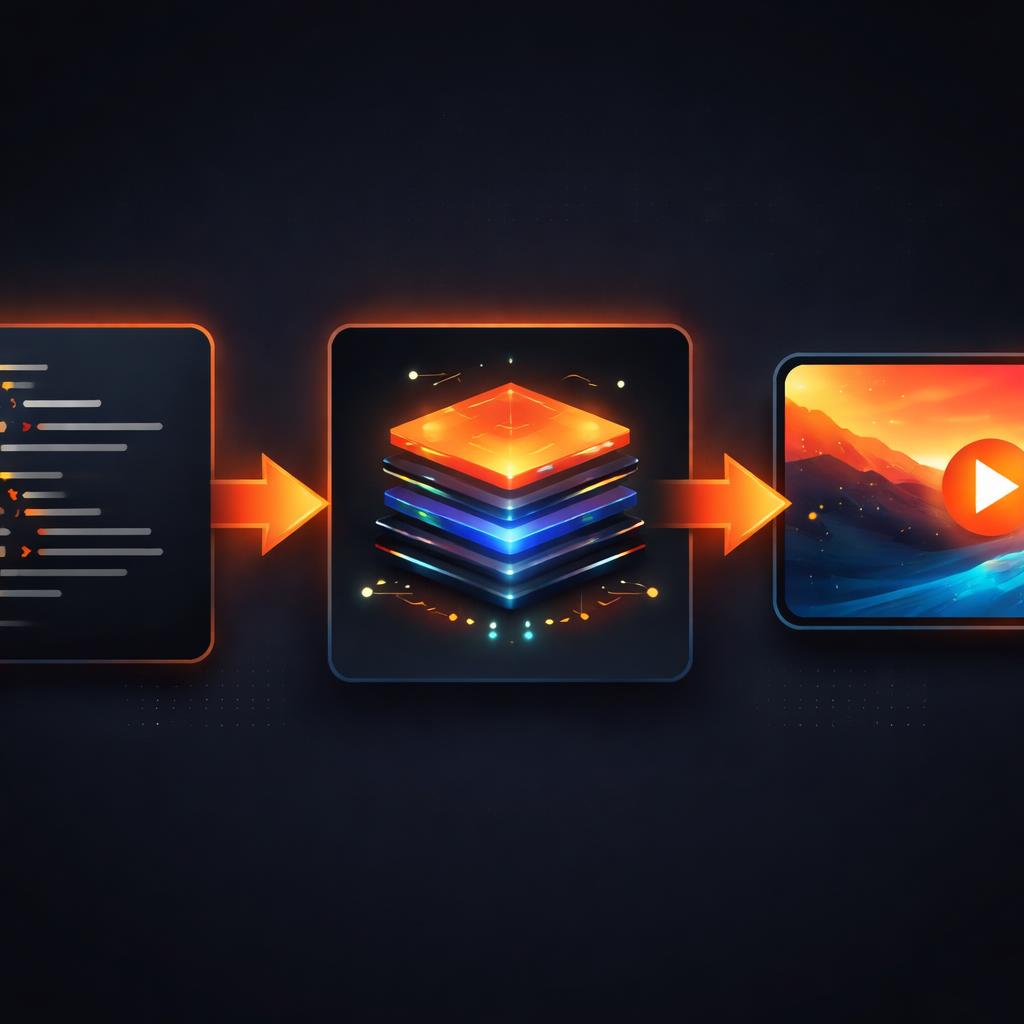
Most video libraries are tied to a specific environment. Remotion is tied to React; FFmpeg is tied to the shell. VideoFlow is built on the Three-Renderer Rule: the idea that a single VideoJSON document should be renderable anywhere.
While @videoflow/renderer-server handles headless Node.js jobs and @videoflow/renderer-browser exports MP4s via WebCodecs, the star of the show for UI builders is @videoflow/renderer-dom.
Unlike the other renderers that produce video files, the DOM renderer targets a <div>. It uses the same layout engine and GLSL pipeline but renders directly to the screen. This allows for frame-accurate scrubbing and instant visual feedback without the overhead of encoding.
Setting Up the Preview Component
To build a real-time video preview in React, we need to sync our component state with a VideoFlow instance. When the state changes, we re-compile the JSON and push it to the renderer.
First, ensure you have the core and the DOM renderer installed:
npm i @videoflow/core @videoflow/renderer-dom
Here is a minimal implementation of a live preview component:
import React, { useEffect, useRef, useState } from 'react';
import VideoFlow from '@videoflow/core';
import { createDomRenderer } from '@videoflow/renderer-dom';

export const VideoPreview = ({ titleText, color }) => {
  const containerRef = useRef<HTMLDivElement>(null);
  const rendererRef = useRef<any>(null);

  useEffect(() => {
    const render = async () => {
      // 1. Construct the video definition
      const $ = new VideoFlow({ width: 1280, height: 720, fps: 30 });

      $.addText({
        text: titleText,
        color: color,
        fontSize: 8,
        position: [0.5, 0.5],
      }).fadeIn('500ms');

      $.wait('3s');

      // 2. Compile to portable VideoJSON
      const json = await $.compile();

      // 3. Initialize or update the DOM renderer
      if (!rendererRef.current && containerRef.current) {
        rendererRef.current = await createDomRenderer({
          target: containerRef.current,
          video: json,
        });
      } else {
        await rendererRef.current.setVideo(json);
      }
    };

    render();
  }, [titleText, color]);

  return <div ref={containerRef} style={{ width: '100%', aspectRatio: '16/9' }} />;
};
Handling Scrubbing and State
A real-time video preview isn't just about watching the video play; it's about scrubbing. Because VideoFlow treats time as a first-class citizen, the DOM renderer allows you to jump to any frame or timestamp instantly.
If you are building a custom React video editor, you can expose a slider that controls the currentTime of the renderer. Because the renderer is decoupled from the builder, you can update the visual properties (like text color) while the user is paused on a specific frame, providing that "What You See Is What You Get" (WYSIWYG) experience.

Why This Matters for Scaling
By using VideoFlow's renderers, you solve three problems at once:
- Zero-Latency Editing: The user sees changes instantly in the browser.
- Portable State: The exact same JSON used for the preview is what you send to your backend for high-quality export.
- Apache-2.0 Freedom: Unlike proprietary alternatives, the core rendering engine is free and open source, meaning you aren't locked into a per-seat or per-minute pricing model.
If you want to skip the boilerplate of building your own timeline and inspector, you can drop in the official React Video Editor component. It’s free for individuals and small teams, giving you a professional-grade editing suite in minutes.
Next Steps
Ready to start building?
- Try it out in the VideoFlow Playground to see the DOM renderer in action.
- Dive into the Core Concepts to understand how VideoJSON works.
- Star the project on GitHub to follow our progress toward a fully open-source video stack.
Stop waiting for renders. Start building in real-time.